6
SETUP
100S Reference Manual
The display resolution determines how detailed each scale’s position
will be displayed on the readout. Use the setting that best suits each job.
Display Resolution
T
o change the display resolution:
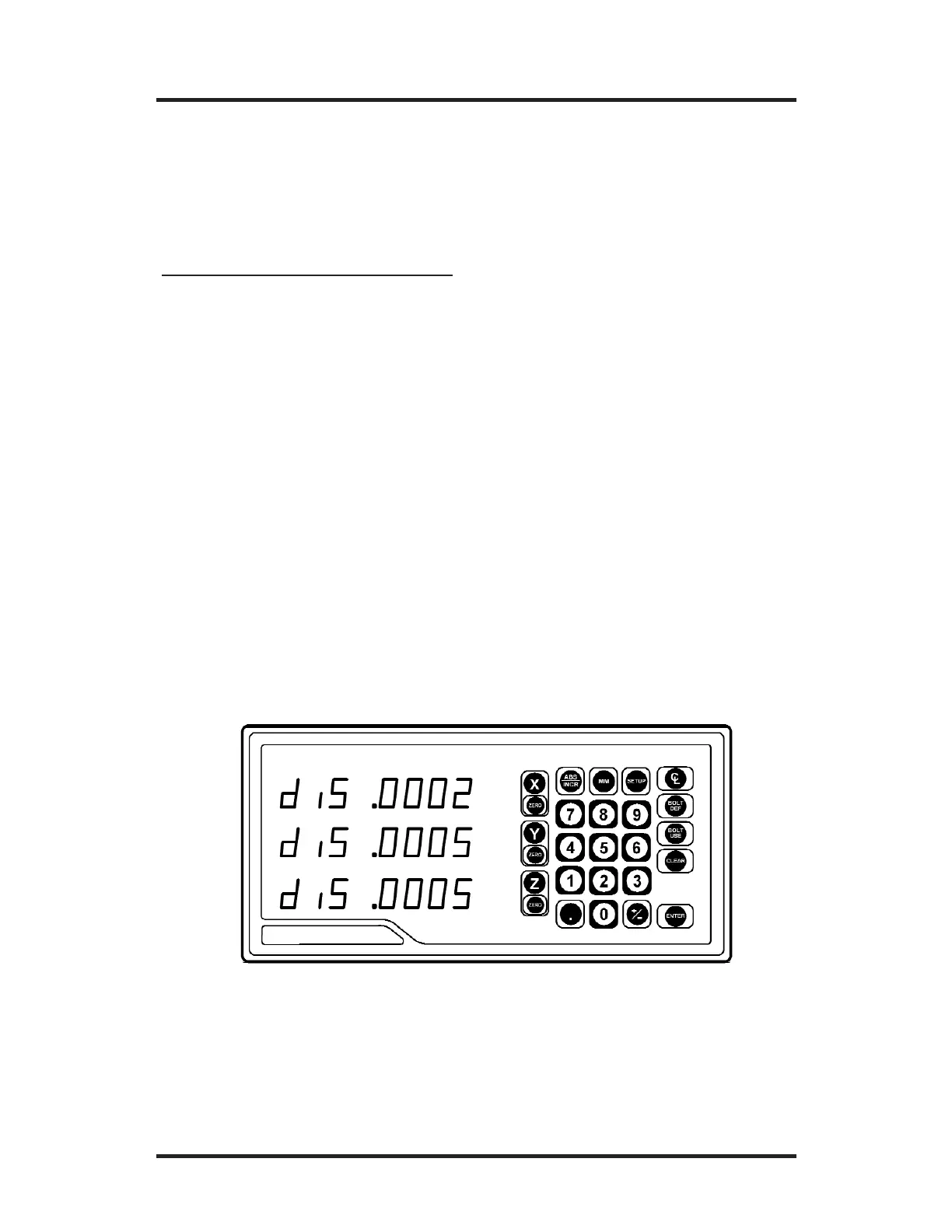
• Press the SETUP key. (“diS” will show on the display.)
• Press the
X, Y, or Z key for the display you want to change.
For 10µm scales, the display resolution will toggle between 0.01 mm
(0.0005”) and 0.02 mm (0.001”). For 5µm scales, it will toggle
between 0.005 mm (0.0002”) and 0.01 mm (0.0005”). For 1µm scales,
it will toggle between 0.001 mm (0.00005”) and 0.002 mm (0.0001”).
• After you complete setting your display resolution, press ENTER to
continue with setup or press ENTER then SETUP to return to the nor-
mal DRO display.



 To Next Page