100S Reference Manual
24
OPERATION
6. Press the Y key. Enter the bolthole pattern’s center point on the Y-axis.
Use a decimal point and minus (-) sign if necessary.
7. Press the
ENTER key.
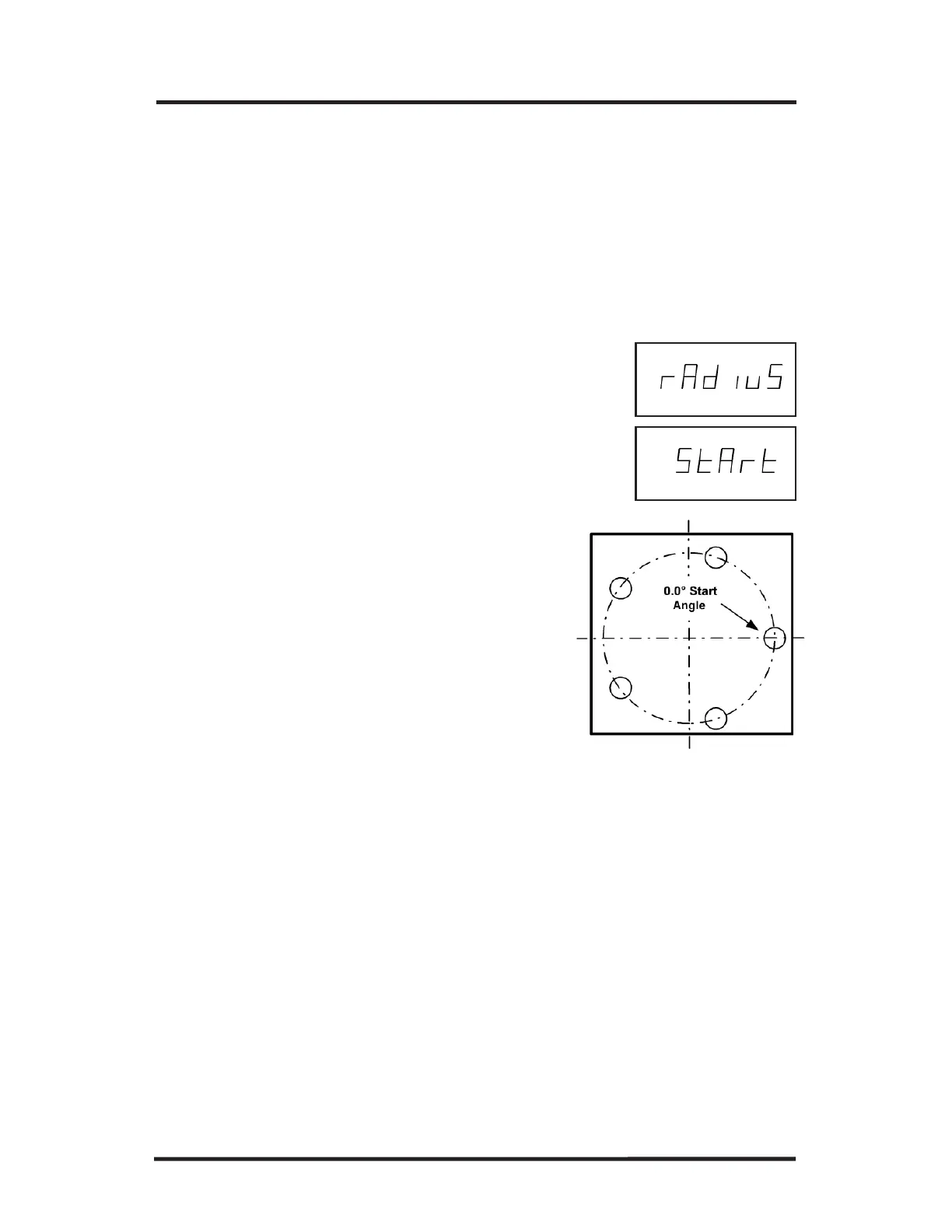
8. Press the ENTER key again. “Radius” will appear.
9. Enter the radius of the circle pattern. Press
ENTER.
10. Press
ENTER again. "START" will appear on
the X-axis display.
11. Enter the start angle of the first hole in
the bolthole pattern. (0 degrees is at the
3 o’clock position.) Use a decimal
point and minus (-) sign if necessary.
12. Press
ENTER to complete the pattern.



 To Next Page