VUE 1
I – 1 Introduction to VUE
I – 1 Introduction to VUE
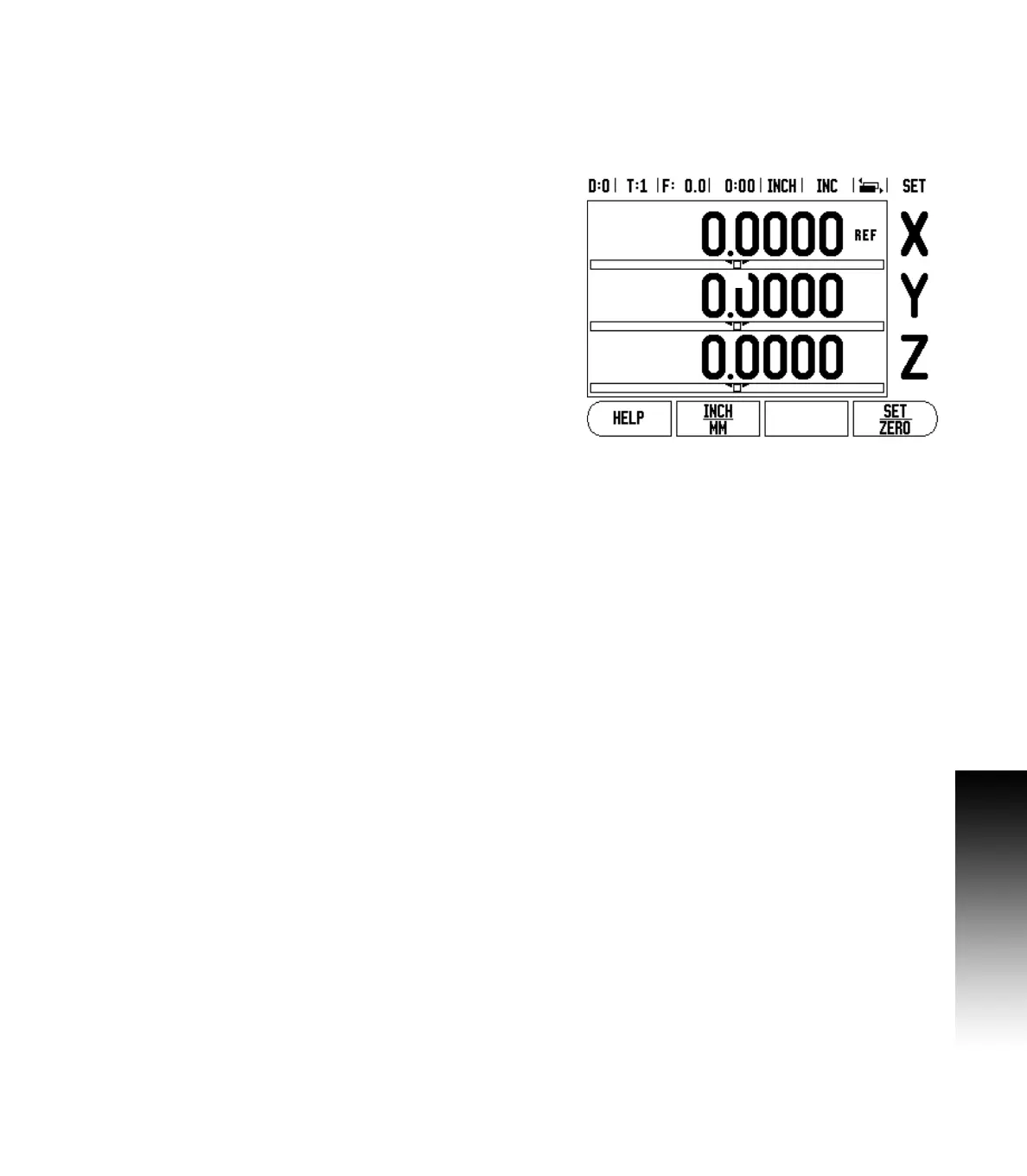
Layout of Screen
Status Bar Symbols:
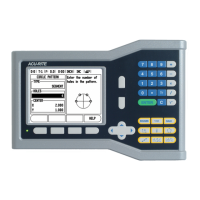
ACU-RITE’s VUE readout provides application-specific features that
allows the most productivity from a manual machine tool.
Status Bar - This displays the current datum tool, feed rate, job
clock time, unit of measure, operating mode status, page indicator,
and set/zero. See Job Setup for details on setting up the Status Bar
parameters.
Display Area - Indicates the current position of each axis. Also
shows forms fields instruction boxes, error messages, and help
topics.
Axis Labels - Indicates axis for corresponding axis key.
Ref Symbols - Indicates current reference mark status.
Soft key Labels - Indicates the various milling, or turning functions.
1 Datum
2 Tool
3 Feed Rate
4 Job Clock
5 Unit of Measure
6 Operating Modes
7 Page Indicator
8 Set/Zero
9 Axis Labels
10 Reference Symbol
11 Soft key Labels
12 Display Area
13 Near Zero Warning (In Distance-To-Go mode only)


 To Next Page