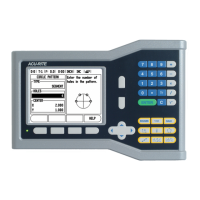
VUE 5
I – 1 Introduction to VUE
Job Setup Parameters
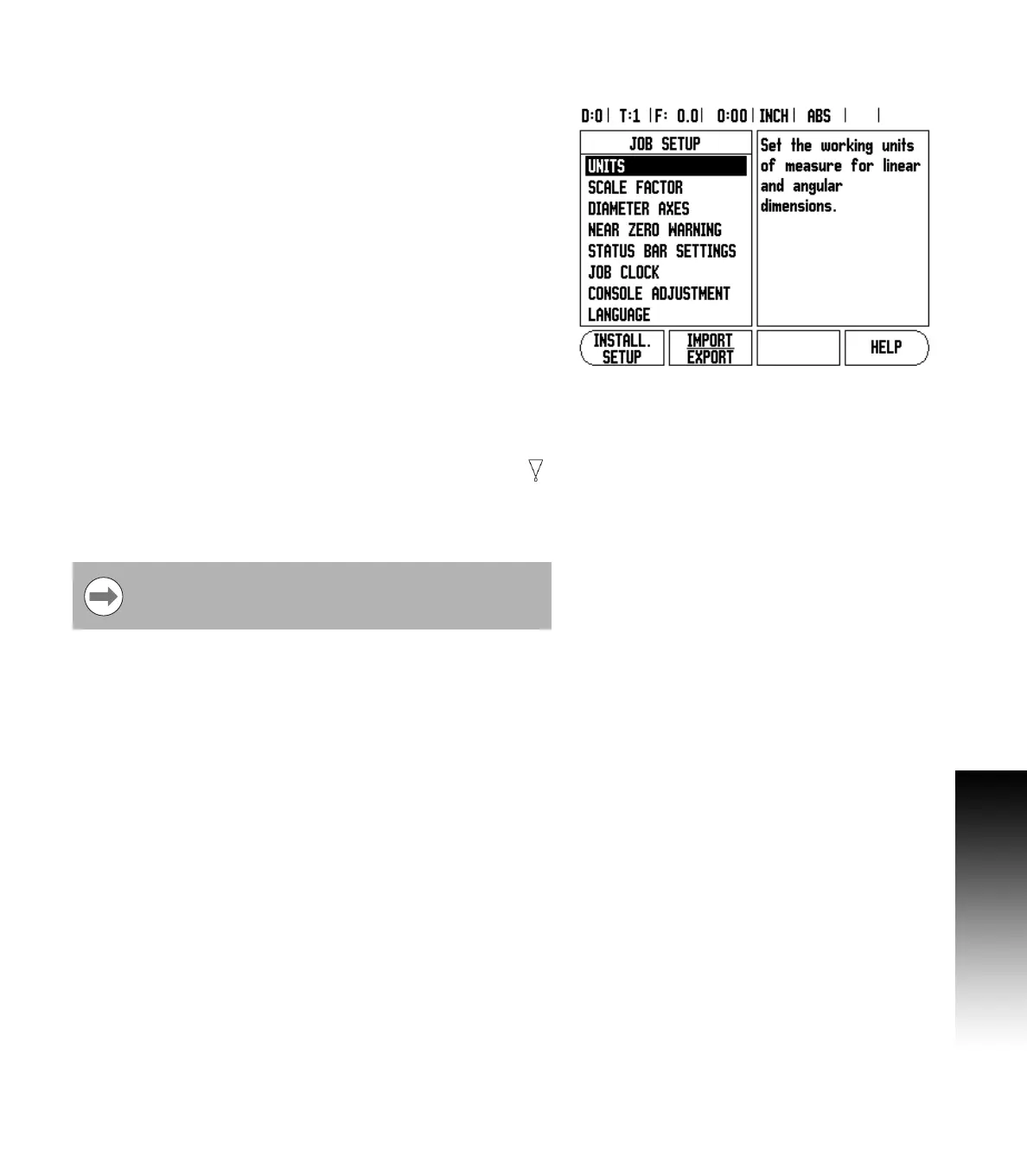
U To view, and change Job Setup parameters, first press the SETUP
soft key.
U Use the UP/DOWN arrow keys to highlight the parameters of
interest.
U press the Enter key.
Units
The Units form is used to specify the preferred display units, and
format. The unit of measure can also be selected by pressing the
INCH/MM soft key in either Actual Value, or Distance-To-Go mode.
Scale Factor
The scale factor may be used to scale the part up, or down. A scale
factor of 1.0 creates a part with the exact size as dimensioned on the
print. A scale factor >1 “grows” the part, and <1 “shrinks” the part.
U The numeric keys are used to enter a number greater than zero. The
number range is 0.1000 to 10.000. A negative value may also be
entered.
U The scale factor settings will be retained on a power cycle.
U When the scale factor is a value other than 1, the scaling symbol
is shown on the axis display.
U The ON/OFF soft key is used to disable the current scale factors.
Mirror
A scale factor of -1.00 will produce a mirror image of the
part. A part can be both mirror, and scaled at the same
time.


 To Next Page