6
. . . . . . .
. . . . . .
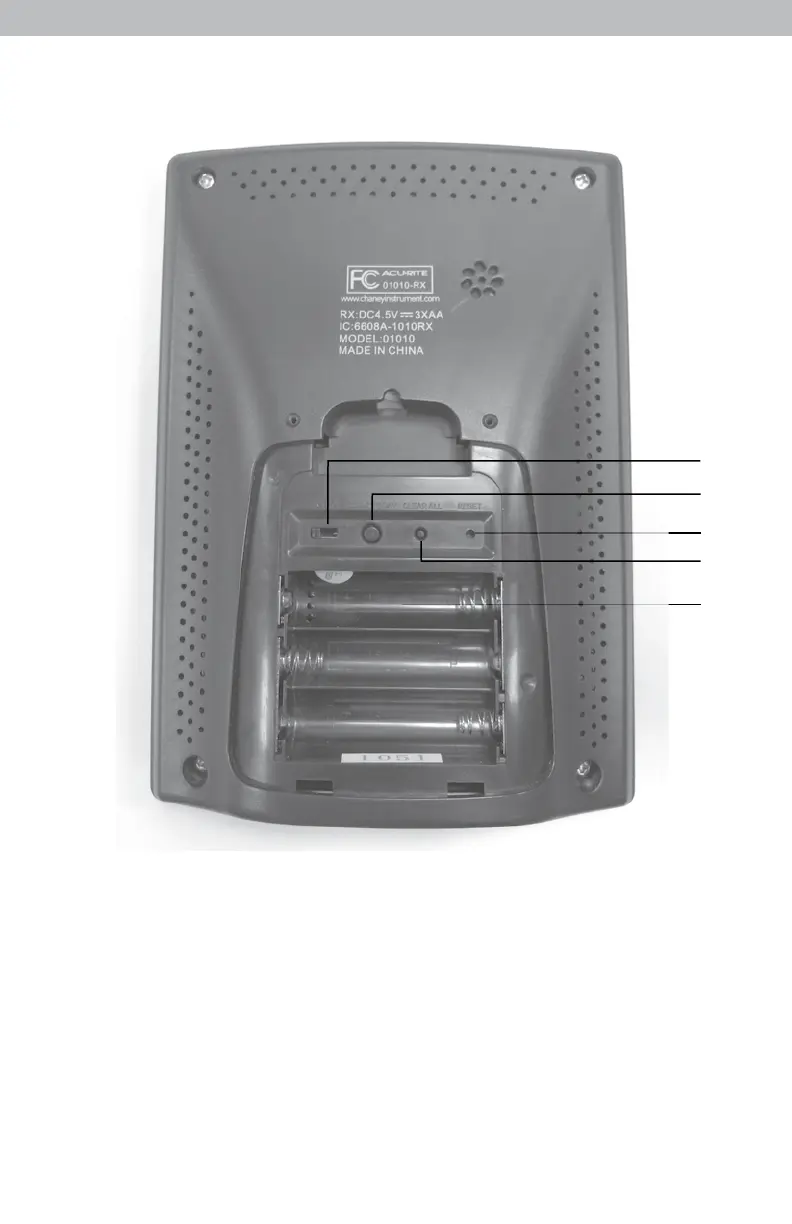
Back of Display Unit
5
1
2
4
3
BACK OF DISPLAY UNIT
1. A-B-C Switch
4. Clear All
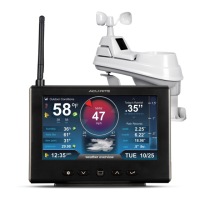
ID code that must match 5-in-1
Clears all data recorded without
sensor’s A-B-C switch to ensure
having to reset time and date.
units synchronize.
5. Battery Compartment
2. Clear Today
6. Battery Compartment Cover
Clears data recorded since 12:00am.
(Not shown.)
3. Reset
Full reset to factory defaults.



 To Next Page