14
Care & Maintenance
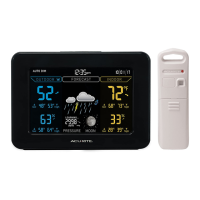
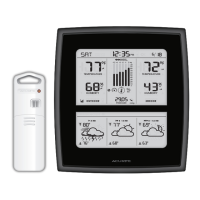
Display Unit Care
Clean with a soft, damp cloth. Do not use caustic cleaners or abrasives. Keep
away from dust, dirt and moisture. Clean ventilation ports regularly with a
gentle puff of air.
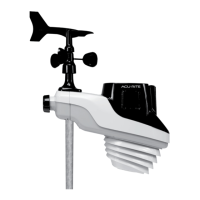
3-in-1 Sensor Care
Clean The Sensor
Clean with a soft damp cloth. Do not use caustic cleaners or abrasives.
Insect Prevention
Insects may cause obstructions and interrupt data by nesting in or on the 3-in-1
sensor. To limit this problem, spray sensor with a household insect repellent.
Consult the insect repellent instructions prior to use.
Snow & Freezing Weather
The 3-in-1 sensor will not be damaged by freezing conditions.
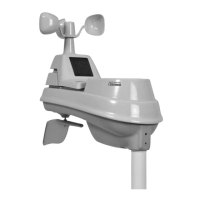
Clean the Wind Anemometer
Remove foreign matter from the outside of the sensor for free movement of the
wind anemometer. If needed, use a small amount of clear silicone spray
lubricant or graphite powder on the anemometer for improved movement.
7
A B C
Display Unit Setup
PLEASE DISPOSE OF OLD OR DEFECTIVE BATTERIES IN AN ENVIRONMENTALLY SAFE
WAY AND IN ACCORDANCE WITH YOUR LOCAL LAWS AND REGULATIONS.
BATTERY SAFETY: Clean the battery contacts and also those of the device prior to battery installation. Remove batteries from equipment which is not to
be used for an extended period of time. Follow the polarity (+/-) diagram in the battery compartment. Promptly remove dead batteries from the device. Dispose of
used batteries properly. Only batteries of the same or equivalent type as recommended are to be used. DO NOT incinerate used batteries. DO NOT dispose of batteries
in fire, as batteries may explode or leak. DO NOT mix old and new batteries or types of batteries (alkaline/standard). DO NOT use rechargeable batteries. DO NOT
recharge non-rechargeable batteries. DO NOT short-circuit the supply terminals.
A B C
2
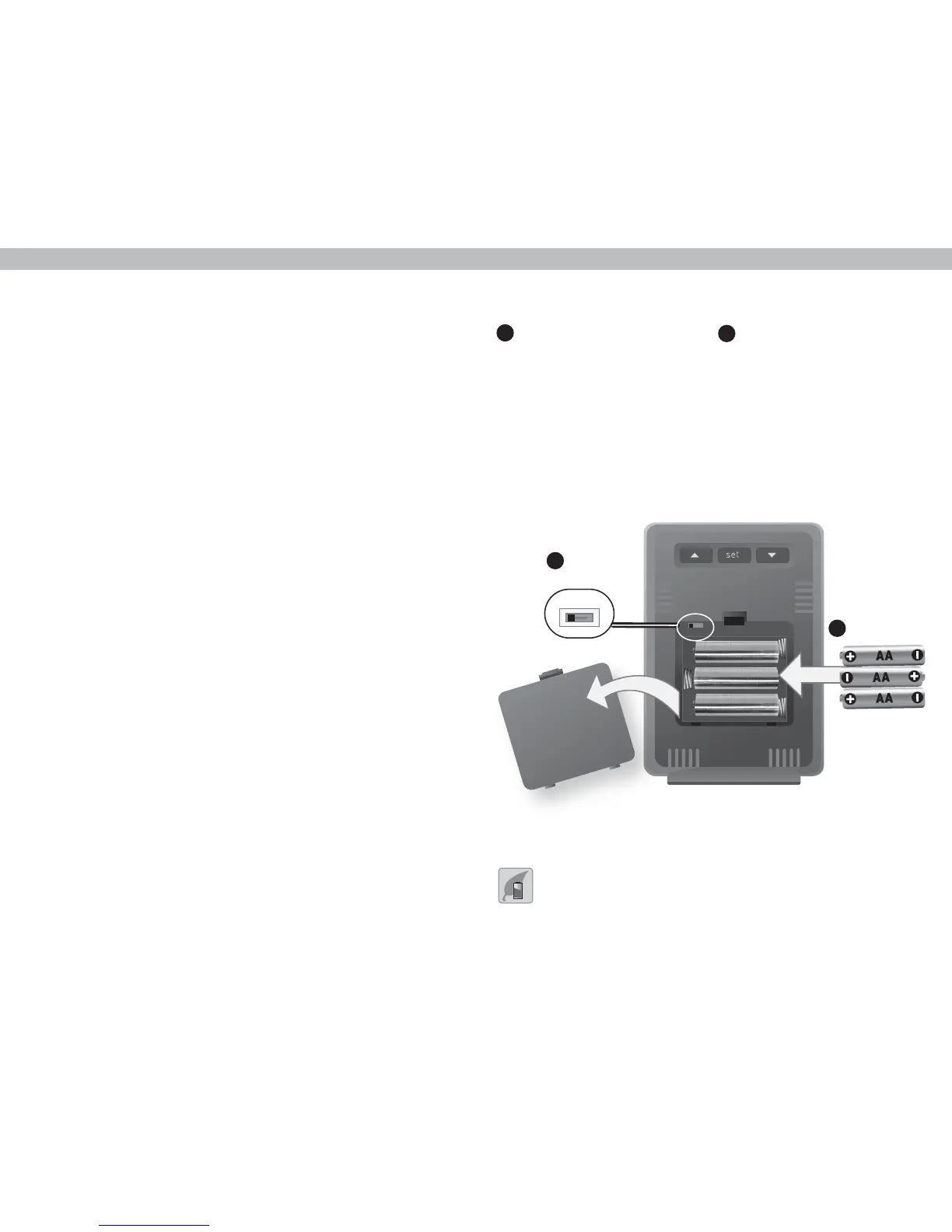
Install Batteries
3 AA batteries
1
A-B-C Switch
set to match
sensor
Set the A-B-C Switch
Locate the A-B-C switch inside the
battery compartment. Set the
A-B-C switch to A, B or C. You
must select the same letter choices
for both the display unit and the
sensor in order for the units to
synchronize.
Install or Replace Batteries
1. Remove the battery compartment
cover.
2. Insert 3 x AA alkaline batteries
into the battery compartment, as
shown. Follow the polarity (+/-)
diagram in the battery
compartment.
3. Replace the battery cover.
1
2


 To Next Page