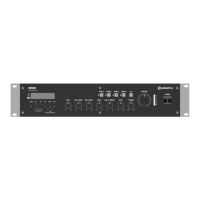
A4-PLUS User Manual
Speaker connections
The A4-PLUS has 4 speaker output channels (Ch1, Ch2, Ch3, Ch4) which can be assigned as 2 independent
stereo zones – i.e. Left 1 + Right 2 outputs and Left 3 + Right 4 outputs.
When connecting speakers, connect “–” to the “–” output terminal(s) and “+” to the “+” output terminal(s)
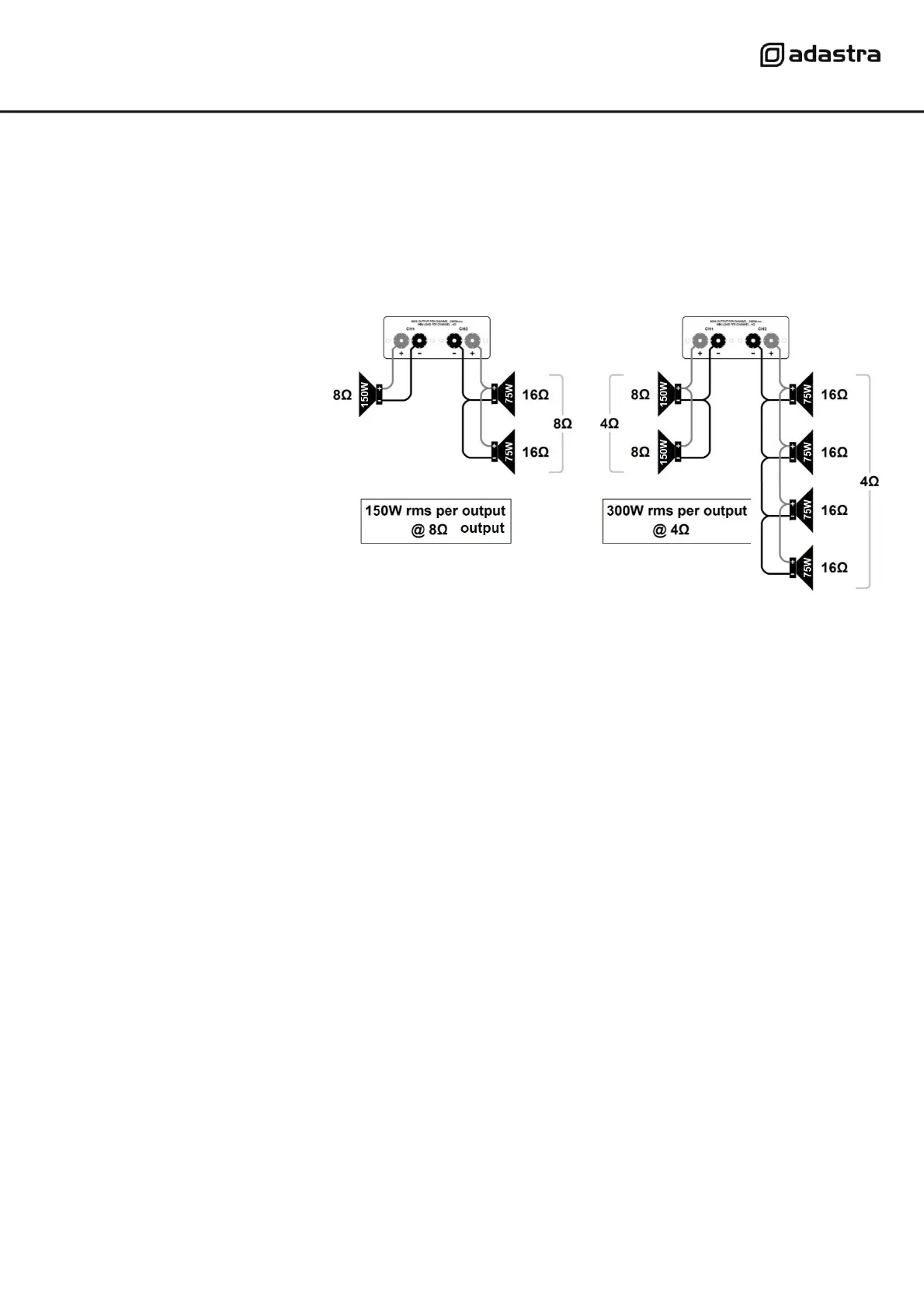
Connect speakers with a combined impedance of no lower than 4Ω (4 Ohms) to each output channel.
• If the speakers are 8Ω impedance, you can connect up to 2 speakers in parallel to each channel.
• If the speakers are 16Ω impedance, you can connect up to 4 speakers in parallel to each channel.
Some example wiring diagrams are
shown opposite with speakers
connected in parallel.
The impedance of the load
measured in “Ohms” (Ω) will also
determine the power output.
The amplifier delivers its maximum
power output at the minimum
impedance rating (4Ω).
Higher impedances result in a lower
output.
• Note: Some speakers have 4Ω impedance, in which case connect only 1 speaker to each channel.
The combined load on each output shares the power from the amplifier. If the amplifier is delivering 300W to
2 speakers connected in parallel with the same impedance, they must each be capable of handling 150W.
Input connections
The A4-PLUS has 2 mic inputs and 4 selectable stereo sources (one is the internal media player)
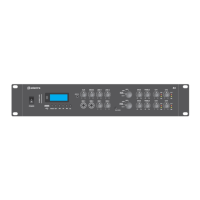
Connect wired microphone(s) to the Mic 1 and/or Mic 2 jack inputs (6.3mm) on the front panel (16, 17)
The volume level of these is controlled by the Mic 1 and Mic 2 volume controls (18, 19)
A smart phone, tablet or mp3 player can be connected to the Aux jack (3.5mm) on the front panel (4)
The volume level of this stereo input is controlled by the Aux volume control (5)
To hear this input through the speakers, “AUX” must be set on the input selector (9) of either stereo zone.
On the rear panel, there are 2 further stereo line inputs for connecting CD/DVD players, DVB/DAB tuners etc.
Line 1 input has a choice of Left + Right 6.3mm jack (28) or RCA inputs (29)
The volume level of this input is controlled by the Line 1 volume control (7)
To hear this input through the speakers, “LINE 1” must be set on the input selector (9) of either stereo zone.
Line 2 has Left + Right RCA inputs (24)
The volume level of this input is controlled by the Line 2 volume control (8)
To hear this input through the speakers, “LINE 2” must be set on the input selector (9) of either stereo zone.
The mix of mic/line inputs to Ch1+Ch2 can be fed onto further equipment via the RCA line output (30)
The mix of mic/line inputs to Ch3+Ch4 can be fed onto further equipment via the RCA line output (25)
For good reception of FM radio stations (if needed) in the media player, the A4-PLUS has an “F” connector on
the rear panel (23) which can be connected to an external FM antenna (aerial)
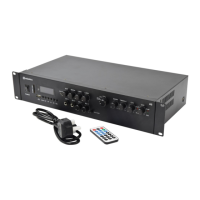
Connect the IEC power inlet (33) to the 230Vac mains supply, using the IEC lead provided.


 To Next Page