IRIS-4 Technical Reference Manual.docx 12/01/2023 page 17
4.2.4.2.2 Serial TTL connections
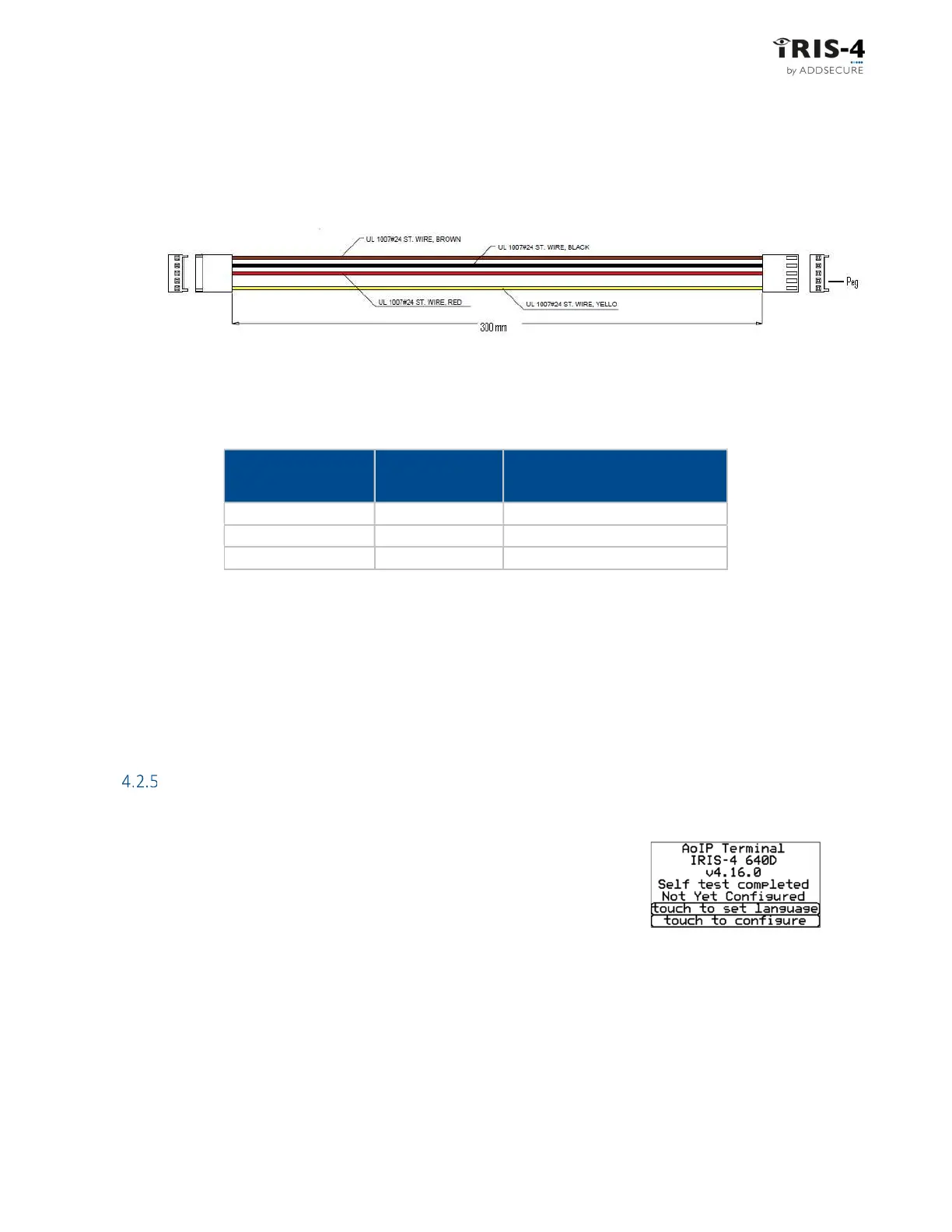
The requisite cable, Texecom RS232 Lead, part no. Tex600, can be ordered from AddSecure
4.2.4.2.3 RS232 connections
These are used with several panels such as HHL, ESPA fire panels, Notifier, Protec, EBL Talk, and CTEC. The
actual panel for your installation can be selected in Settings, see section 6.9 “Panel Interface”.
4.2.4.3 Power Supply
The terminal can be powered using a separate 9-28V DC power supply specified to deliver at least 1A current
to the screw terminals or receive power directly via the RS485 or Serial TTL connectors.
Note: to comply with the Radio Equipment Directive, the power cable must be no longer than 3 meters in
length.
Fit the power cable. DO NOT APPLY POWER TO THE TERMINAL UNTIL INDICATED.
Power up
4.2.5.1 Using the terminal touchscreen
If you are going to use the touchscreen on the terminal, power up the terminal.
This screen will be displayed.
If the terminal has a physical touchscreen, it is supplied with a stylus intended
to be used with the screen.
4.2.5.2 Using the virtual touchscreen
Alternatively, and for terminals without a physical touchscreen, once the terminal is powered up, you can
access the terminal's ‘virtual’ touchscreen on a PC using the IRIS Toolbox software. For details on how to set
up the toolbox, see “Appendix 1: Setting up the IRIS Toolbox”.
IRS232 screw
terminals
HHL com port
DB9 Male connector
TX2
2 (RX)
Pin 2 (RX)
RX2
3 (TX)
Pin 3 (TX)
0V
1 (GRD)
Pin 5 (GRD)



 To Next Page