page 44 IRIS-4 Technical Reference Manual.docx 12/01/2023
6.17 Language
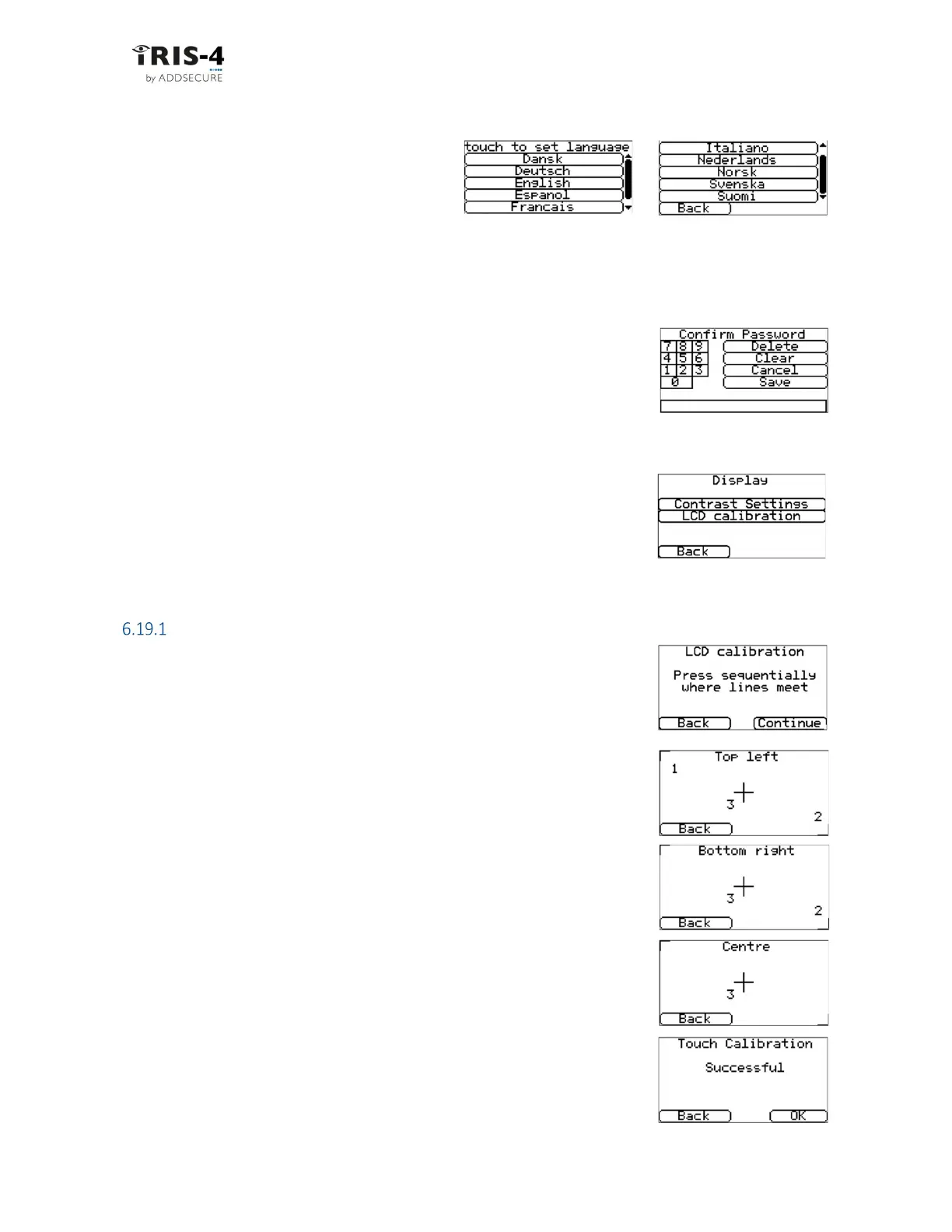
The terminal supports several languages.
Select your preference.
6.18 Installers password
To comply with EN50136-2, you had to change the default installers password, 111111, when you first
accessed the Installers Menu. This option lets you change the password again.
Follow this procedure:
1 Input the new password and click «Save».
You will be asked to confirm the password.
2 Confirm the password, then click «Save».
6.19 Display
For terminals with a physical touchscreen, this option lets you alter the contrast
and recalibrate the touchscreen if required.
Click «Contrast Settings» or «Touch Calibration» and follow the on-screen
prompts.
Touchscreen calibration
This can be done only on a physical touchscreen, not a virtual one. Follow this
procedure:
1 You will be presented with three screens in sequence. In each screen,
click on the center of the crosshairs:
2 The screen will then display “Successful”.



 To Next Page