page 30 IRIS-4 Technical Reference Manual.docx 12/01/2023
Run network scan
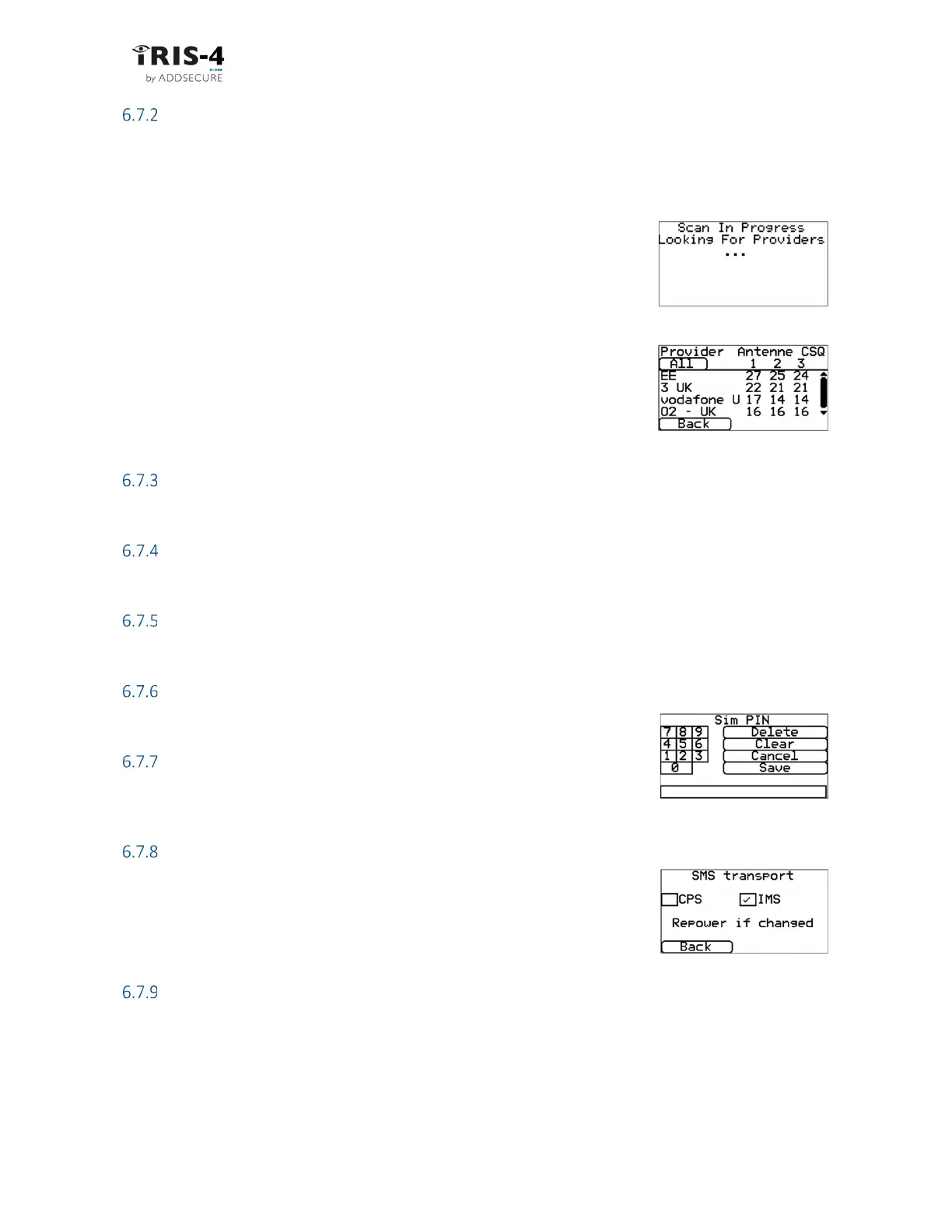
This option performs a scan of all providers in the local area and presents a chart of the best three base
stations per provider.
This scan cannot be performed if the SIM card is fitted. Remove the SIM card by powering down the
terminal, removing the SIM card and then powering the terminal up.
The terminal scans for providers and base stations and reports the results with
signal strengths for eac. This can take a few minutes.
You can view each network technology by clicking through them with the button
near the top left corner.
For a reliable cellular connection, there should be at least two base stations with
signal strength (CSQ) of ten or more for the network to be used. If the signal
strength is below that, try to reposition the antenna or the terminal or swap the
current antenna for a high gain antenna. Then run the network scan again to
check signal strength.
APN
This option lets you enter the cellular Access Point Name (APN) for the SIM card used.
Username
If no username is required, leave it blank. Otherwise, set the cellular username for the SIM card.
Password
If no password is required, leave it blank. Otherwise set the cellular password for the SIM card.
SIM PIN
If the SIM card used has a Pin number, enter it here. If it does not, leave it blank.
Call barring
To prevent any possibility of blocking the cellular communication paths,
incoming calls can be barred.
SMS transport
The SMS transport mode can be set to Cellular Packet Switched (CPS) for use
with SIM cards that support 4G but do not support sending SMS messages over
4G. Otherwise, click IP Multimedia Core Network Subsystem (IMS).
If you change this setting, you must power down the terminal and then restart it.
Mode
Allows you to select the desired cellular technology for the terminal. For most circumstances, it is
recommended to use the Auto setting.
The options available are:
Auto The terminal will automatically select the technology depending on the SIM card
configuration and the network operator.



 To Next Page