IRIS-4 Technical Reference Manual.docx 12/01/2023 page 33
6.9.1.7 PSTN Only
Sets the terminal to route all calls into the Dial Capture port to be routed directly to the PSTN interface, if the
EXT2 extension board is fitted. The number dialed is used for the external PSTN connection.
6.9.1.8 Telim conversion
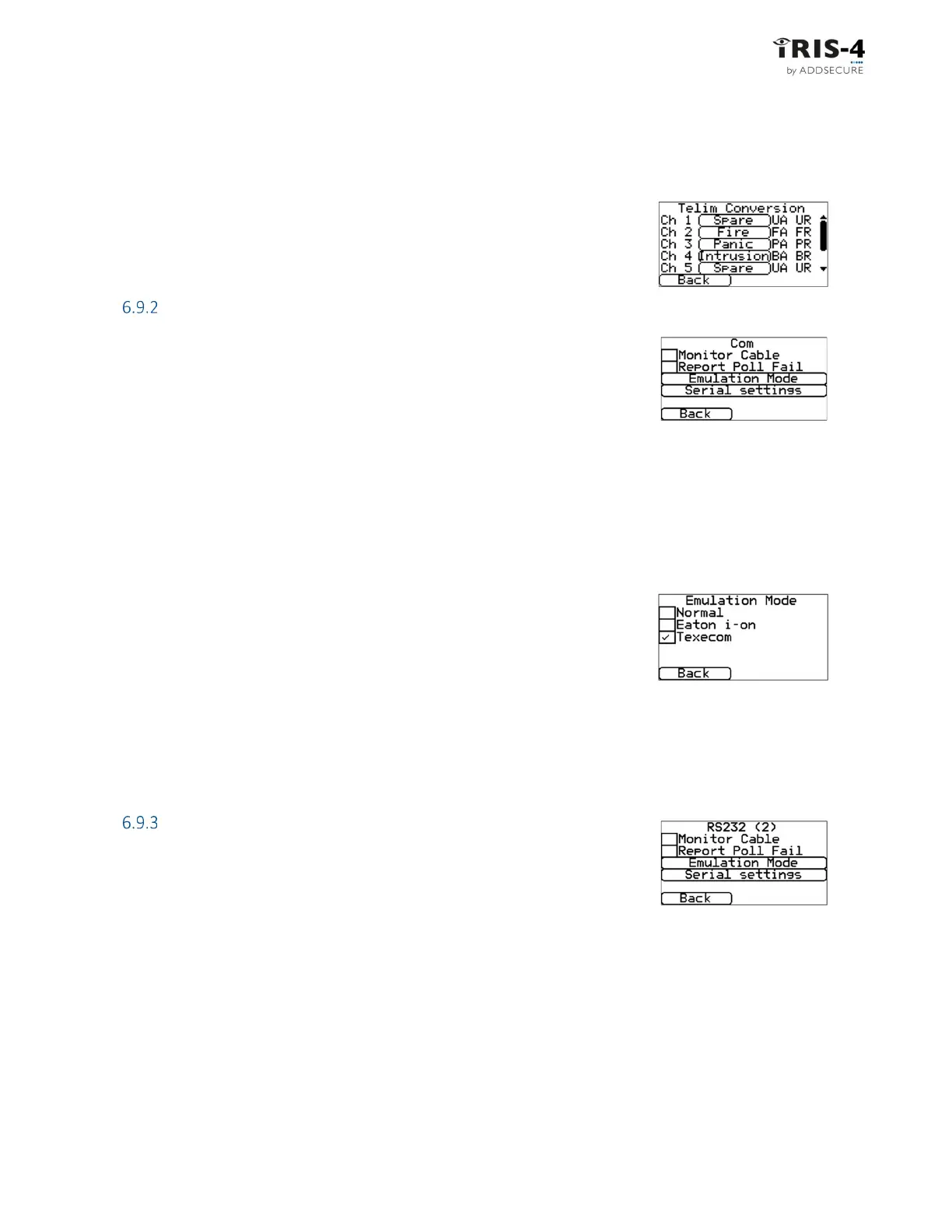
The terminal can support the Telim protocol on the dial capture interface. This
screen lets you modify the default Telim to SIA alarm conversion by selecting
through the presets or to set to Custom and entering the required SIA code.
COM
Several options can be set for the Com (TTL) connection.
6.9.2.1 Monitor cable
This sets the terminal to monitor the serial port for activity and report any status
change back to the ARC.
For this to work, the ARC must enable the “serial port monitoring” on the ISA receiver software in order to
receive alarm notifications on this status.
6.9.2.2 Report poll fail
This sets the terminal to stop responding to the serial commands if polling has failed. This will then indicate
the failure back to the alarm panel thus locally indicating a communication failure (for EN standards).
6.9.2.3 Emulation mode
This sets up the serial port for Normal, Eaton I-ON (Coopers) or Texecom
connections. The default is Texecom emulation. For more information on the
connection and setup, please refer to separate alarm panel interface
documents.
Note: For the Eaton I-ON panel, you will need to use the IRIS-4 CT-interface board separately. Please contact
the sales team for further information.
6.9.2.4 Serial settings
This option lets you modify the baud rate and parity of the connection.
RS232 (1)
6.9.3.1 Monitor cable
This sets the terminal to monitor the serial port for activity and report any status
change back to the ARC.
For this to work, the ARC must enable the “serial port monitoring” on the ISA receiver software in order to
receive alarm notifications on this status.
6.9.3.2 Report poll fail
This sets the terminal to stop responding to the serial commands if polling has failed. This will then indicate
the failure back to the alarm panel. This lets the site locally indicate communication failures (for EN
standards).
6.9.3.3 Emulation mode
This option lets you select which emulation mode should be used for the RS232 (1).



 To Next Page