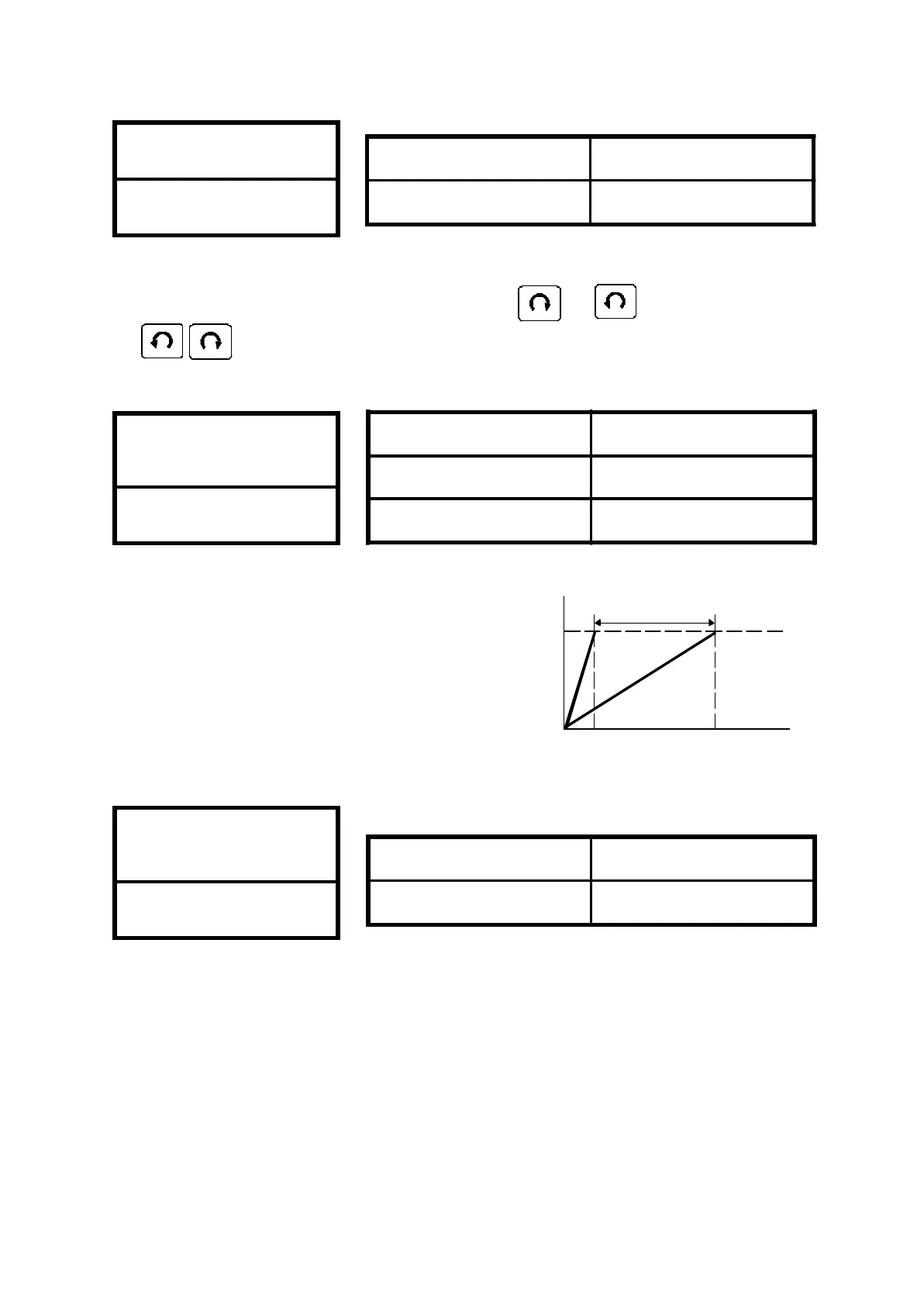
0 : Normal 1 : Jog Mode
1. Set jogging operation from key panel & .
2. LED blinking in JOG mode.
Note : Refer to CD12 & CD42 for using jog mode by terminal control.
The specification of the output
meter is 10V(i.e. 1mA) full scale
rating.
Set by CD07 the value will be
correspond to maximum
correspond of MET terminal
output meter.
0 : CW/CCW operation
1 : CW only
2 : CCW only
If inadequate operation, the
“OPE2“ warning message will be
indicated.
Frequency meter
correspond
CD07
CW or CCW or
CW/CCW
CD08
Output
(meter)
10V
30.00
1200HZ(F)
Changeable
35
Setting Range 0 or 1
Default value 0
Setting Range 0 ~ 2
Default value 0
Jog mode
CD06
Setting Range 30.0 ~ 1200HZ
60HZ region 120.0HZ
50HZ region 100.0HZ



 To Next Page