CHAPTER 10: Working with Preflight Importing a Preflight Profile 142
else if (type == RuleDataType.OBJECT_DATA_TYPE)
{
return "Object";
}
else if (type == RuleDataType.REAL_DATA_TYPE)
{
return "Real";
}
else if (type == RuleDataType.SHORT_INTEGER_DATA_TYPE)
{
return "Short Integer";
}
else if (type == RuleDataType.STRING_DATA_TYPE)
{
return "String";
}
else
{
return type;
}
}
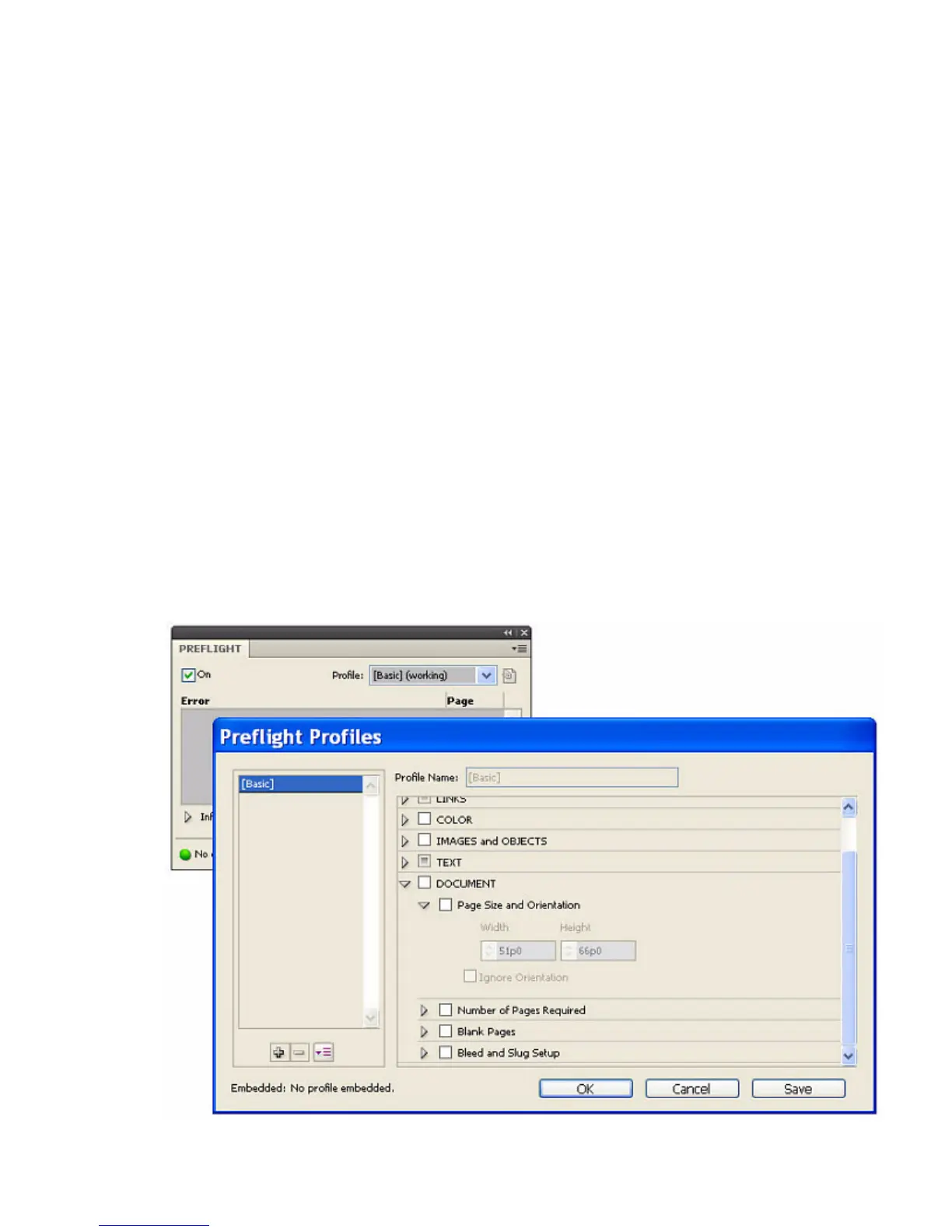
Importing a Preflight Profile
To import a preflight profile from the Preflight panel, choose Preflight Panel > Define Profiles, then choose
Load Profile from the drop-down menu in the Preflight Profiles window.



 To Next Page