CHAPTER 10: Working with Preflight Creating a Preflight Profile 143
You also can load a profile with scripting. The following script fragment imports a profile called Test. For
the complete script, see ImportPreflightProfile.
var myProfile = app.loadPreflightProfile(File("/c/Test.idpp"));
if (myProfile == null)
{
alert("The profile did not load successfully");
}
else
{
alert("Preflight profile " + myProfile.name + " is loaded.")
}
It is easier to create profiles using the Preflight panel than with scripting. One workflow would be to create
all profiles in the user interface, export them to files, and import them using scripting. This approach
avoids the challenges involved with manually adding rules via scripting.
Creating a Preflight Profile
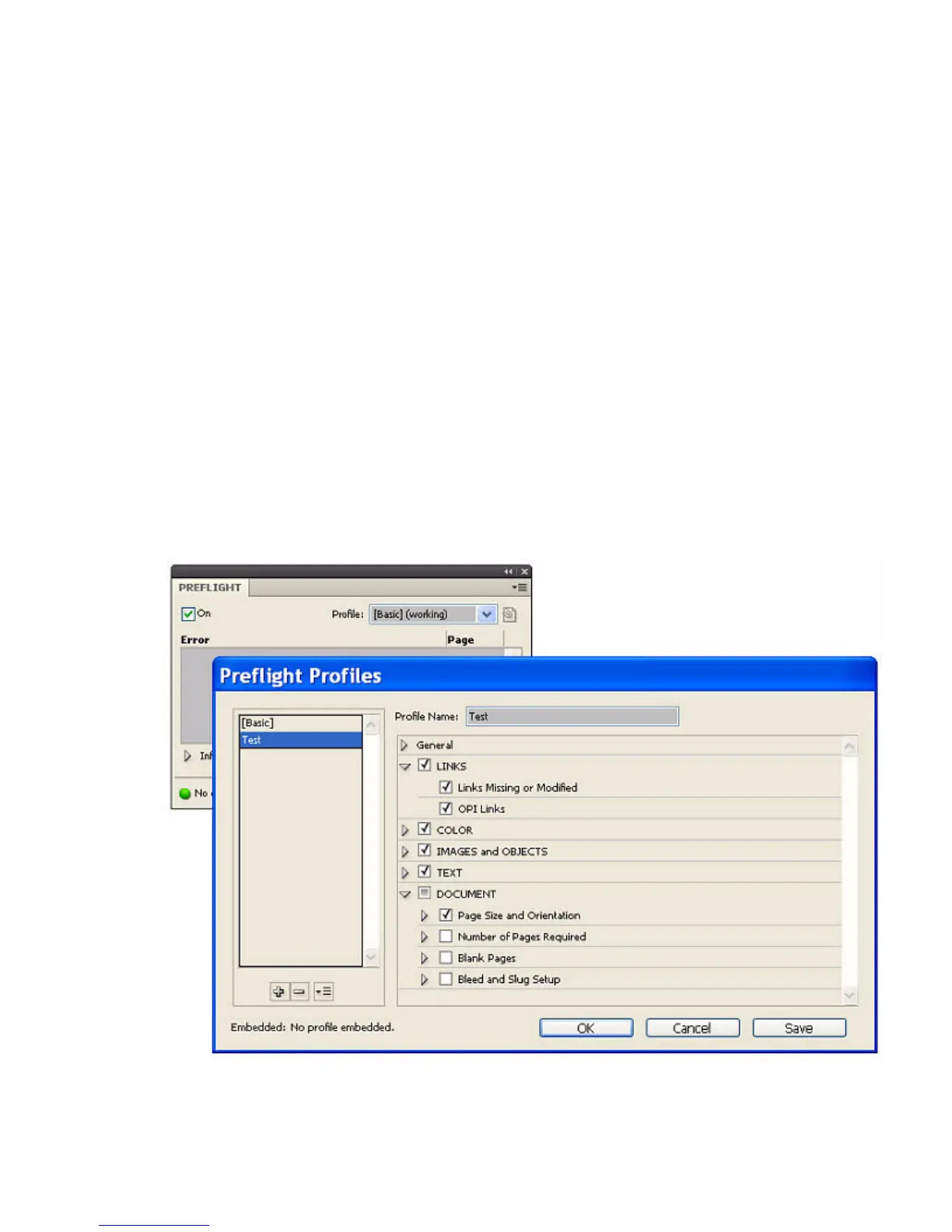
To create a preflight profile from the Preflight panel, choose Preflight Panel > Define Profiles, then choose
the plus sign (+) to add a new preflight profile. Name the profile and fill in all data values for the available
rules.
You also can create a profile with scripting. The following script fragment adds a single profile called Test.
For the complete script, see CreatePreflightProfile.



 To Next Page