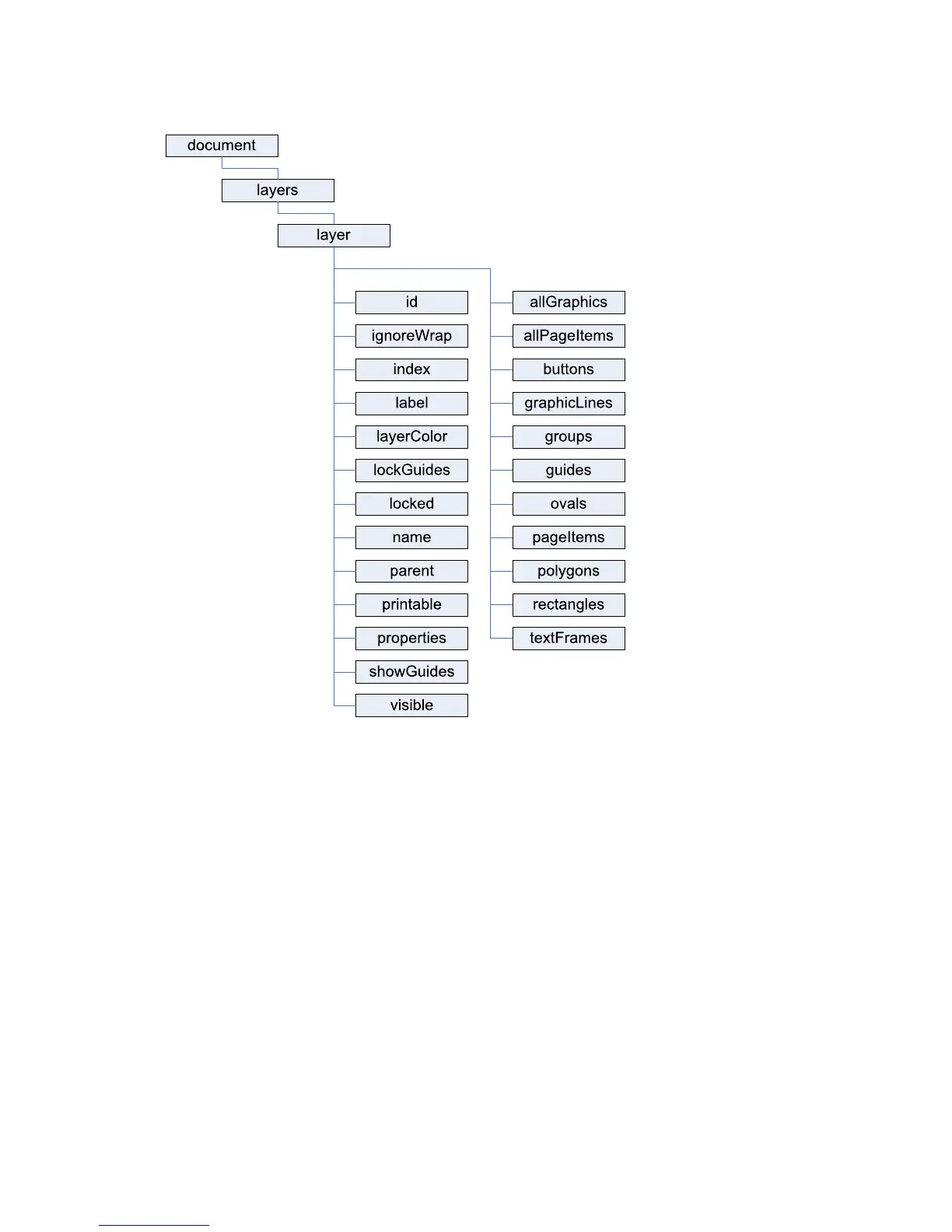
CHAPTER 4: Working with Layers Scripting Layers 51
Scripting Layers
In InDesign’s user interface, you add, delete, rearrange, duplicate, and merge layers using the Layers panel.
You also can change the layer to which a selected page item is assigned by dragging and dropping the
layer proxy in the Layers panel. (For more on assigning objects to a layer, see the InDesign online help.)
This section shows how to accomplish these tasks using InDesign scripting.
Creating layers
The following script fragment shows how to create a new layer. (For the complete script, see AddLayer.)
//Given a document "myDocument"...
var myLayer = myDocument.layers.add();
When you create a new layer, the layer appears above all other layers in the document.
Referring to layers
InDesign scripting offers several ways to refer to a layer object. This section describes the most common
ways to refer to layers.



 To Next Page