Version 15.0 AF-5000 Series Pilot Guide 115
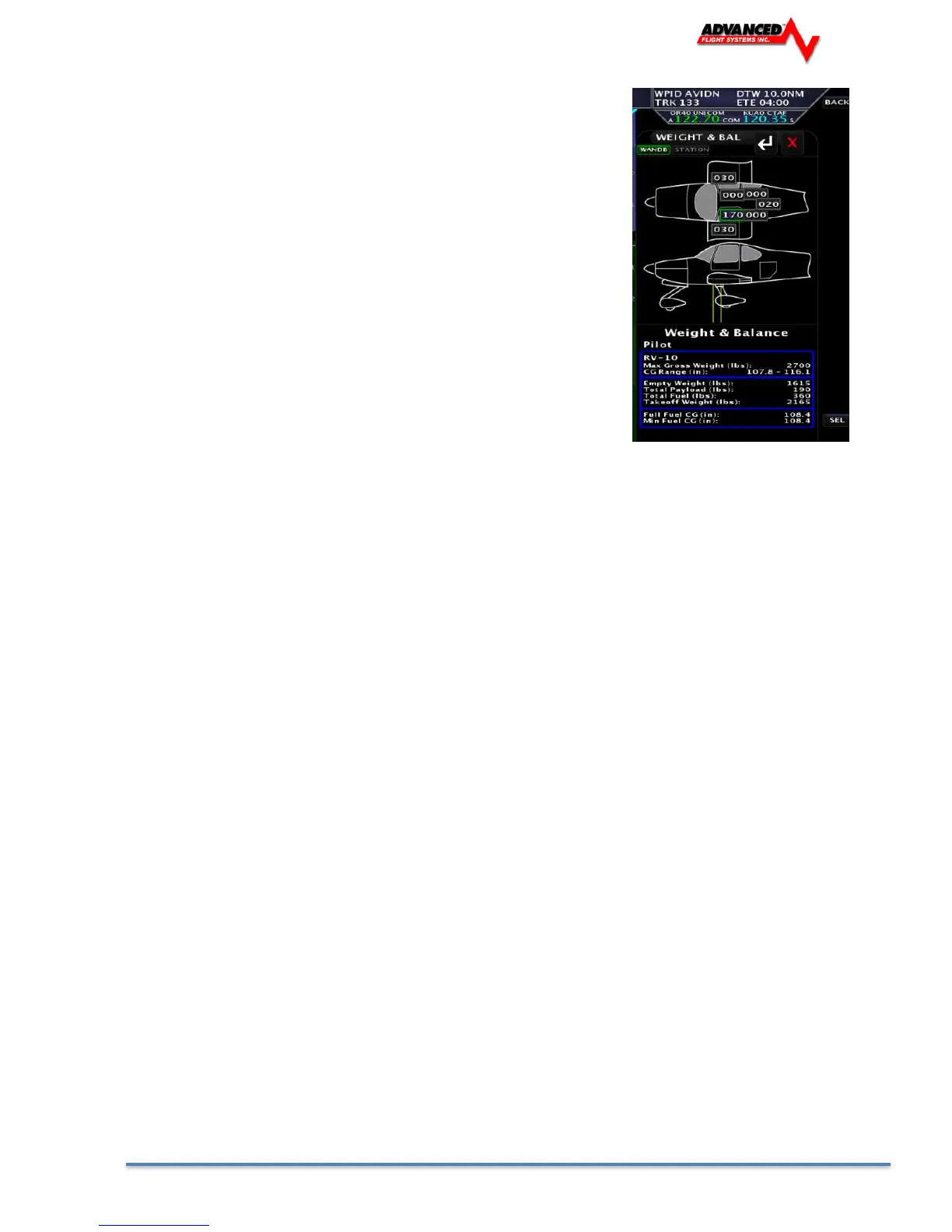
Weight & Balance Screen
The Weight & Balance page is selected from the following menu:
[CHECK] -> [W&B]
The middle knob is used to select the station to adjust. The joystick is used to
adjust the weight/qty at the selected station.
The Weight & Balance settings are controlled by the files:
AIRCRAFT.AFD Stations, Weights, Screen Location
AIRCRAFT.AFB Standard .BMP of the aircraft picture.
To transfer the files to/from the SD card from the EFIS Calibration startup screen.
1. Admin Settings
1. Transfer Files
4. Weight & Balance
Press [SAVE] to copy the file to the SD Card
Press [REST] to copy the file back to the EFIS from
the SD Card
The normal weight & balance settings can be adjusted on the Weight & Balance page by pressing the [STATIONS]
button. The QTY and ARM of the station can be modified on this page.
The X and Y of the station on the screen can by changed by pressing [ADJ POS] on the main W&B page. This will
change where the station is displayed using X and Y screen coordinates. The upper right knob is used for [X ADJ] and
the middle knob used for [Y ADJ] for the text on the aircraft bitmap. The Aircraft Type, Gross Weight and CG Range will
need to be modified using Microsoft Word Pad and editing the AIRCRAFT.AFD file on a PC.
The aircraft bitmap can be changed using Microsoft Paint and editing the AIRCRAFT.AFB file, do not change the overall
dimensions of the Bit Map.



 To Next Page