Installation and Operation Manual S400 series 10
2.2.3. Selecting units of measurement
To change the unit of measurement for some data in the upper line, press at least 2 seconds
on the key.
To change the unit of measurement for some data in the lower line, press at least 2 seconds on
the key.
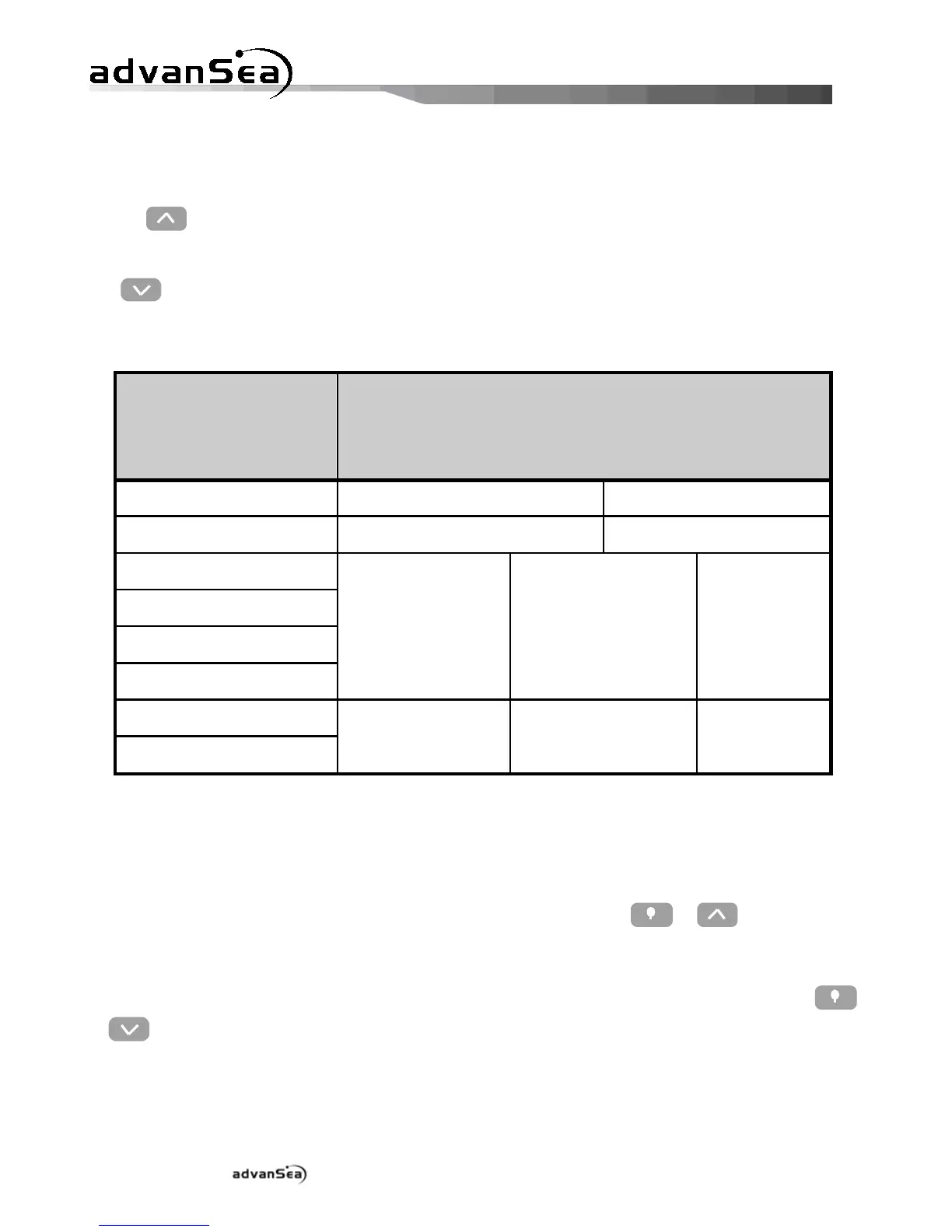
The following table summarizes the various units displayed according to the data selected:
In bold, default units.
2.2.4. Resetting data
To reset the average speed and max speed data on the upper line, first display the parameter
to be reset to 0 and press simultaneously at least 2 seconds on the + keys.
To reset the average speed, max speed, Trip log and Total log data on the lower line, first
display the parameter to be reset to 0 and press simultaneously at least 2 seconds on the
+ keys.


 To Next Page