Installation and Operation Manual S400 series 11
2.2.5. Countdown timer
Once CHRONO is displayed on the lower line, trigger it by pressing simultaneously on the
+ keys.
The countdown starts from the data displayed (which can be configured between 1 and 10
minutes, see menu paragraph 2.5.6.). A long beep signals when the countdown switches to the
full minute. The end of the countdown is signalled by a short beep every second for the last 5
seconds followed by a long beep to mark the end of the countdown.
When the countdown is finished, the countdown timer counts the navigation time in
hours/minutes (with two points flashing per second).
Press again simultaneously for at least 2 seconds on the + keys during the
countdown to stop it and reset the display to the selected value.
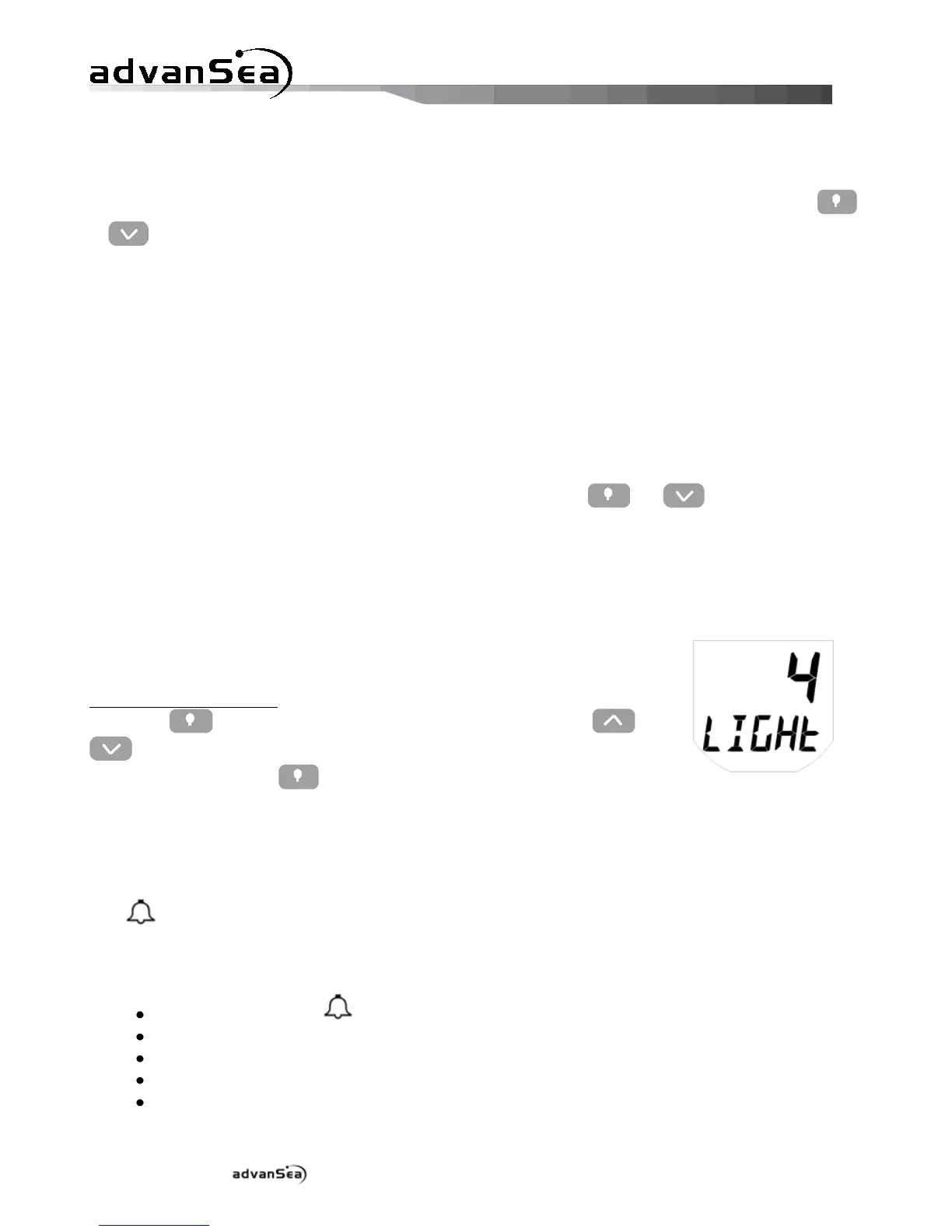
2.2.6. Backlighting
The display and the 4 keys are backlit, with 4 levels of intensity. Level
"0" corresponds to backlighting switched off.
To control backlighting:
Press the key to display the backlighting page, then the and
keys to adjust the lighting level from 0 to 4.
Pressing again on the key send the lighting level on the bus to
control backlighting on other device displays.
2.3. Alarms
The icon is lit when at least one alarm has occurred on one item of data managed by the
MULTI display.
A sensor alarm appears when it is activated (different from 0) and the measurement has
exceeded the high or low threshold previously defined. This alarm is then shown by:
The flashing icon
The data concerned by the alarm flashing,
Automatic lighting of the LCD backlighting to its highest level,
The internal buzzer sounds,
The buzzer or the external lights are activated.


 To Next Page