33 SPC-800(M) User Manual
Chapter 2 System Setup
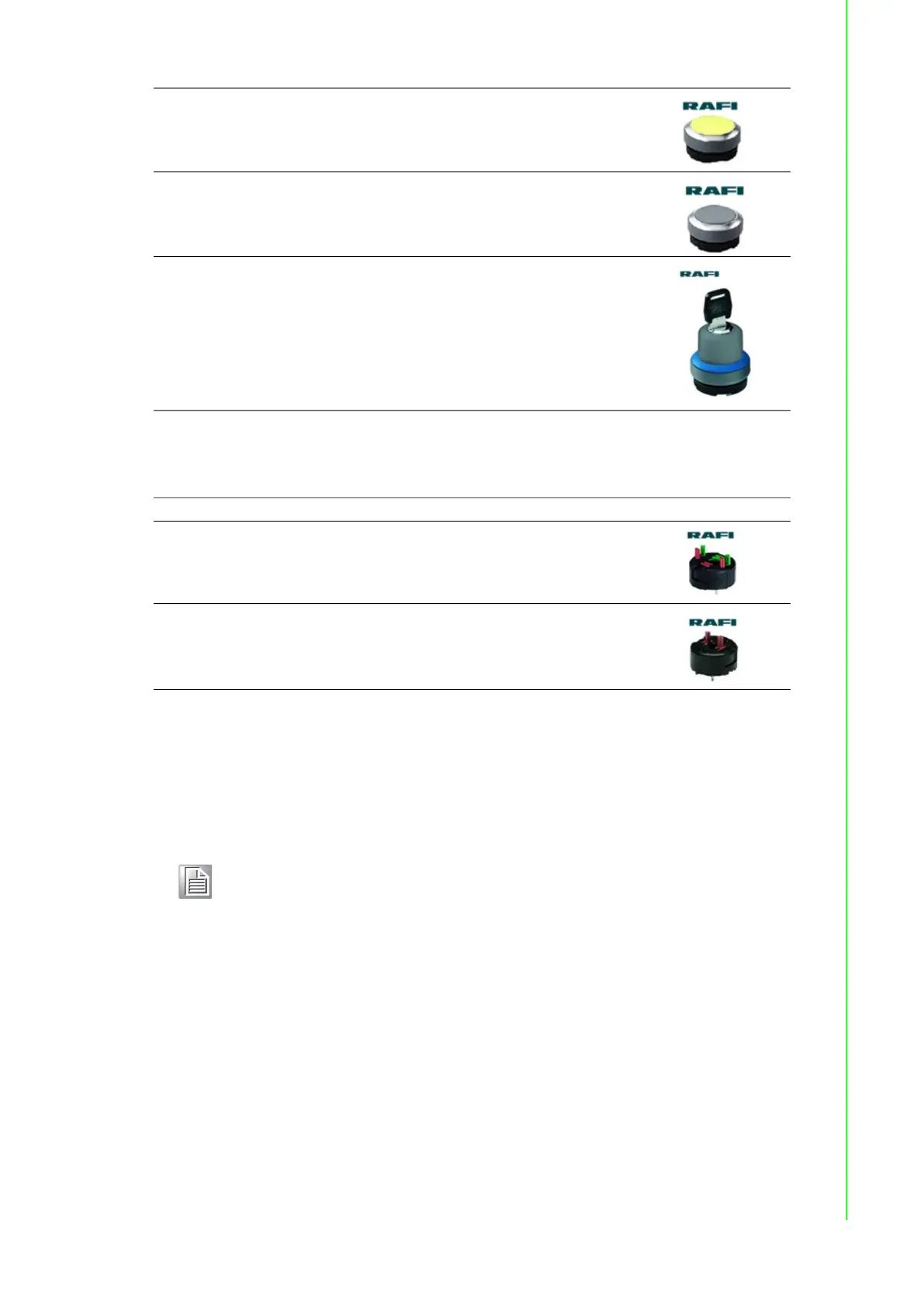
Type of Button's PCBA (include PCBA/Lamp Optional)
Installation Procedure
1. Loosen the M5 x 4pcs screw of IO and remove the IO
2. Loosen the M3 x6pcs screw and loosen the M3 x6pcs screw of OP back side
RAFIX 22 FS+- Pushbutton, illuminated, flush lens, round
collar, metal front ring, momentary
1.30.270.021/2400
RAFIX 22 FS+- Pushbutton, non-illuminated, flush lens, round
collar, metal front ring, momentary
1.30.270.021/0700
RAFIX 22 FS+ - Keylock switch, round collar
1.30.255.321/0100 (Black)
1.30.255.321/0300 (Red)
1.30.255.321/0400 (Yellow)
1.30.255.321/0500 (Green)
1.30.255.321/0600 (Blue)
1.30.255.321/0700 (Grey)
1.30.255.321/0800 (silver-grey)
Description Picture
RAFIX 22 FS+- Universal contact block, silver contacts, 1 NC, 1NO
1.20.126.203/0000
RAFIX 22 FS+- Emergency stop contact block, silver contacts,
2 NC
1.20.126.604/0000
Note! SPC-815 series are need loosen M3 x16L *4pcs and M3 x 6L*4pcs of
OP back side
SPC-821 series are need loosen M3 x16L *6pcs and M3 x 6L*6pcs of
OP back side


 To Next Page