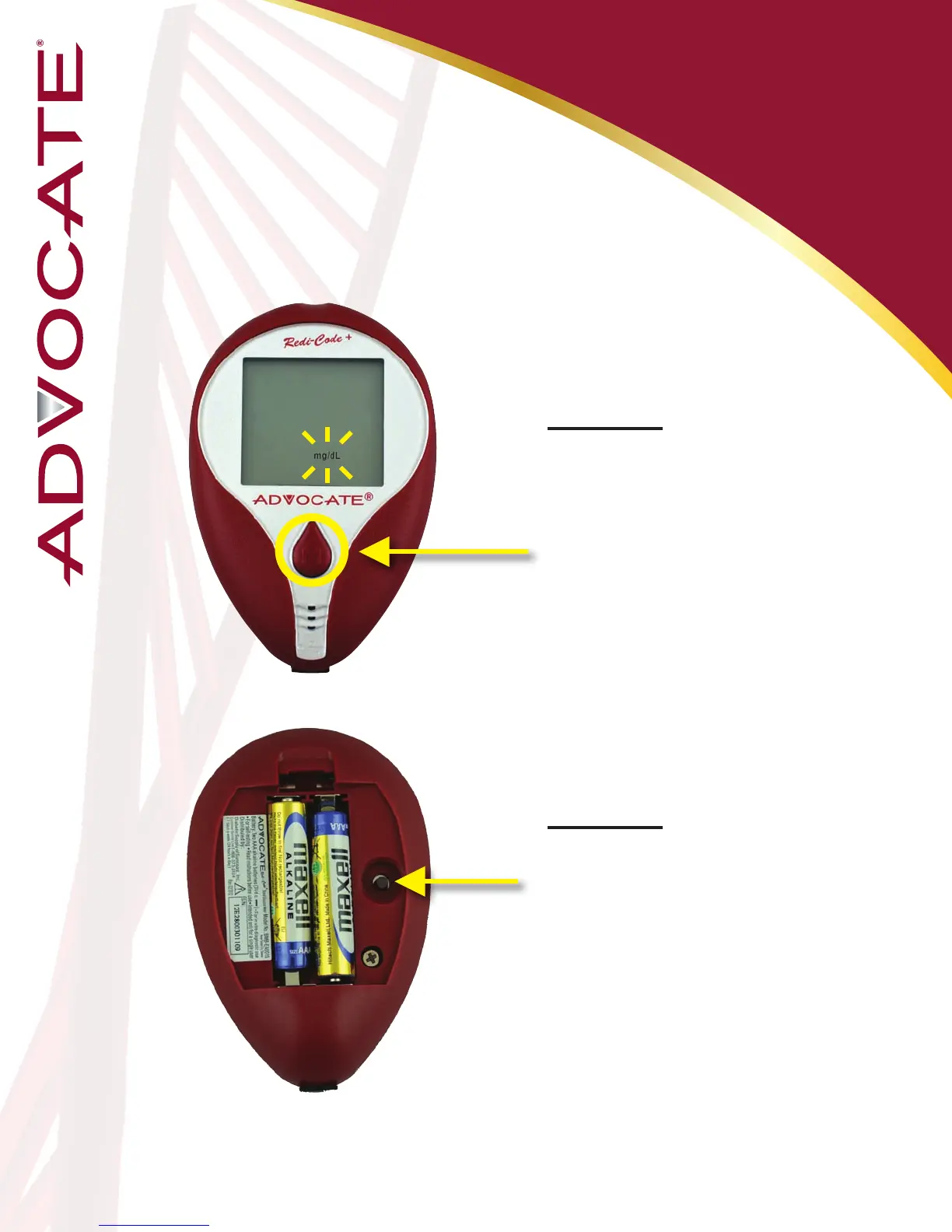
mg/dL = Milligrams per deciliter
(USA)
mmol/L = Millimoles per liter
(Canada & much of the rest of the world)
Meter Setup:
Unit of Measurement
Step 14:
With the mg/dL (mg/dL is
the default setting) ashing,
press and release the
“M” button to change to
mmol/L.
Step 15:
Press the “Set” button
to move to the alarms
setting.
15
*Note: the version for USA
available in (mg/dL) only


 To Next Page