Meter Setup: Alarms
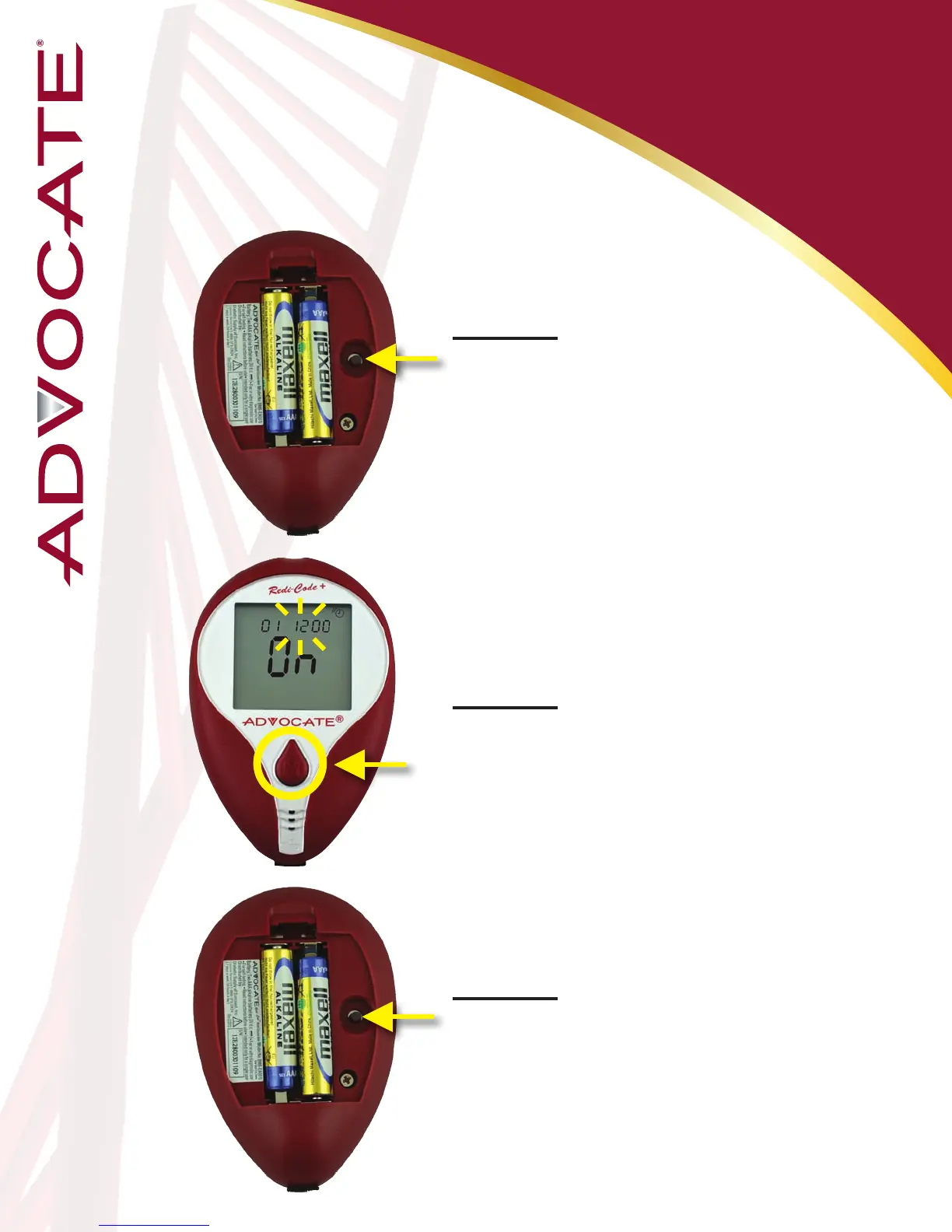
Step 16: 01 (Alarm1) and the
alarm icon with ashing “On”
displays, press the “Set”
button to enter the hour
setting.
Step 17: With the hour
ashing, press and release
the “M” button until the
correct hour appears.
Step 18: Press the “Set”
button to move to the minutes
setting.
*The meter provides six alarms (1-6).
You may set up any or all of them.
*Follow the previous steps in order to set
up the minutes (incriments of 15, 30, and
45 minutes)
16


 To Next Page