9
Setting your Meter
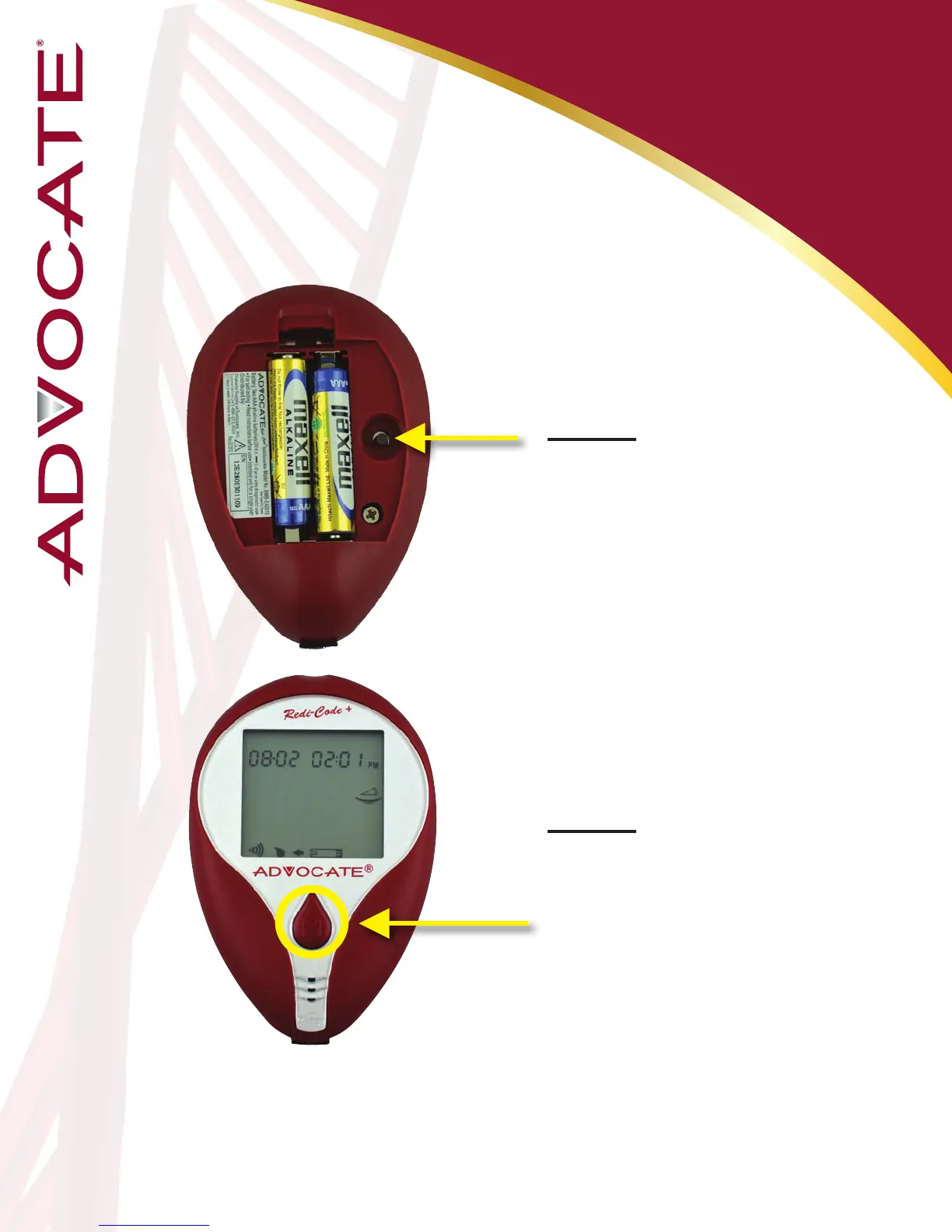
Step 1: Enter Setting
Mode
Your meter allows you to set the year, month,
date, time, alarm, speaking language and
volume, as well as delete memory.
Start with the meter off.
Press the “Set” button (on the
back of the meter).
Step 2: Exit Setting
Mode
Anytime you want to exit
setting mode, press and hold
the “Set” button for 2 seconds
until the meter turns off.
*Note: Move Setting Faster
Hold the “M” button down to scroll forward quickly until the number
you desire appears.


 To Next Page