Perform
Blood Glucose Test
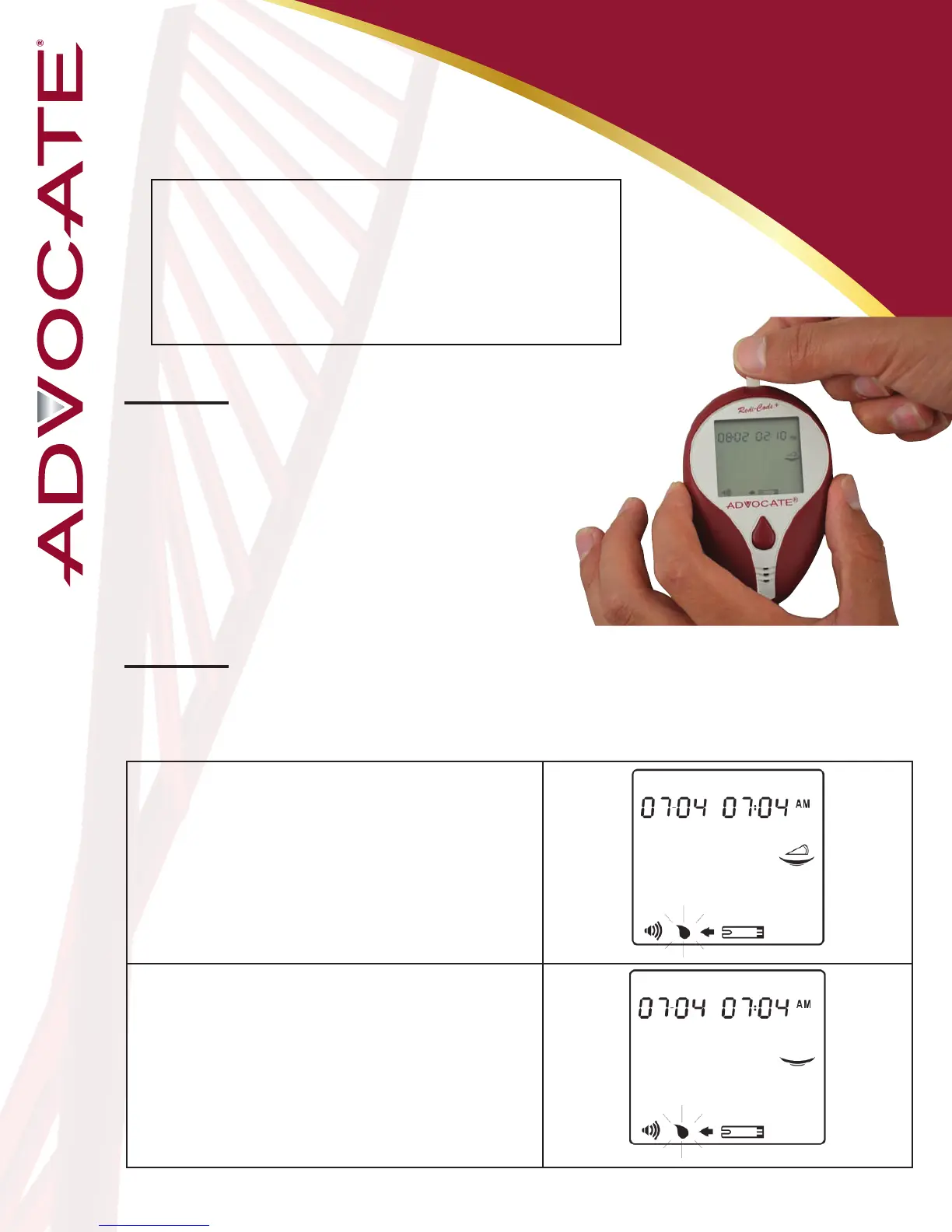
Step 1: Insert a test strip
Fully insert a test strip into the meter with the
contact bars end rst. Push it in until it will
go no further. The meter will turn on and the
display check will appear briey.
You will need the following items
to perform a glucose test:
- Advocate
Redi-Code
+
Glucose Meter
- Advocate Test Strips
- Advocate Lancing Device
- Advocate Lancets
Step 2: Choose Pre-Meal / Post-Meal / General Mode
You can choose three modes by pressing M button, if you miss the
desired mode, you can continue pressing M button to go back.
24
Pre-Meal Mode
When the ashing “apply blood” indicator appears
on the display, pre-meal marker ( ) displays rstly. Go
to step 3 for obtaining a drop of blood.
Post-Meal Mode
When the ashing apply blood symbol appears on
the display, press M buon once and post-meal
marker ( ) displays. Go to Step 3 for obtaining a drop
of blood.


 To Next Page