Test Results
31
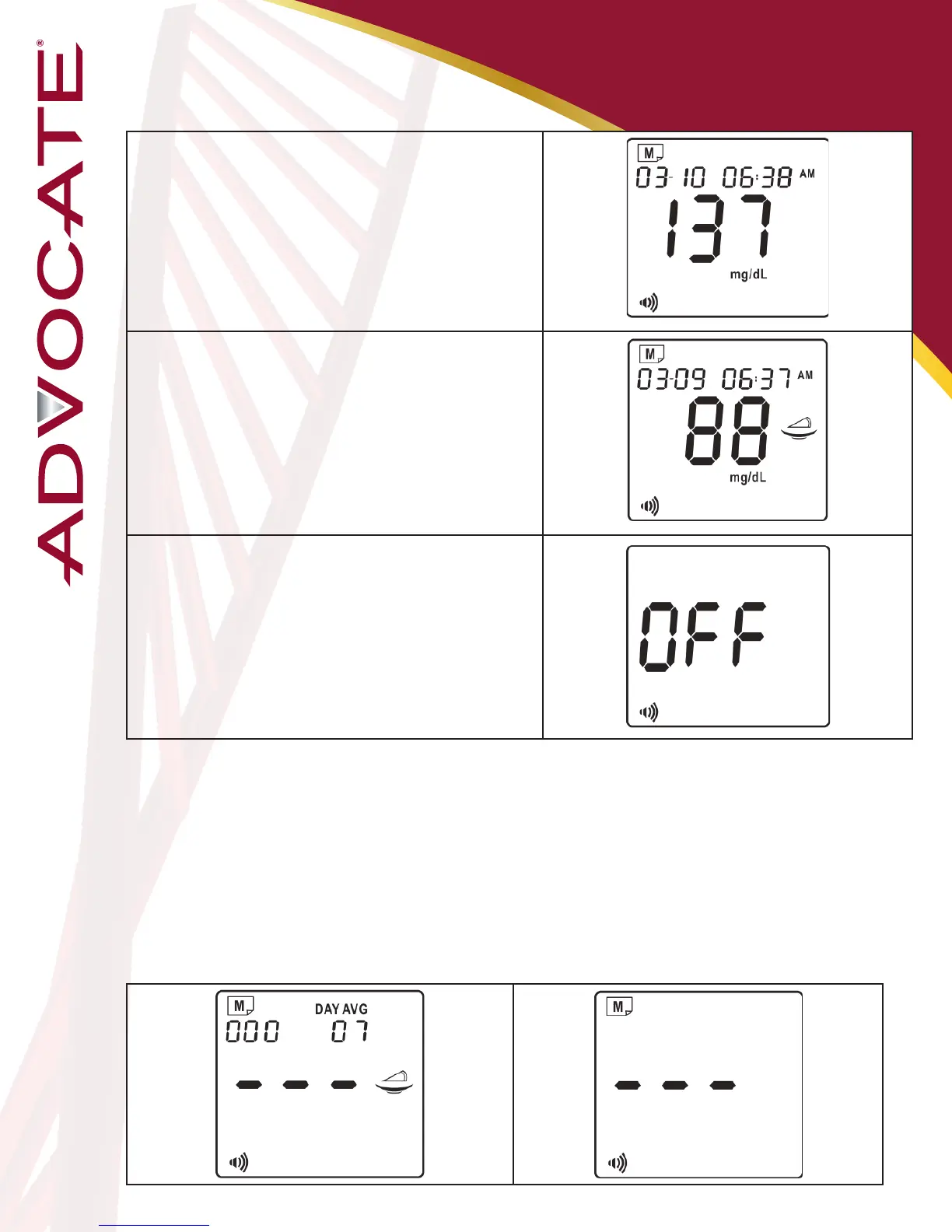
1. View Test Results
Aer view 60-day average result, press M
buon again. The most recent result with
date and me will be shown on the display.
2. View Second Most Recent
Result
Press the M buon one by one to recall the
test results stored in the meter consecuvely
3. View The Last Result
Aer viewing the last result, press M buon
again and the meter will be turned o.
Notes:
- The control solution results are NOT stored in the memory. The list of past
results and the result average are for blood glucose results only.
- The stored results marked with a pre-meal marker ( )/post-meal marker ( )
depend on what you chose in your test procedure. If you chose general mode in
your test procedure, the stored results without markers will display.
- If no button action is detected for 2 minutes, the meter will show “OFF” and turn
off automatically.
- If no results are stored in the meter’s memory, “---“ will be shown on the LCD.


 To Next Page