User Manual 1-3kVA Rev. 9
- Page 15 of Total 30 -
3. Operation
3.1 LCD and LED Display
` LCD
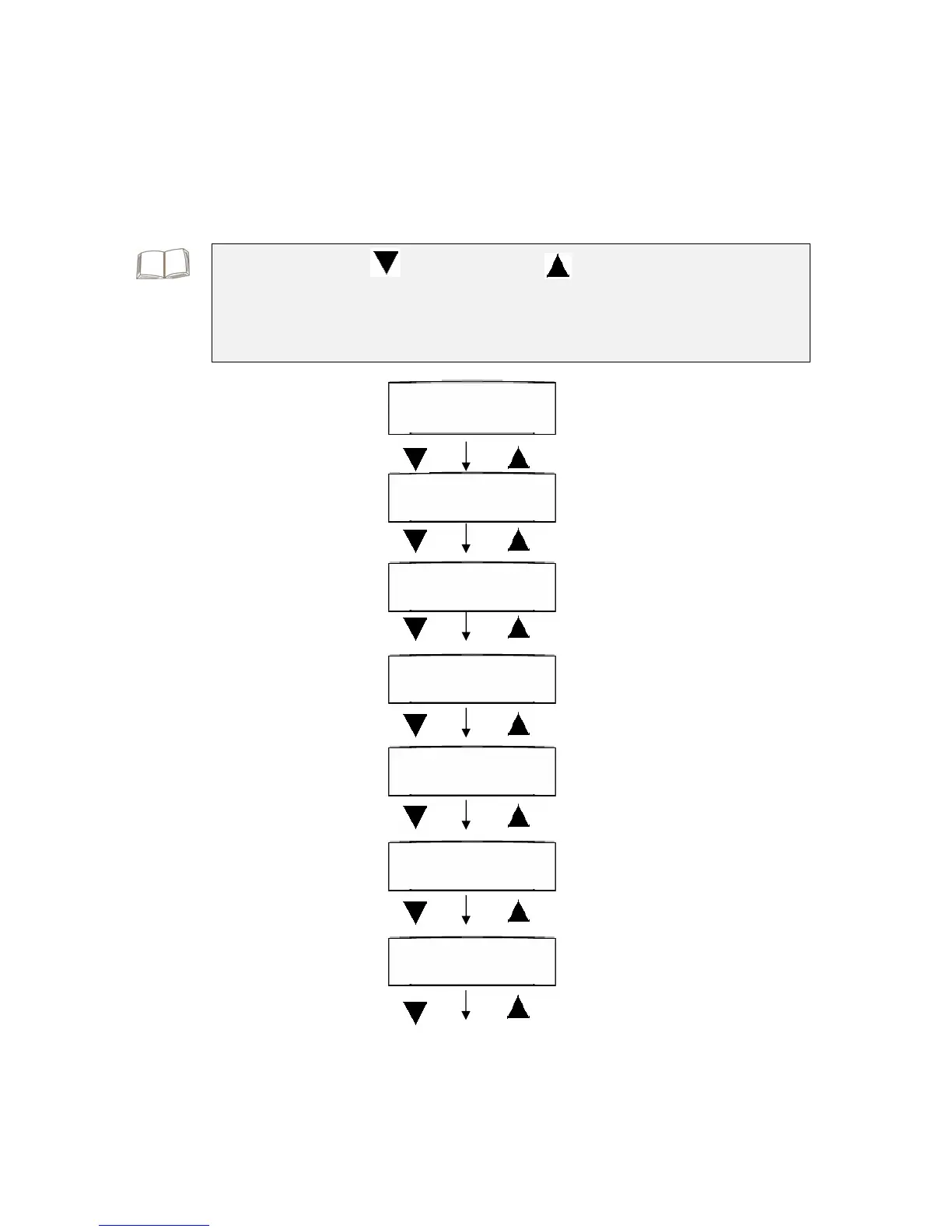
Display 1 - Welcome screen
AEC Star T3 Series
On-Line UPS
Display 2 - Input/Output Voltage
and Frequency Input:220V 50Hz
Identification Output:220V 50Hz
Display 3 – UPS Status AC:FAIL BATT:LOW
NO Output
Display 4 – Real Input/Output
Voltage and Frequency Input Voltage
220 VAC
Output Voltage
220VAC
Input Frequency
50 Hz
Output Frequency
50 Hz
“Select-Down” Key: “Select-Up” Key:
y The welcome screen only shows for 10 seconds as UPS starts up,
after that the “UPS Status” will show on the display.
y The screen should go back to “UPS Status” if you do not push any
buttons for 2 minutes.



 To Next Page