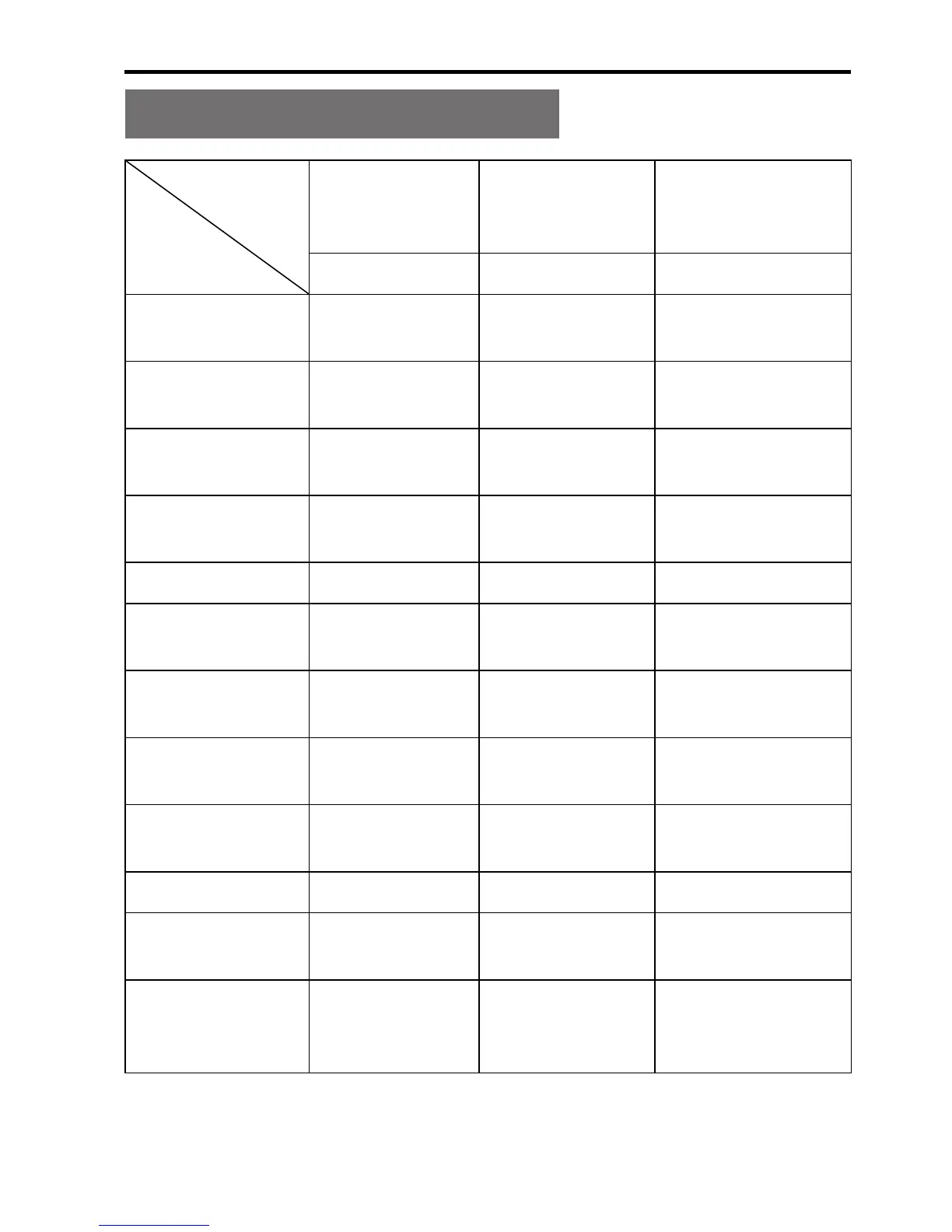
Description of indicators
Indicator
Function
Power
Indicator
Recording
status
Indicator
Power/Work
State Indicator
Red Green Red and Green
Powering on
Blink once and
remain on
/ Blink once in red
Video
recording
/ Blink slowly
Blink slowly in
green
Discontinuous
recording
/ Blink slowly
Blink slowly in
green
Recording
stopped
Remain on / Remain on in red
Photo shooting Remain on Blink once Remain on in red
Continuous
shooting
Remain on
Blink
continuously
Remain on in red
Shooting
stopped
Remain on / Remain on in red
Voice
recording
/ Blink slowly
Blink slowly in
green
Low power Blink quickly /
Blink quickly in
red
Being charged Blink slowly / Blink slowly in red
Charging
nished
Remain on / Remain on in red
Charging
nished
(powered off)
Remain on / Remain on in red
You can long press the Shoot key to switch to Power/Work
State Indicator.


 To Next Page