Wi-Fi
With integrated Wi-Fi module, MD10 can be connected with
Wi-Fi remote control, smartphone or tablet PC to achieve
remote control function. First please install appropriate APP
software provided by AEE to your device.
> Download a Wi-Fi APP
By now, the Wi-Fi APP is already upload to iphone APP store
and google play store, customers can freely download it.
1. Android user: Entering the google play store, search "AEE
APP" (quotation marks is needed), download and install it,
following the user manual to connect the Wi-Fi and operate.
2. Iphone user: Entering the iphone APP store, search AEE
, download and install it, following the user manual to
connect the Wi-Fi and operate.
APP icon:
> Wi-Fi Starting and Connection
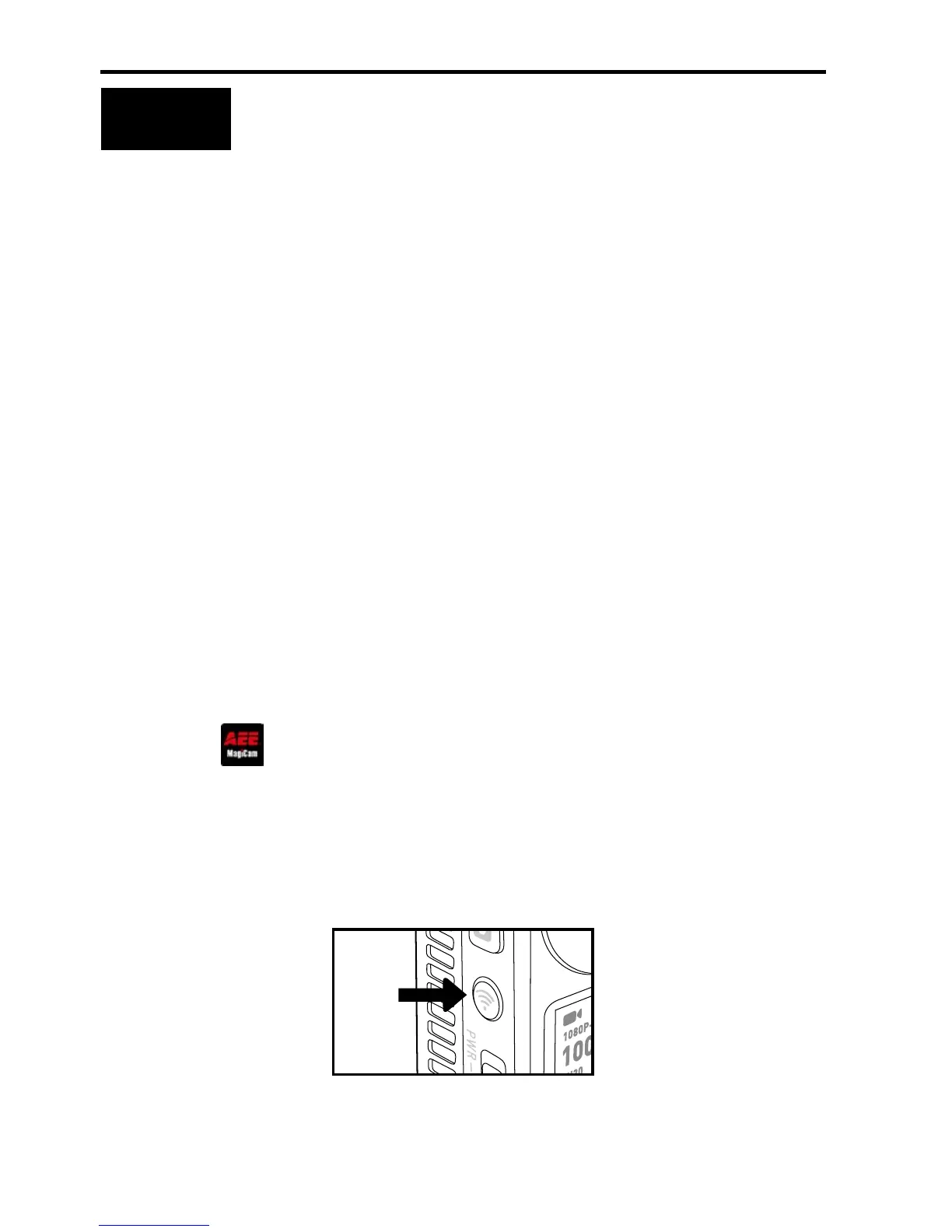
1. Press the Wi-Fi key as shown in the gure below.


 To Next Page