• Insert the memory card
Ensure that MD10 is switched off, Insert SD card into the
memory card slot in the arrow direction flatly to the end.
A "click" can be heard to indicate the card has been well
inserted.
• Remove the memory card
Press the center of exposed part of SD card andSD card
will pop up slightly. Then pull it out atly.
Before connecting the host to Wi-Fi or the remote control,
please rst insert the SD card.
Startup
Slide the Power key to "PWR".
• The power indicator will be lit;
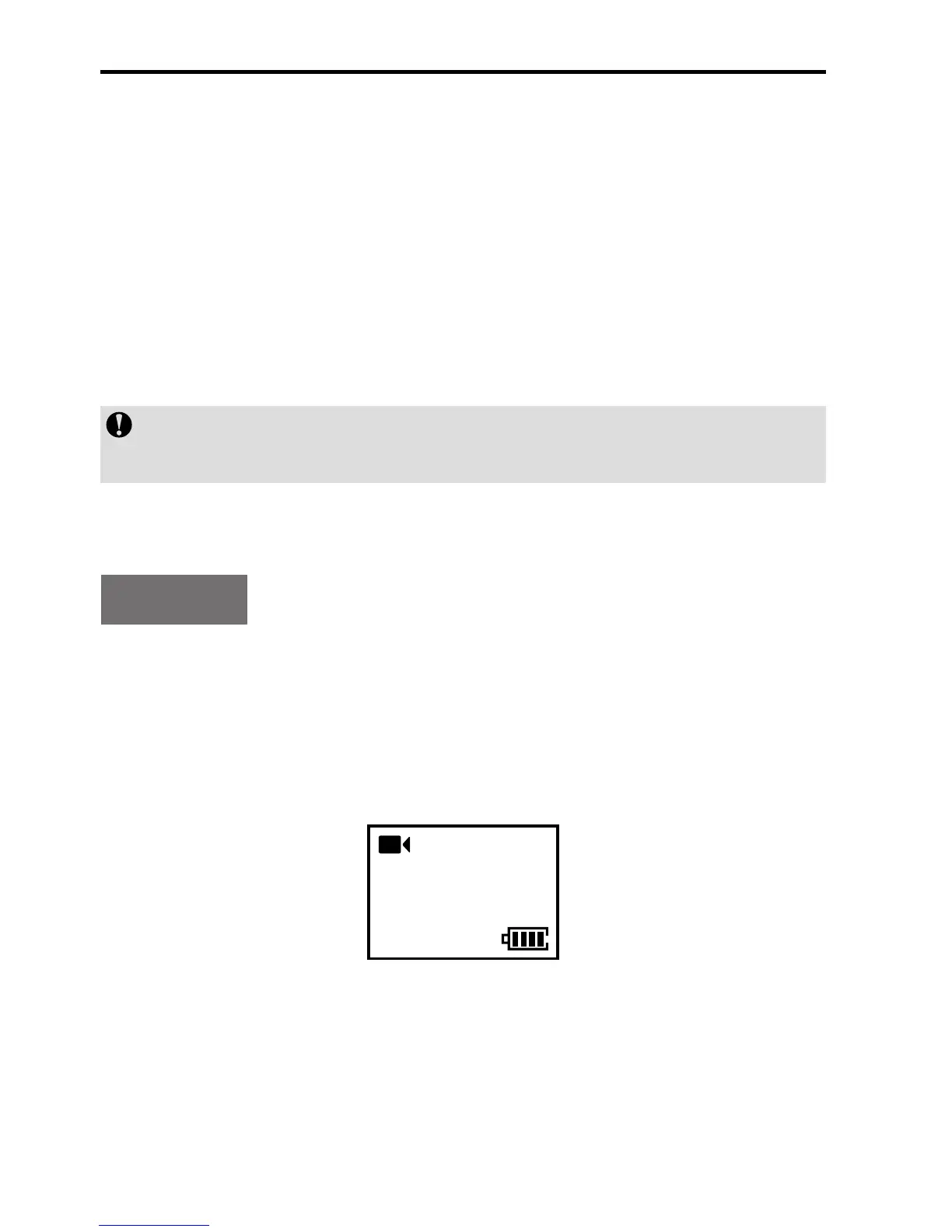
• MD10 will enter the recording standby state and display the
following interface:
100-0088
2H30
1080P- 25



 To Next Page