Trim Videos
When viewing the downloaded les on the mobile device, you
can click the icon "
" at the bottom of the screen to enter
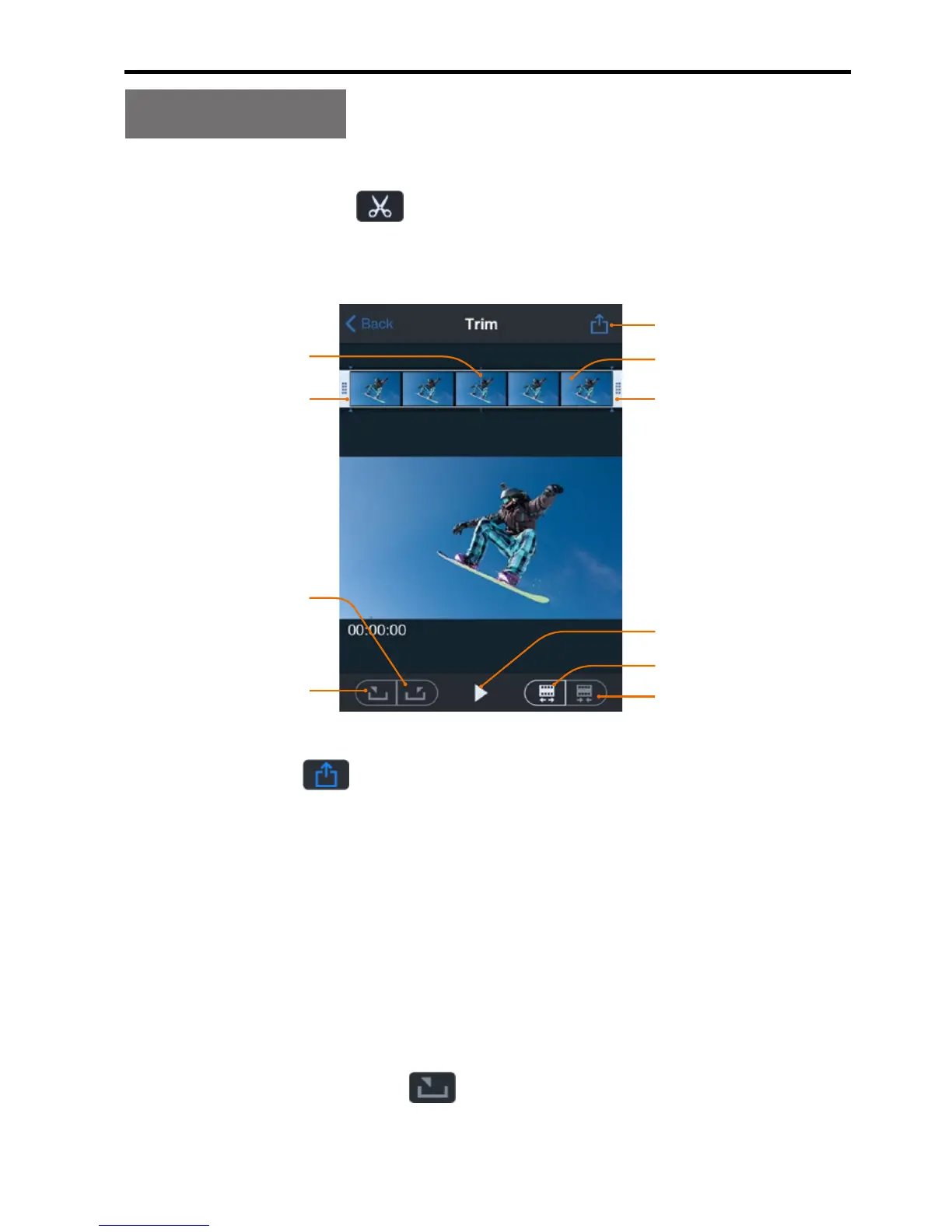
the video trimming interface shown in the gure below:
End frame
Menu
Start frame
Current frame
Storyboard
Set the current
frame as the
end frame
Set the current
frame as the
Play icon
Click the icon " " to save and share the edited video le.
This function allows you to take a clip out of the video to
generate another video by changing the starting frame and
ending frame.
The following two methods:
One method: chang the starting frame and ending frame by
directly dragging the time frame panel (click the Play key for
previewing until the best location is reached).
Another method: click “ ” to set the current frame as the
starting frame, drag the time frame panel to change the current



 To Next Page