1080P- 25
2. Press the Record key again to stop the video recording.
> Voice Recording
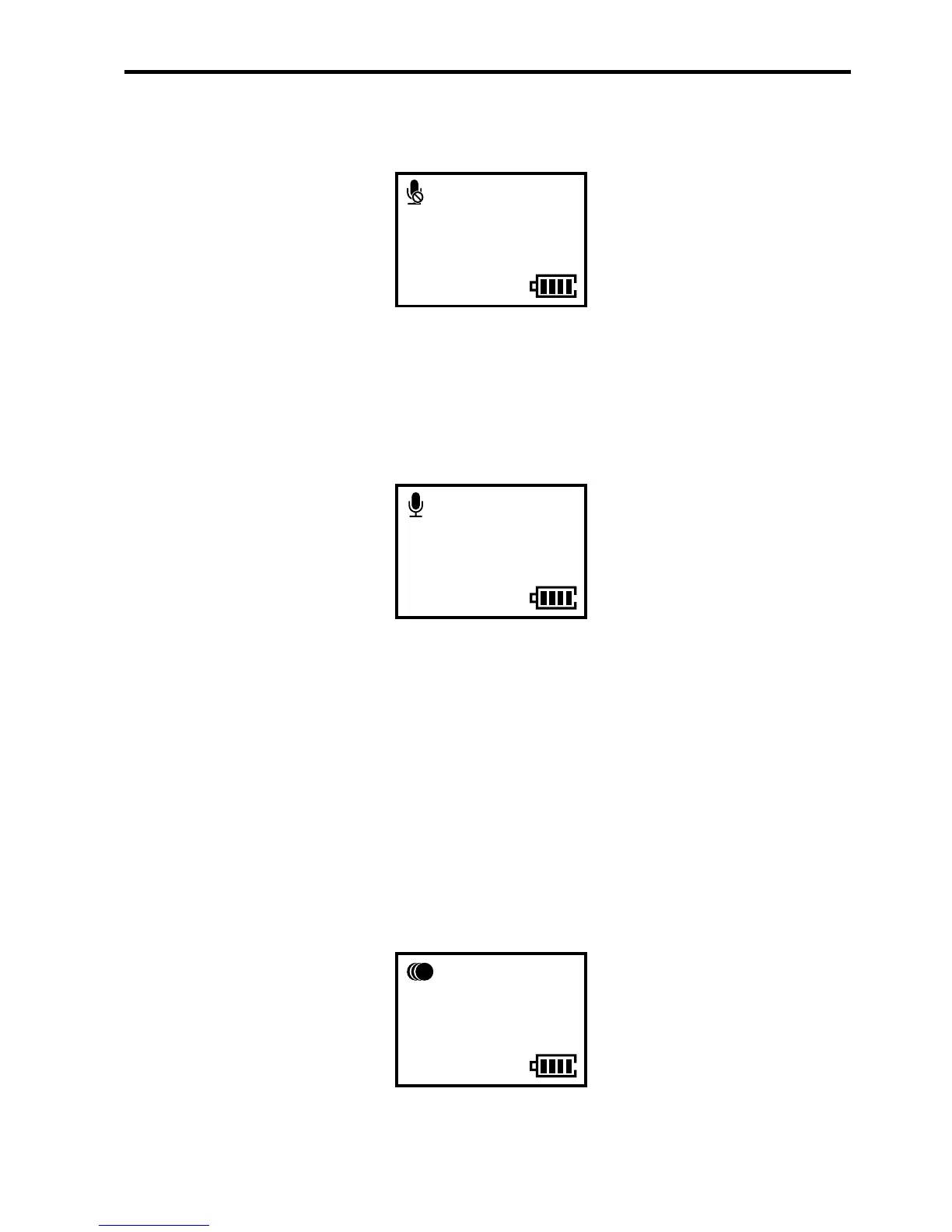
1. Press the Record key to start the voice recording and enter
the following interface:
00:00:01
2. Press the Record key again to stop the voice recording.
> Time Lapse
This function allows you to record a photo as one frame of
the moving image, so that you can make a leaping video of
continuous evolution and motion process easily without the
post-editing help of software.
1. Press the Record key to start the video recording and enter
the following interface:
00:00:01
2H30
1080P- 25
5sec
2. Press the Record key again to stop the video recording.


 To Next Page