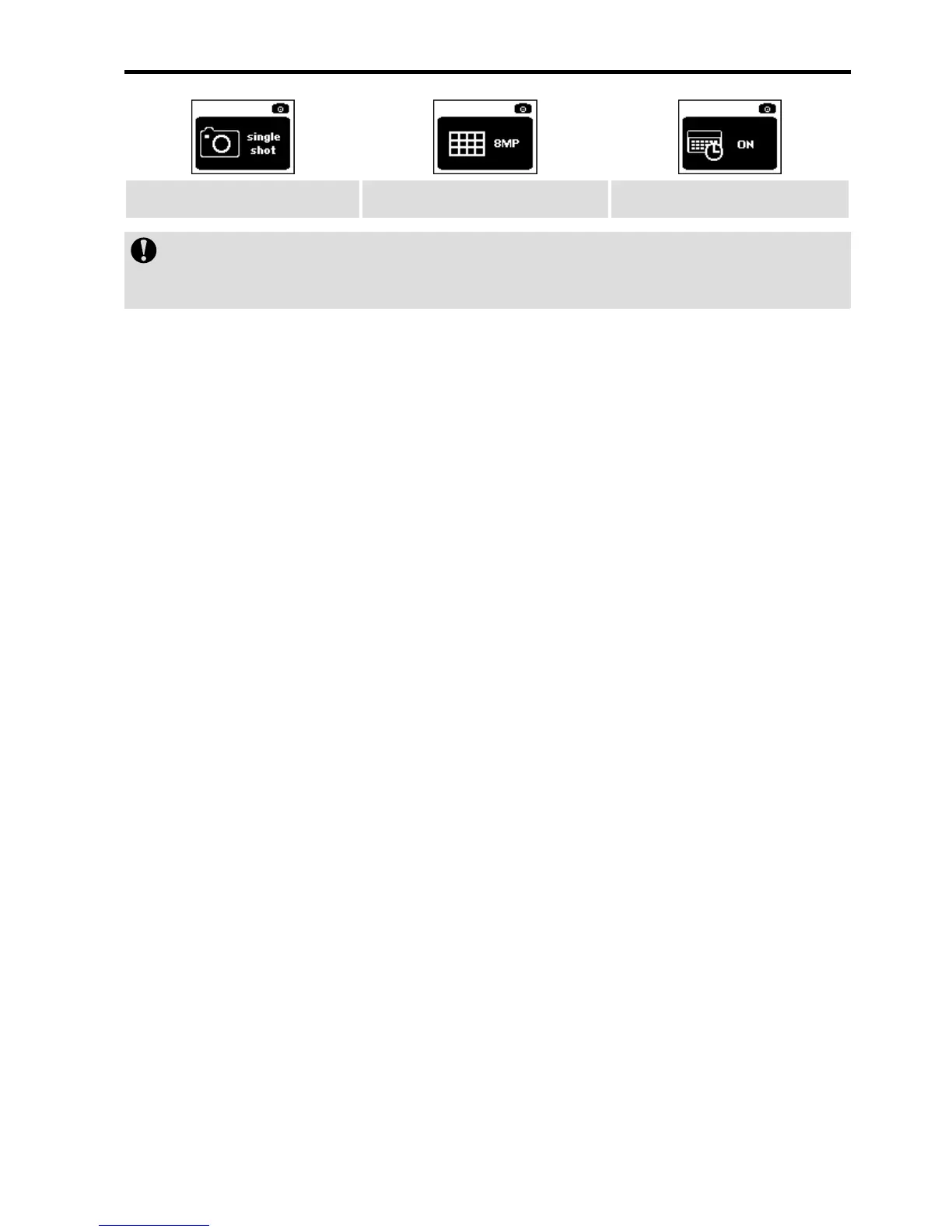
Shooting Mode Shooting Resolution Display Time
You can enter "Shooting Mode" to set such parameters as
Fast shot, Continuous shooting and Timed shooting.
4. Press the Wi-Fi key to select the required functional icon
and then press the Record key;
5. Press the Wi-Fi key to select the required functional
parameter and then press the Record key to conrm your
selection;
6. Press the Shoot key to exit.
> Fast Shot
3/1s: shoot 3 photos in one second;
6/1s: shoot 6 photos in one second;
8/1s: shoot 8 photos in one second;
> Continuous Shooting
0.5sec: shoot a photo at 0.5s intervals after you press the
Shoot key;
1sec: shoot a photo at 1s intervals after you press the
Shoot key;
2sec: shoot a photo at 2s intervals after you press the
Shoot key;
3sec: shoot a photo at 3s intervals after you press the
Shoot key;
5sec: shoot a photo at 5s intervals after you press the


 To Next Page