> Timed Shooting
You can set a time interval for timed shooting. Then when you
press the Shoot key, MD10 will start to count down and will
automatically take photos when the preset time is up.
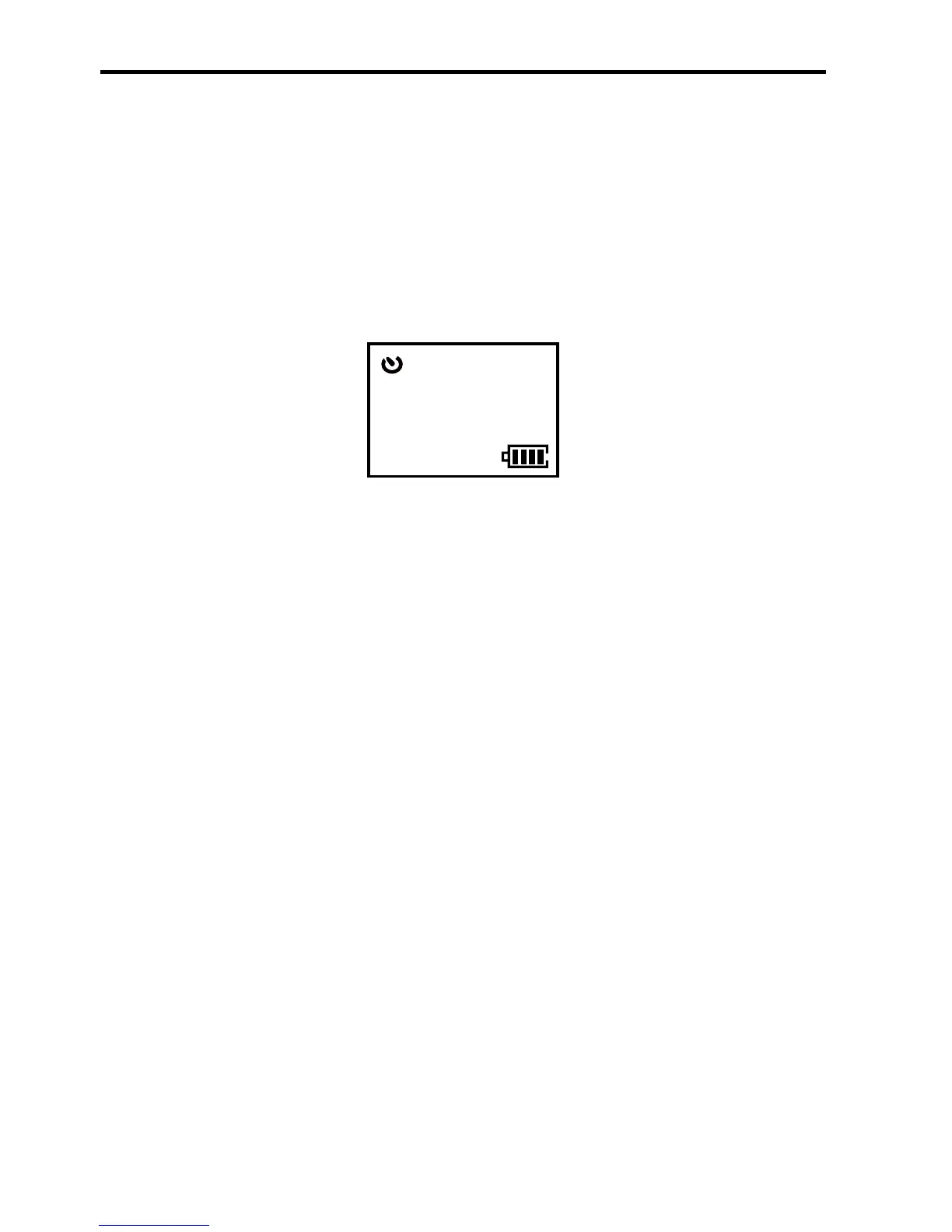
1. Press the Shoot key and the system will shoot one photo
when the preset time is up, enter the following interface:
1888
8M 3sec
100-0081


 To Next Page