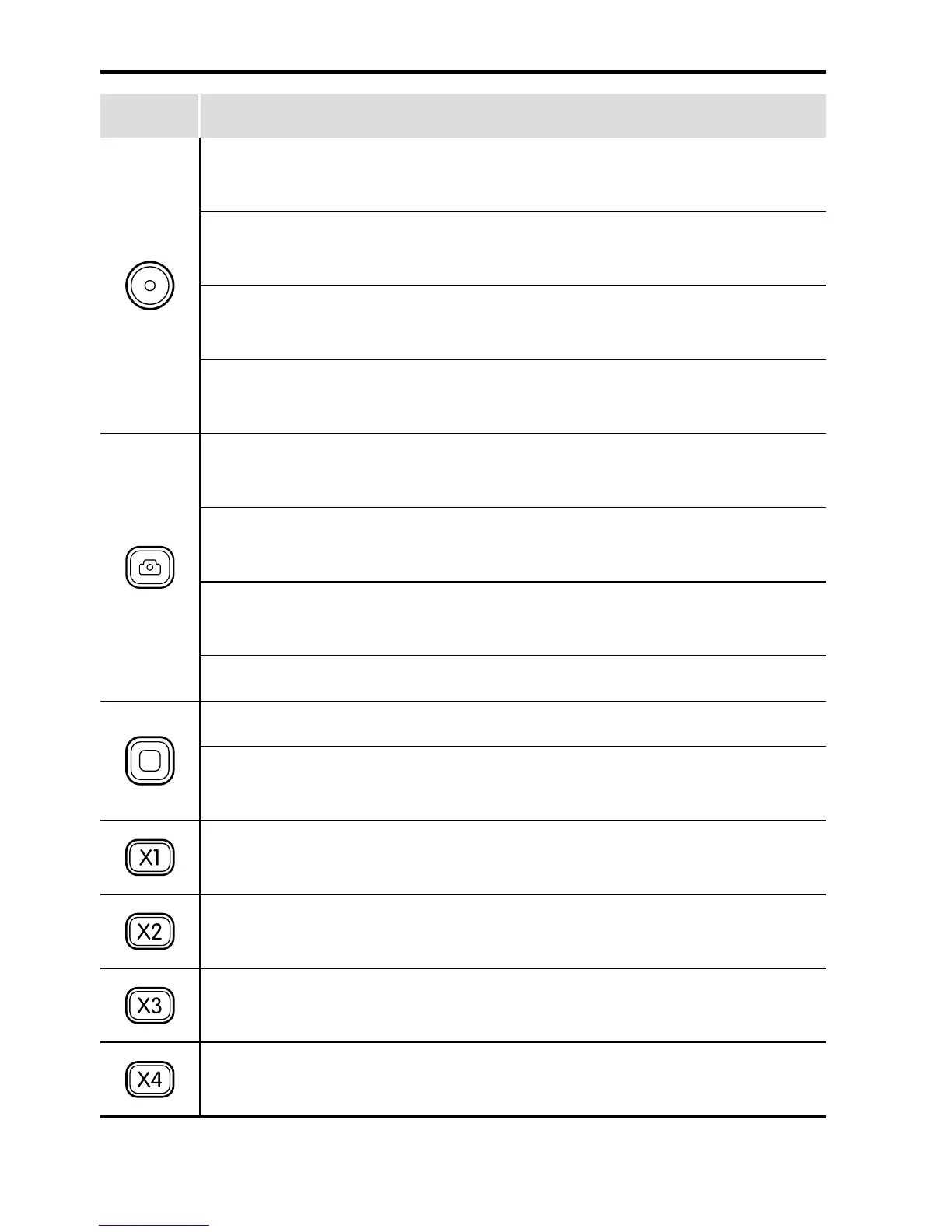
Buttons Functions
Long press it for about 5s to turn on/off the Wi-Fi based
remote control.
Under the photographing mode, press it once to switch
the current mode to the video recording mode.
Under the video recording mode, press it once to start
video recording.
After entering the mode selection state, press it to select
the option upwards.
Under the video recording mode, press it once to switch
the current mode to the photographing mode.
Under photographing mode, press it once to take a
photo.
Long press it for about 2s to enter the mode selection
state.
Select your desired mode, and press it to enter.
During video recording, press it to stop video recording.
After entering the mode selection state, press it to select
the option downwards.
Press it once to switch the viewing angle of the camera
to wide angle.
Press it once to switch the viewing angle of the camera
to medium angle.
Press it once to switch the viewing angle of the camera
to narrow angle.
Press it once to switch the viewing angle of the camera
to small angle.


 To Next Page