3. Press and hold the power/record key and stop key on the
remote control again until you see "WAIT HOST PBC" as
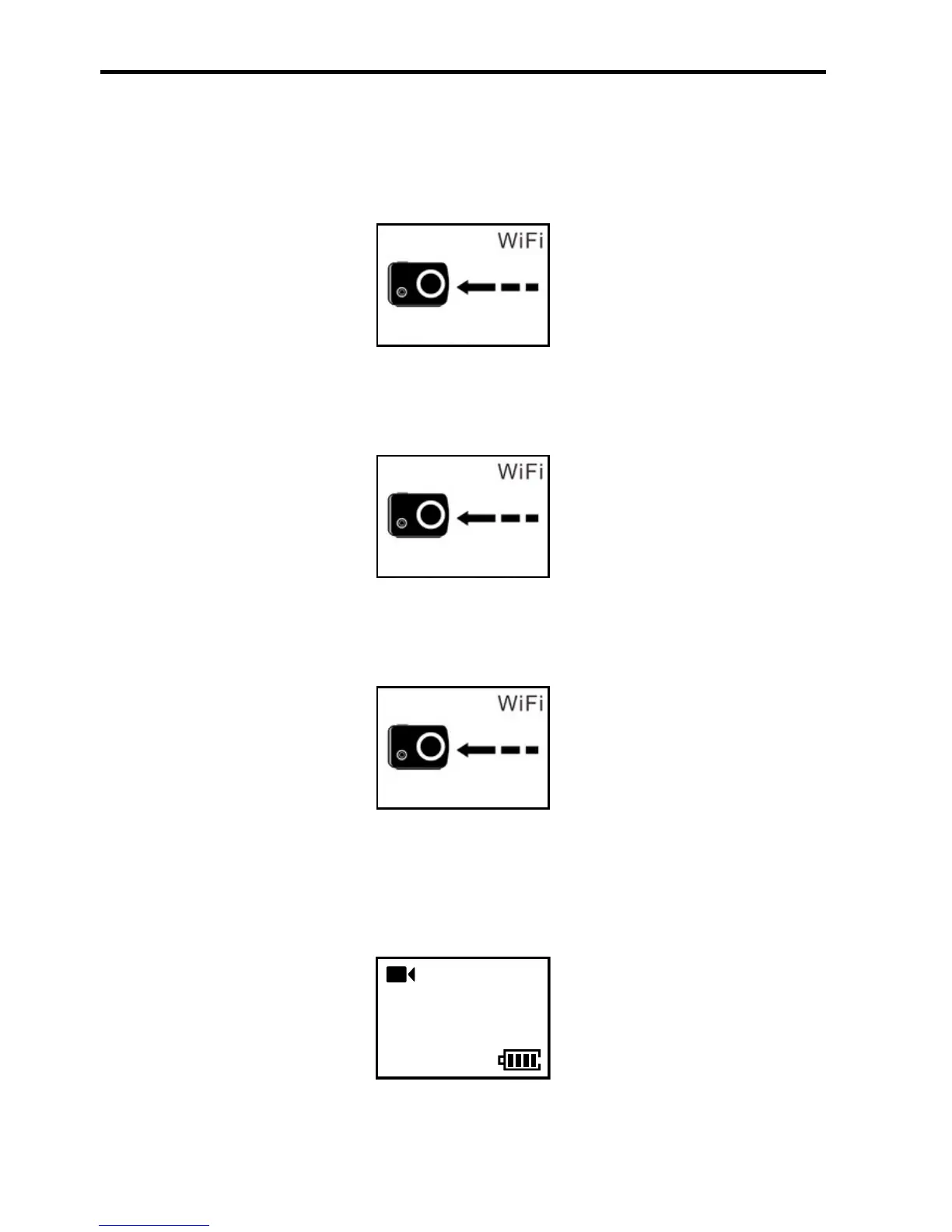
shown below:
WAIT HOST PBC
4. Long press the Wi-Fi key on MD10 for 10s until the remote
control enters the following interface:
PRESS CONNECT
5. Press the stop key on the remote control to start the
connection as shown below:
info SYNC
CONNECT
6. When the remote control enters the recording standby
state and the following interface, code pairing is completed
successfully.
100-0088


 To Next Page