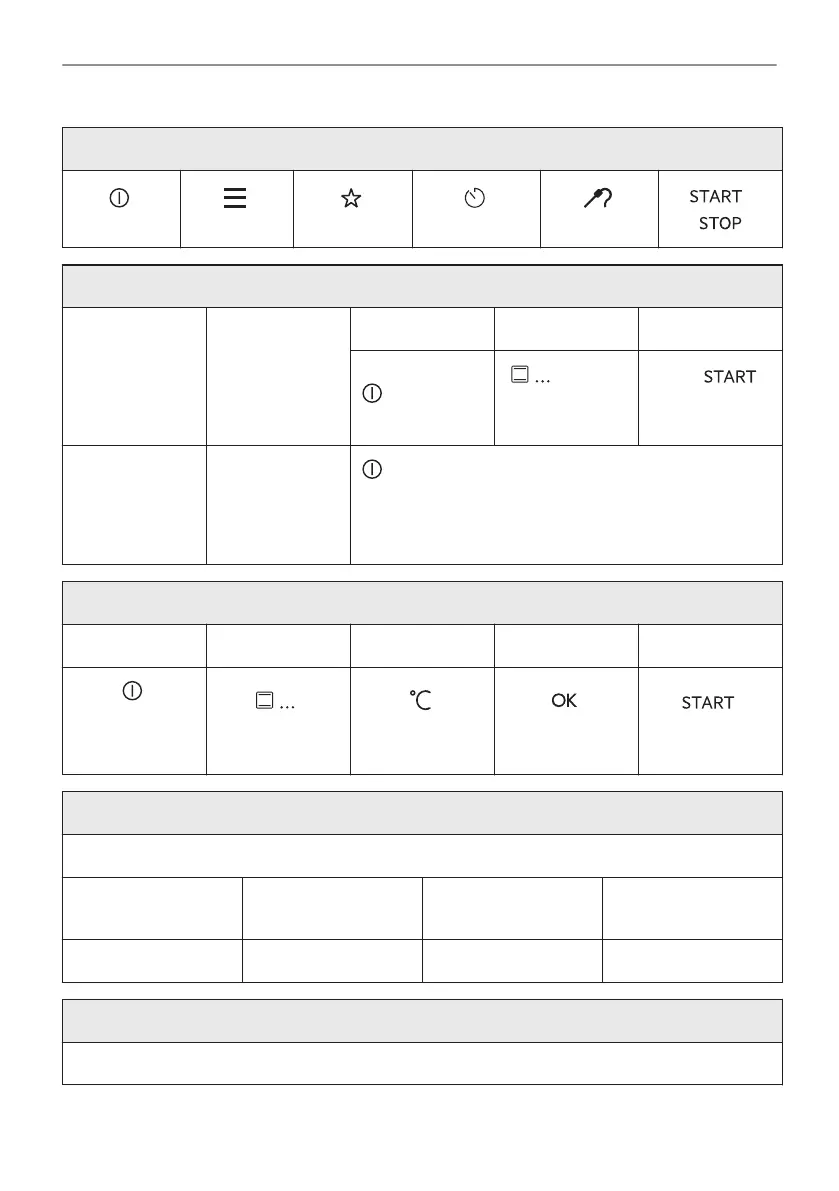
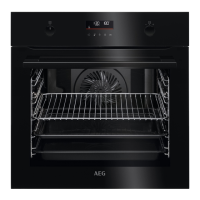
Familiarize yourself with the basic icons on the control panel and the display:
ON / OFF Menu Favourites
Timer
Food sensor
/
Start using the appliance
Quick start Turn on the ap‐
pliance and start
cooking with the
default tempera‐
ture and time of
the function.
Step 1 Step 2 Step 3
Press and hold:
.
- select
the preferred
function.
Press: .
Quick Off Turn off the ap‐
pliance, any
screen or mes‐
sage at any
time.
- press and hold until the appliance turns off.
Start cooking
Step 1 Step 2 Step 3 Step 4 Step 5
- press to turn
on the appli‐
ance.
- select the heat‐
ing function.
- set the temper‐
ature.
- press to con‐
firm.
- press to start
cooking.
Steam cooking - Steamify
Set the temperature. Type of the steam heating function depends on the set temperature.
Steam for Steaming Steam for Stewing
Steam for Gentle
Crisping
Steam for Baking
and Roasting
50 - 100 °C 105 - 130 °C 135 - 150 °C 155 - 230 °C
Get to know how to cook quickly
Use the automatic programmes to prepare a dish quickly with the default settings:
103/316
IT'S EASY!



 To Next Page