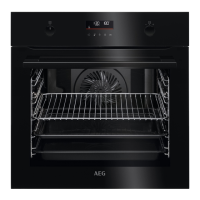
4
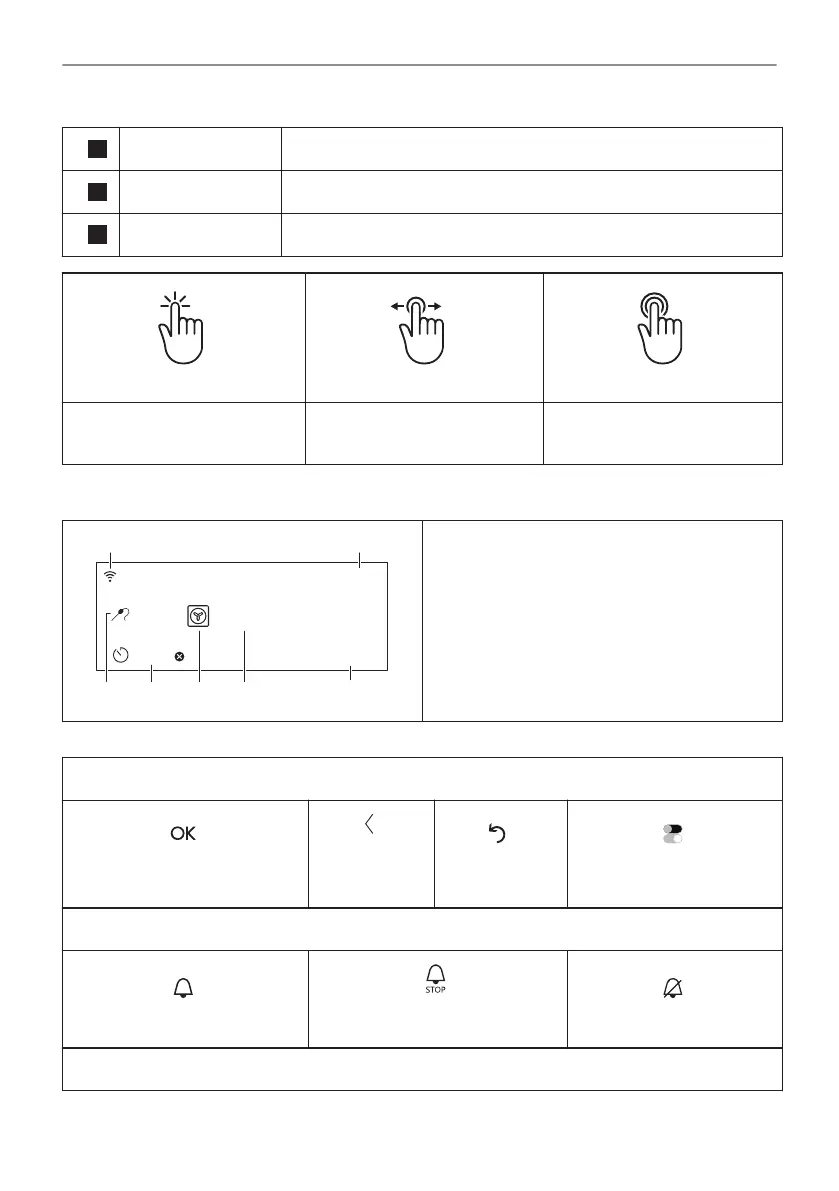
Display Shows the current settings of the appliance.
5
Lamp switch To turn the lamp on and off.
6
Fast Heat Up To turn on and off the function: Fast Heat Up.
Press Move
Press and hold
Touch the surface with finger‐
tip.
Slide fingertip over the sur‐
face.
Touch the surface for 3 sec‐
onds.
4.2 Display
150°C
12:30
15min
START
85°C
G F DE
C
A B
Display with key functions set.
A. Wi-Fi
B. Time of day
C. START/STOP
D. Temperature
E. Heating functions
F. Timer
G. Food sensor (selected models only)
Display indicators
Basic indicators - to navigate on the display.
To confirm the selection / set‐
ting.
To go one
level back in
the menu.
To undo the
last action.
To turn the options on and
off.
Sound alarm function indicators - when the set time of cooking ends, the signal sounds.
The function is on.
The function is on.
Cooking stops automatically.
Sound alarm is off.
Timer indicators
64/316
CONTROL PANEL



 To Next Page