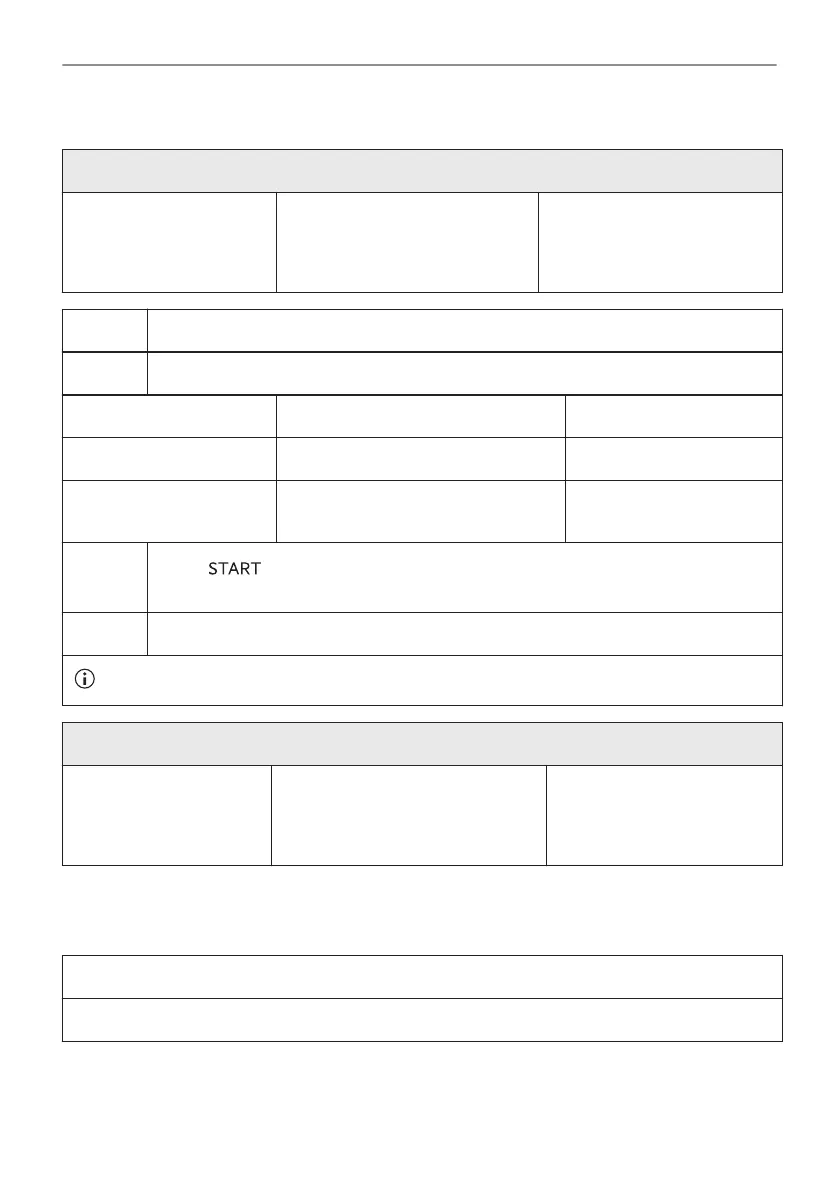
11.3 How to use: Steam Cleaning
Before you start:
Turn off the oven and wait
until it is cold.
Remove all accessories and re‐
movable shelf supports.
Clean the bottom of the cavity
and the inner door glass with a
soft cloth with warm water and
a mild detergent.
Step 1 Fill the water drawer to the maximum level.
Step 2 Select: Menu / Cleaning.
Function Description Duration
Steam Cleaning Light cleaning 30 min
Steam Cleaning Plus Normal cleaning
Spray the cavity with a detergent.
75 min
Step 3
Press . Follow the instruction on the display.
The signal sounds when the cleaning ends.
Step 4 Press any symbol to turn off the signal.
When this function works, the lamp is off.
When the cleaning ends:
Turn off the oven. When the oven is cold, dry the cav‐
ity with a soft cloth.
Remove the remaining water from
the water drawer.
Leave the oven door open
and wait until the cavity is
dry.
11.4 Cleaning Reminder
When the reminder appears, cleaning is recommended.
Use the function: Steam Cleaning Plus.
89/316
CARE AND CLEANING



 To Next Page