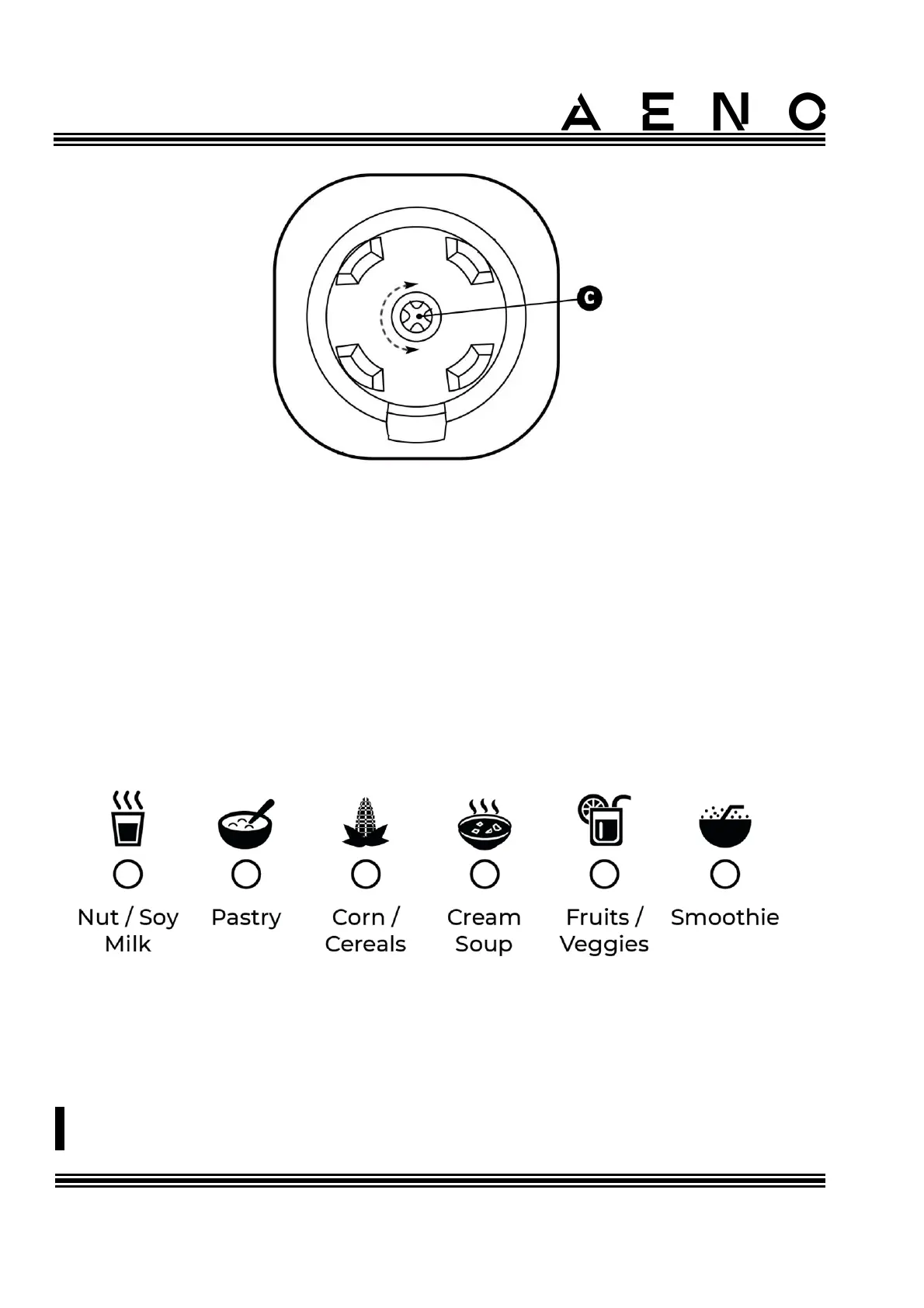
Figure 11 – Motor shaft connector
Plug the power cord into a power outlet. After connecting the device to the mains the
control panel display will turn on, the "ON/OFF" button will light up blue. The device
enters power control mode.
Next, activate standby mode. To do this, press the "ON/OFF" button on the control
panel. If you press this button again, the device will stop and return to power control
mode.
After activating the standby mode, select the desired program of the device by
pressing the "Function" button. During the selection process, the program indicators
light up blue in sequence.
Figure 12 – Program indicators
After selecting a program, press the "ON/OFF" button to start the program.
To speed up the grinding of solid foods (e.g. nuts), use the pusher.



 To Next Page