P
h
i
l did it!
(3) Remote Control Receiver Wiring
Prepare a PWM receiver with at least 5 channels and corresponding RemoteControl.
The RemoteController should be set to the Fixed-Wing mode.
NOTE: For the V-tail and flying wing the flight controller will automatically mix controls
without the need for remote control settings.
NOTE: No matter what type of aircraft you use five channels from the receiver must
always be connected, otherwise the self-test of the FlightController cannot pass when it
is powered on.
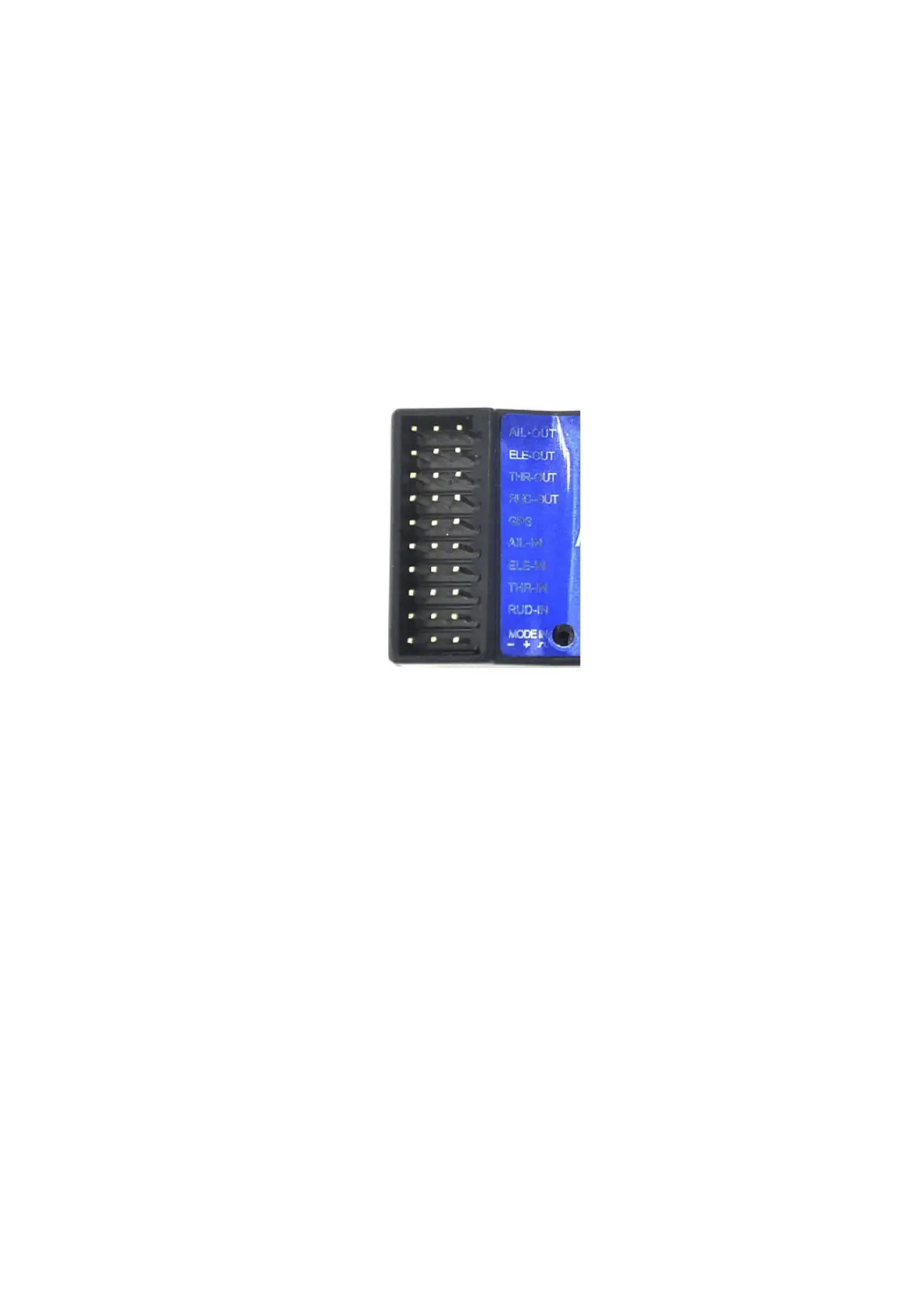
The connection between the Remote Control Receiver and the Flight Control is shown
below:
S + -
IN from Receiver
Aileron
Elevator
Throttle
Rudder
Mode Select Switch
Receiver OUT to FlightController IN
Connect the provided short cables from the respective ports of the Receiver to the IN ports on
the FlightController
Mode Switch
You will need a three position Switch on your RemoteController to control the Modes of the
FlightController:
The Modes are
1. Stabilization ON
2. Stabilization OFF
3. Return to Home GPS ON
“On my Taranis (with OPENTX firmware as well) the three pos. switch is set at -100%, 0% and
+100%. You may check if your switch setup is correct.”
9 of 21


 To Next Page