Subject to Export Control, see Cover Page for details. 2-35
2-3-5. CALIBRATION PROCEDURES
A. Calibration Setup (using the Agilent N1911A Power Meter)
TEST EQUIPMENT: Agilent N1911A Power Meter
Agilent E4412A Power Meter Sensor
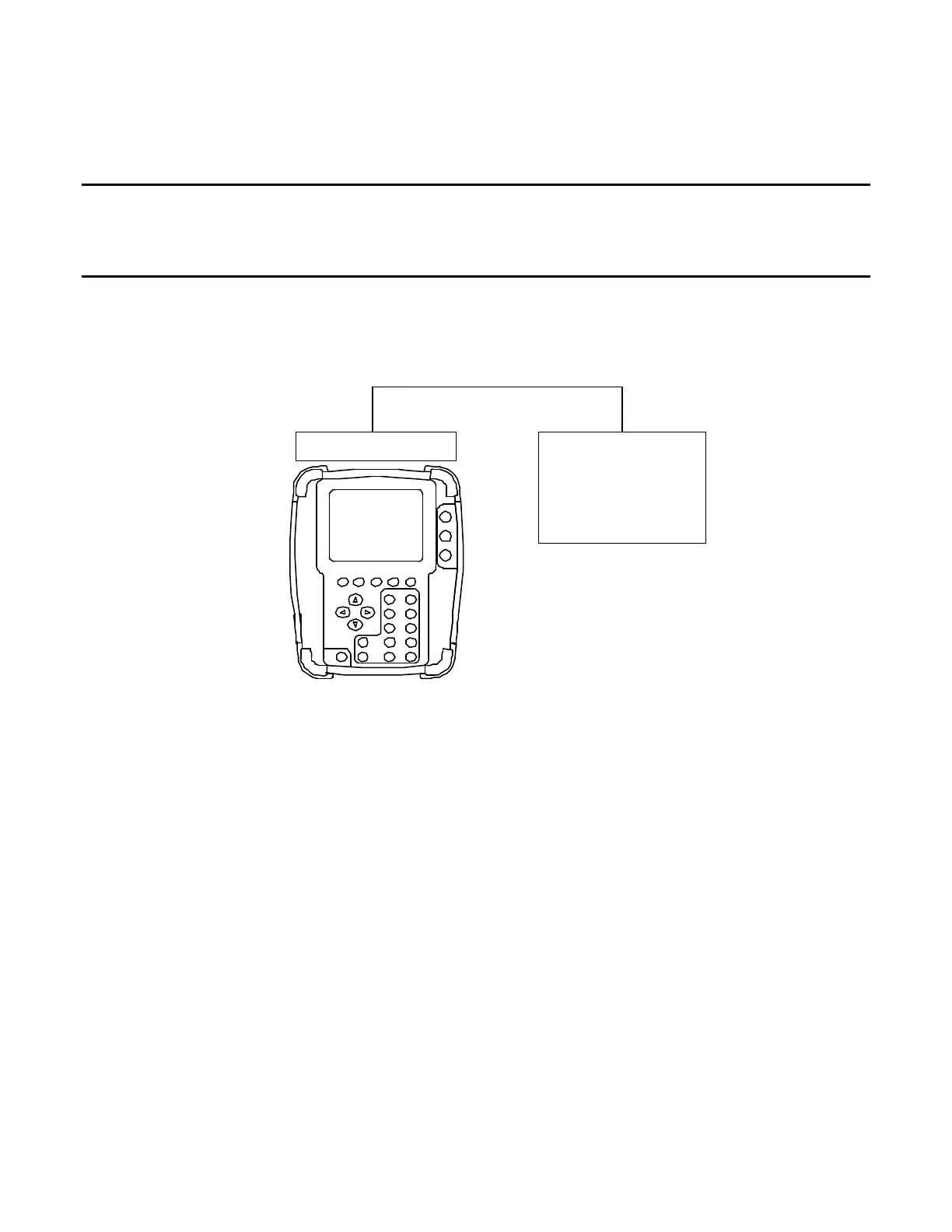
1. Turn on both the Test Set and the Agilent N1911A Power Meter, and then connect a
Crossover Cable between the Test Set and the Agilent N1911A Power Meter:
Ether net
Connector
Crossover*Cable
Comm* Breakout *Box
Agilent*N1911A
Power*Meter
Ether net*Port
2. Perform the following steps to set the IP Address of the Agilent N1911A Power Meter:
Press the “System” –> “Remote Interface” –> “Network Manual” Buttons.
Use the Arrow and Select Keys to set information for the Power Meter:
IP Address: 10.10.10.10
Subnet Mask: 255.255.0.0
Default Gateway: 10.10.10.1
3. Zero and calibrate the Agilent N1911A Power Meter.
4. With the System Menu displayed, press the F5 “Util” Key to display the Utilities Menu.
5. Press the 2 Key to display the Remote Screen.
6. Move the cursor to the IP field. Note IP Address.
7. Press the F1 “Edit” Key to highlight the field. Enter IP Address (10 10 10 193). Press
the F1 “Done” Key to store the setting.
8. Move the cursor to the Subnet Mask: field. Note Subnet Mask Address.
9. Press the F1 “Edit” Key to highlight the field. Enter Subnet Mask Address
(255 255 0 0). Press the F1 “Done” Key to store the setting.
10. Move the cursor to the Gateway field. Note Gateway Address.













 To Next Page