Subject to Export Control, see Cover Page for details. 2-29
F. Audio Level Meter Verification
TEST EQUIPMENT: Function Generator
Digital Multimeter
NOTE
This procedure is for the 3500A only.
1. Press POWER Key to turn ON the Test Set. Allow Test Set to warm up before continuing
with Verification Procedure.
2. With the System Menu displayed, press the F2 “Meters” Key to display the Meters Menu.
3. Press the 4 Key to display the Audio Level Meter Screen.
4. Set the Test Set as follows:
FIELD SETTING
Source Audio In
Detector RMS
Load High Z
Range AUTO
Unit V
Avg Reading 10
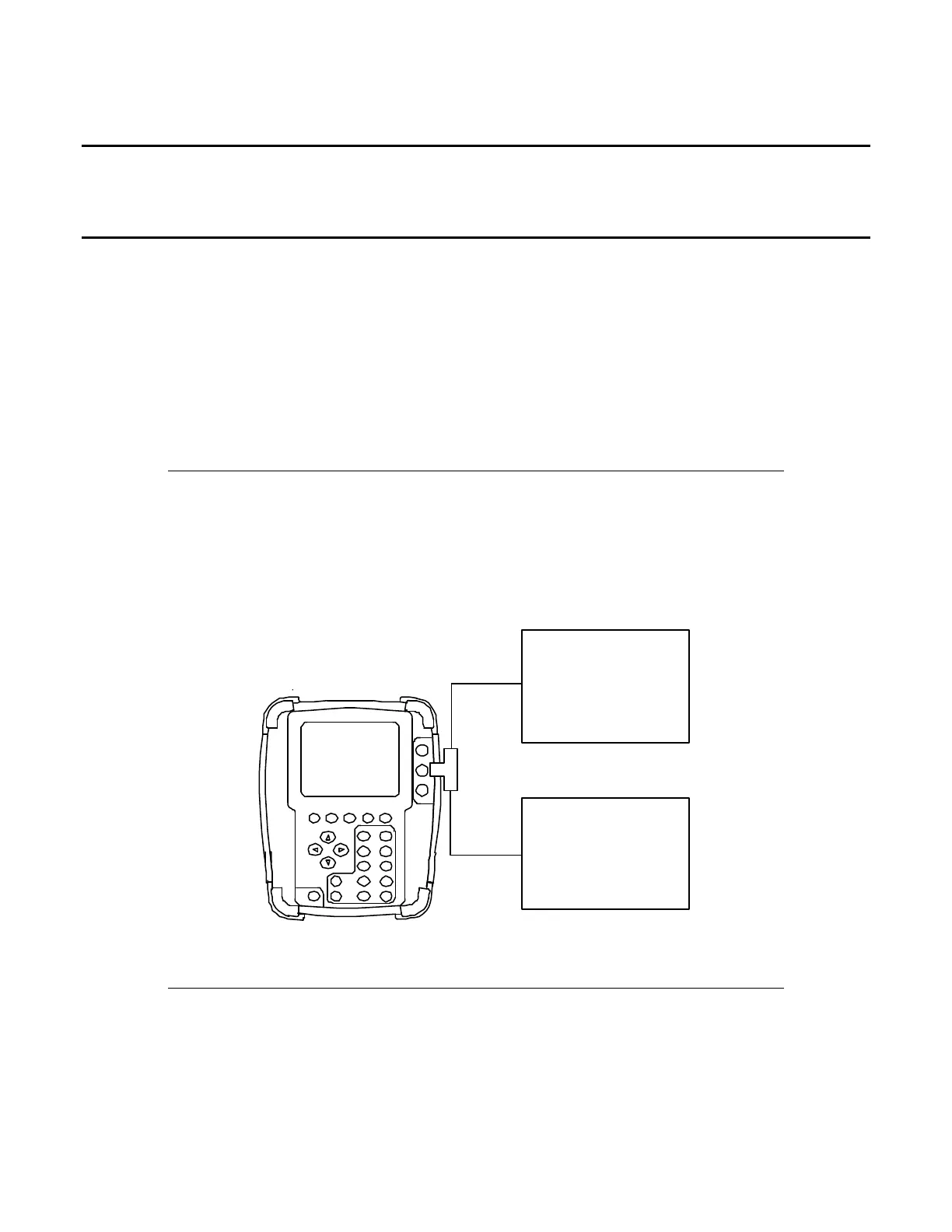
5. Connect test equipment:
Digital* Multimeter
(Voltmeter)
Function* Ge ne r a tor
( AUDIO IN Connector )
6. Set the Function Generator as follows (use the Digital Multimeter to set level ± 10 mV):
FIELD SETTING
Level 1 Vrms
Freq 1 kHz
7. Record the Digital Multimeter (Voltmeter) reading and the level displayed on the Test Set.
8. Verify the level displayed on the Test Set is within ± 5% of the reading on the Digital
Multimeter (Voltmeter).













 To Next Page