EasyManua.ls Logo

Aerogen USB Controller - User Manual

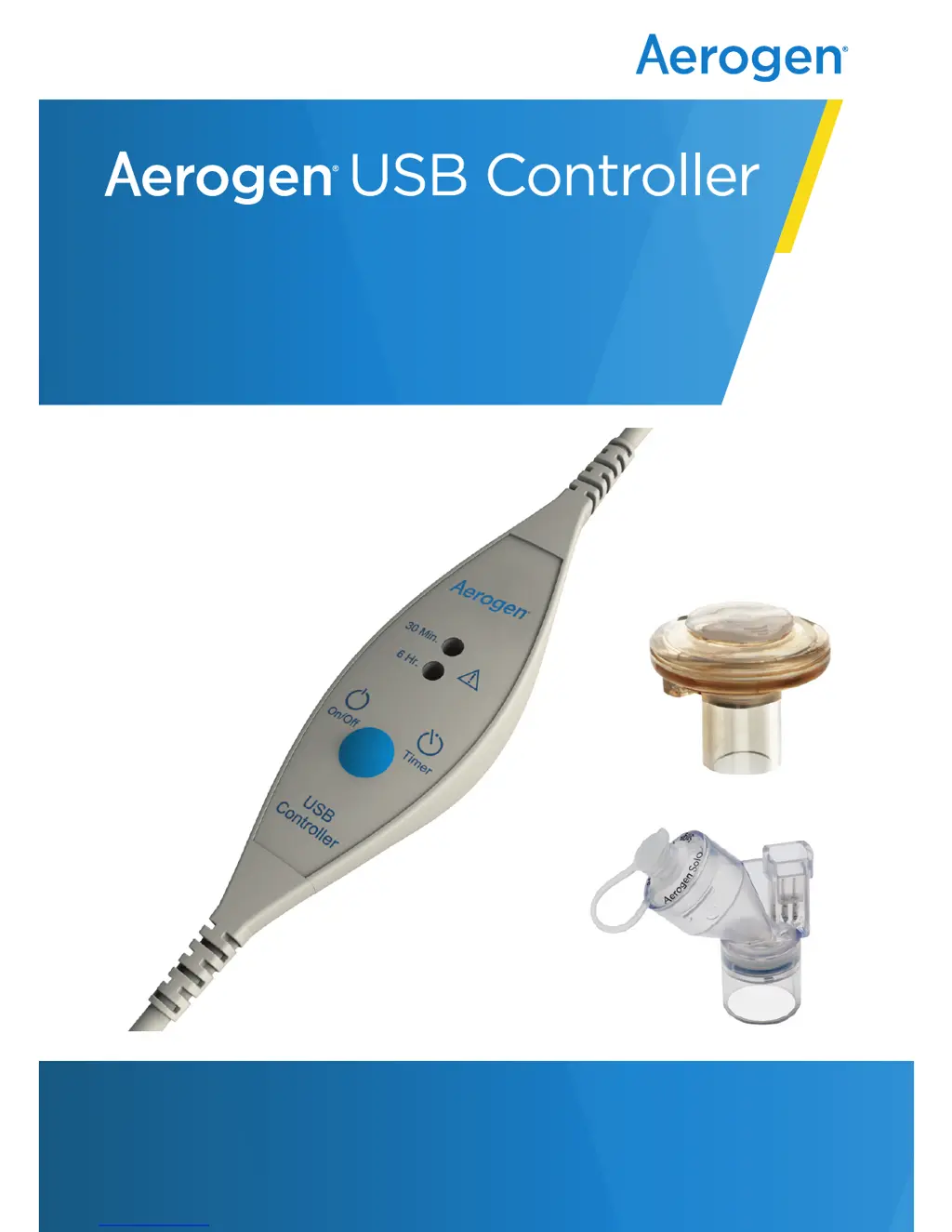
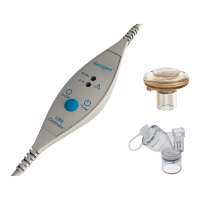
Aerogen USB Controller
72 pages
Print Icon
To Next Page IconTo Next Page
Loading...
Hospital Use page 1
Home Use page 38
for use with Aerogen
®
Solo
and Aerogen
®
Pro
System Instruction Manual
www.aerogen.com

Questions and Answers

  • C
    Christopher BoydAug 8, 2025
    What to do if aerosol is not visible when the 30 Minute or 6 Hour indicator light is green on Aerogen USB Controller?
    • C
      Charles GambleAug 8, 2025
      If the 30 Minute or 6 Hour indicator light is green but no aerosol is visible, it could be due to several reasons. First, check if the nebulizer needs to be refilled with medication. Second, the Aerogen Pro may not have been properly cleaned, so ensure it is cleaned. Finally, the nebulizer may have exceeded its product life, refer to Warranty and Life of Product.
  • J
    Jaime BarronAug 13, 2025
    What to do if medication is left in the nebulizer after nebulization cycle with Aerogen USB Controller Medical Equipment?
    • K
      Kenneth RodriguezAug 14, 2025
      If medication remains in the nebulizer after the nebulization cycle, first ensure that the nebulizer is connected to a power source and turned on. Next, verify that aerosol is visible. Also, the Aerogen Pro may require cleaning. If problems persist, consult the Warranty and Life of Product to check if it is time to replace the nebulizer.
  • Y
    youngcharlesAug 18, 2025
    Why is the treatment time longer than expected with Aerogen USB Controller Medical Equipment?
    • A
      Aaron MurrayAug 18, 2025
      If the treatment time is longer than expected, for example, if 6 mL of Normal Saline (0.9%) takes longer than 30 minutes to nebulize, it may be because the Aerogen Pro has not been properly cleaned. Clean the Aerogen Pro. Alternatively, the nebulizer may have exceeded its product life; in this case, consult the Warranty and Life of Product.
  • K
    Kerry OwenAug 23, 2025
    What to do if the 30 Minute or 6 Hour indicator does not light when On/Off power button is pressed on Aerogen USB Controller?
    • J
      jonathan67Aug 23, 2025
      If the 30 Minute or 6 Hour indicator doesn't light up when the On/Off power button is pressed, first verify the Aerogen USB Controller is securely attached to a functioning power source. Also, verify the green power indicator light on the AC/DC is on.
  • K
    Kristen ToddAug 28, 2025
    Why is the 30 Minute or 6 Hour indicator light amber on Aerogen Medical Equipment?
    • G
      gabriella43Aug 28, 2025
      If the 30 Minute or 6 Hour indicator light is amber, it could be due to the Aerogen USB Controller cable being incorrectly connected. Ensure the Aerogen USB Controller cable is correctly connected to the nebulizer. It may also mean that the nebulizer is used beyond the life of the product, refer to Warranty and Life of Product.
  • B
    Brittany JimenezSep 2, 2025
    What does it mean when the 30 Minute and 6 Hour indicators flash amber alternatively twice on Aerogen USB Controller?
    • W
      William BushSep 3, 2025
      If the 30 Minute and 6 Hour indicators flash amber alternatively twice, this indicates an internal error condition. Refer to Warranty and Life of Product.

Summary

Aerogen USB Controller System - Hospital Use

Setup Procedures

Step-by-step instructions for connecting, setting up, and operating the Aerogen USB Controller.

System Warnings and Safety Precautions

Crucial safety warnings and precautions for the proper and safe use of the system.

Controls and Indicators

Detailed explanation of the controls and indicator lights on the Aerogen USB Controller.

Troubleshooting Common Issues

Guidance for resolving common issues and problems encountered with the system.

Aerogen USB Controller System - Home Use

Home Use Setup Procedures

Step-by-step instructions for connecting, setting up, and operating the system at home.

Home Use System Warnings

Crucial safety warnings and precautions specific to home use of the system.

Functional Test for Home Use

Procedure for performing a functional test before using the system at home.

Troubleshooting for Home Use

Guidance for resolving common issues encountered during home use.

Aerogen USB Controller Specifications

General IconGeneral
Power SourceUSB (5V DC)
CompatibilityAerogen Pro and Aerogen Solo vibrating mesh nebulizers
ConnectivityUSB
Device TypeNebulizer Controller
InterfaceUSB
FunctionControls and powers vibrating mesh nebulizers.
Regulatory StandardsIEC 60601-1
Intended UseAerosol drug delivery in respiratory therapy
SoftwareAerogen Connect software for clinical management and monitoring

Related product manuals