EasyManua.ls Logo

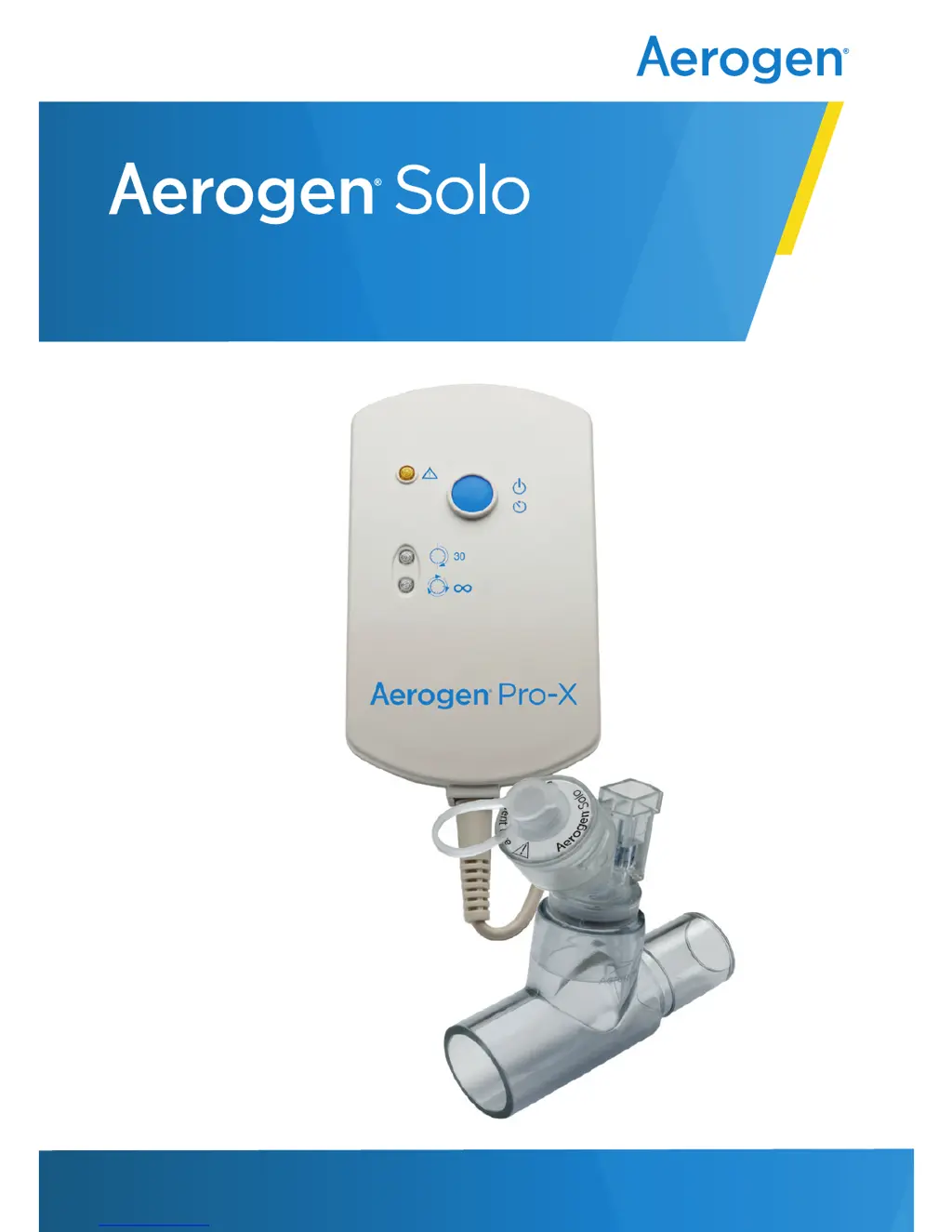
Aerogen Pro-X - User Manual

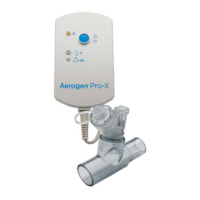
Aerogen Pro-X
38 pages
Print Icon
To Next Page IconTo Next Page
Loading...
System Instruction Manual
www.aerogen.com

Other manuals for Aerogen Pro-X

Questions and Answers

  • K
    Kelly BellJul 29, 2025
    What to do if the 30 Min. or Continuous indicator does not light on my Aerogen Medical Equipment?
    • R
      richard54Jul 29, 2025
      If the 30 Min. or Continuous indicator doesn't light up when you press the On/Off button, there could be a couple of reasons. First, ensure the AC/DC adapter is securely attached to the controller to provide power to the system. Second, the rechargeable battery might be depleted, so you should recharge it.
  • D
    David GutierrezAug 4, 2025
    What to do if the 30 Min. indicator flashes during nebulisation with my Aerogen Medical Equipment?
    • S
      Sarah GreeneAug 4, 2025
      If the 30 Min. indicator flashes during nebulisation, it means the battery power is low. Recharge the battery.
  • S
    Stephanie AdamsAug 9, 2025
    What to do if the 30 Min. or Continuous light illuminates, but aerosol is not visible from my Aerogen Pro-X?
    • D
      Derek WilliamsAug 9, 2025
      If the 30 Min. or Continuous light is on but you don't see any aerosol, first check if there is medication in the nebuliser and refill medication through filler cap in the nebuliser if needed.
  • B
    Bethany WhitakerAug 16, 2025
    What to do if my Aerogen Pro-X Medical Equipment shows the fault indicator light?
    • S
      sarahillAug 16, 2025
      If the fault indicator light illuminates, make sure the controller cable is correctly connected to both the nebuliser and the controller. The issue may be that the controller cable is incorrectly connected to the nebuliser, or electronics are malfunctioning.
  • T
    Timothy ThomasAug 22, 2025
    Why is medication left in the Aerogen nebuliser after the nebulisation cycle?
    • B
      Brittney RhodesAug 22, 2025
      Medication can be left in the nebuliser after a cycle for several reasons. Ensure that the nebuliser is connected to power and turned on. If the rechargeable battery is depleted, recharge it. If you selected a 30 Minute cycle when connected to the continuous feed system, try running a continuous cycle instead.

Summary

System Warnings

General Safety Precautions

Provides critical safety warnings and instructions for operating the Aerogen Solo System.

Assembly and Installation

Aerogen Solo System Setup

Step-by-step guide for assembling and connecting the Aerogen Solo system components.

Mounting Bracket Configurations

Illustrates different ways to mount the Aerogen Pro-X controller using universal and equipment mounts.

Installation Warnings

Specific warnings related to the assembly and installation process, including cable management.

Installation for Use with a Ventilator

Connecting to Breathing Circuits

Instructions for connecting the nebuliser to adult, paediatric, and neonate breathing circuits.

Dry Side of Humidifier Connection

Procedure for placing the Aerogen Solo on the dry side of a humidifier.

Installation for Use Off-Ventilator

Nebulisation Modes

30 Minute Mode (Intermittent)

Detailed instructions for using the 30-minute intermittent nebulisation mode.

Continuous Nebulisation Mode

Continuous Nebulization Tube Set

Instructions for using the Continuous Nebulization Tube Set with the Aerogen Solo.

Functional Test

Performing the Functional Test

Step-by-step guide to verify the proper operation of the Aerogen Solo System before use.

Troubleshooting

Controller Indicator and Battery Issues

Troubleshooting for controller indicator lights and battery performance problems.

System and Controller Operational Issues

Troubleshooting for medication, system, and controller operational problems.

Aerogen Pro-X Specifications

General IconGeneral
TypeVibrating Mesh Nebulizer
Residual Volume<0.1 ml
Target PatientAdult and Pediatric
Nebulization Rate0.5 mL/min
Operating Temperature10°C to 40°C
Storage Temperature-20°C to 60°C
Power SupplyAC/DC Adapter
Humidity15% to 95% RH, non-condensing

Related product manuals