Controls & Indicators
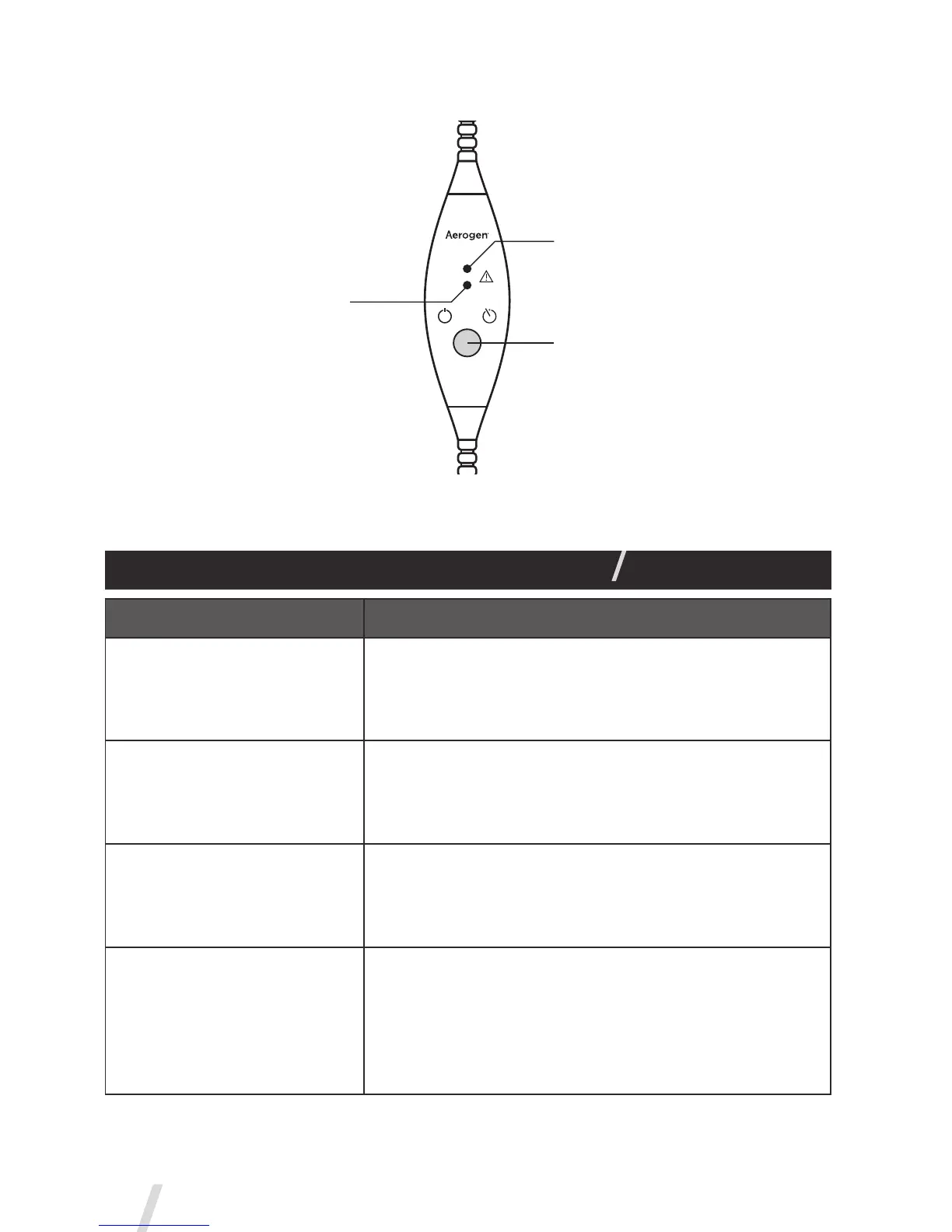
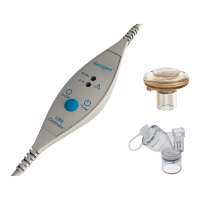
Figure 3. Aerogen USB Controller Controls & Indicators
Table 2. Aerogen USB Controller Controls & Indicators
Control / Indicator Function
30 Min. Indicator
• Green = 30 Minute nebulization cycle on.
• Amber = Nebulizer disconnect.
• Aerogen USB Controller automatically powers
off after 30 minutes have elapsed.
6 Hr. Indicator
• Green = 6 Hour nebulization cycle on.
• Amber = Nebulizer disconnect
• Aerogen USB Controller automatically powers
off after 6 hours have elapsed.
Error Indicator
• 30 Minute and 6 Hour Indicators flash amber
alternatively twice = Internal error condition.
Aerogen USB Controller automatically powers
off.
On/Off Power Button
• To operate in 30 Minute Mode press the On/Off
button once.
• To operate in 6 Hour Mode press and hold the
On/Off button for greater than 3 seconds.
• Pressing during nebulization turns off power to
the nebulizer.
30 Min.
6 Hr.
USB
Controller
On/Off Timer


 To Next Page