AES 7788 Series RF Subscriber Unit ─ Installation and Operation Manual
AES Corporation 26 40-7788, Rev 6, August 30, 2016
3.8 SELF-TEST / STATUS ERROR CODES
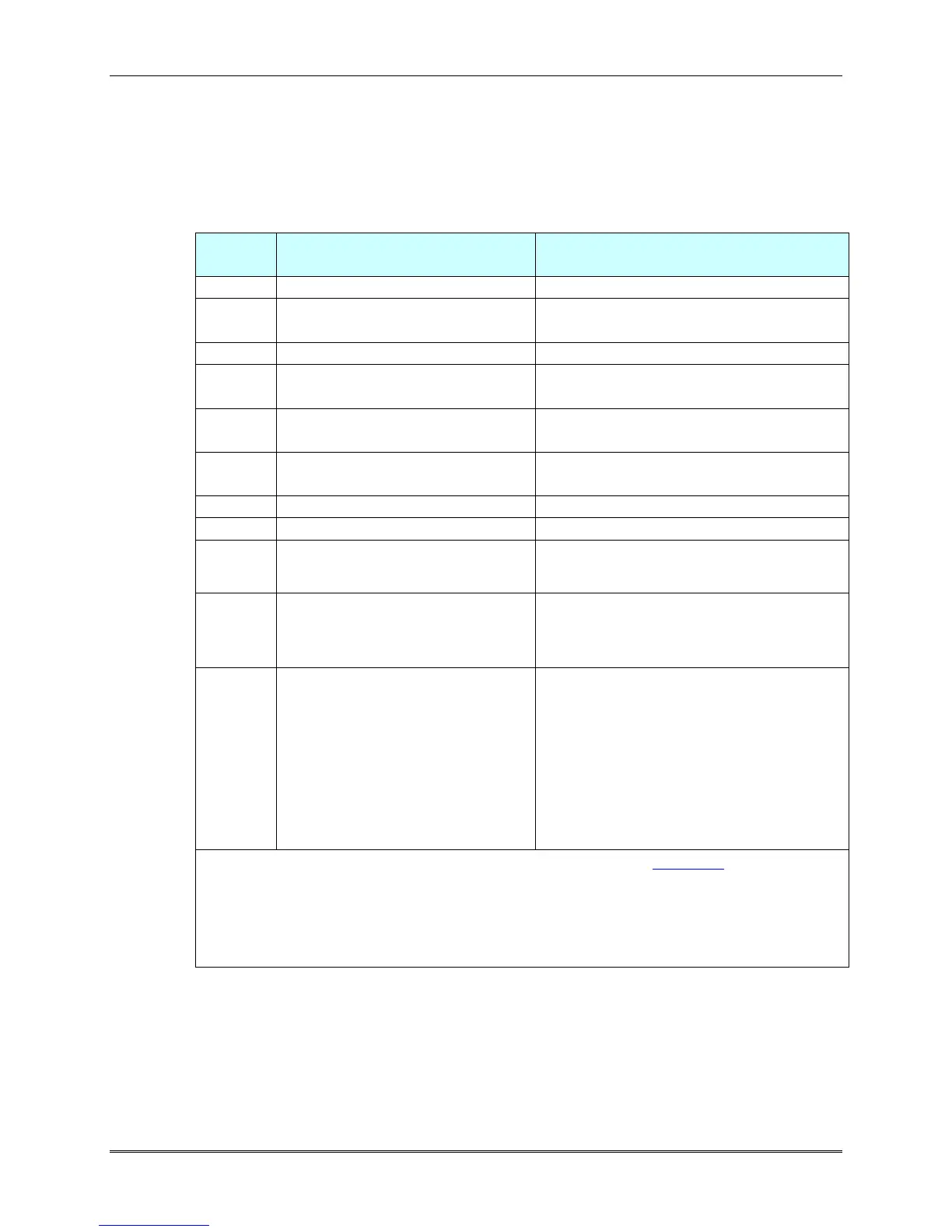
An [Error Code] is displayed on the screen of the programmer when the unit fails
the self-test.
Push the reset switch to see if the problem clears.
If not, check these procedures.
Check battery; Push RESET button.
Push RESET button.
See Note 1 below.
Push RESET button.
See Note 1 below.
Analog Digital Converter /
ADC Failure
Same as 004 / 006 failure, see above
Push RESET button, unit will likely
pass self-test. See Note 1 below.
Check AC power input, transformer
Unit powered up by battery alone.
If true, you may continue.
Ground Fault condition exists on a
G terminal of the Zone input
section.
Multiple errors are added
For example a Fail message of 084
indicates Loopback Failure and
EEPROM fail (080+004). This
example and other Messages may
indicate that the unit requires AES
authorized servicing. See Note 1
AC Fail with a low battery would
report 101.
Note 1: If unit passes, it must now be reprogrammed (see Section 4).
If unit repeatedly fails Self Test with a message that is not related to
AC fail or low battery, service may be required.
Try performing a RAM RESET <Ctrl>+<F5> then <Y> then <Enter>
This procedure may clear some errors.
If you are utilizing the assistance of AES Support, please report the error code to the
AES service staff.
As a general rule, if the Self-Test fail is not a low battery, AC, battery charger or
ground fault; then verify that any IC’s installed in sockets are properly seated. Try
performing a RAM Reset. If the fault is still present, the Subscriber will need to be
returned to AES for service.


 To Next Page