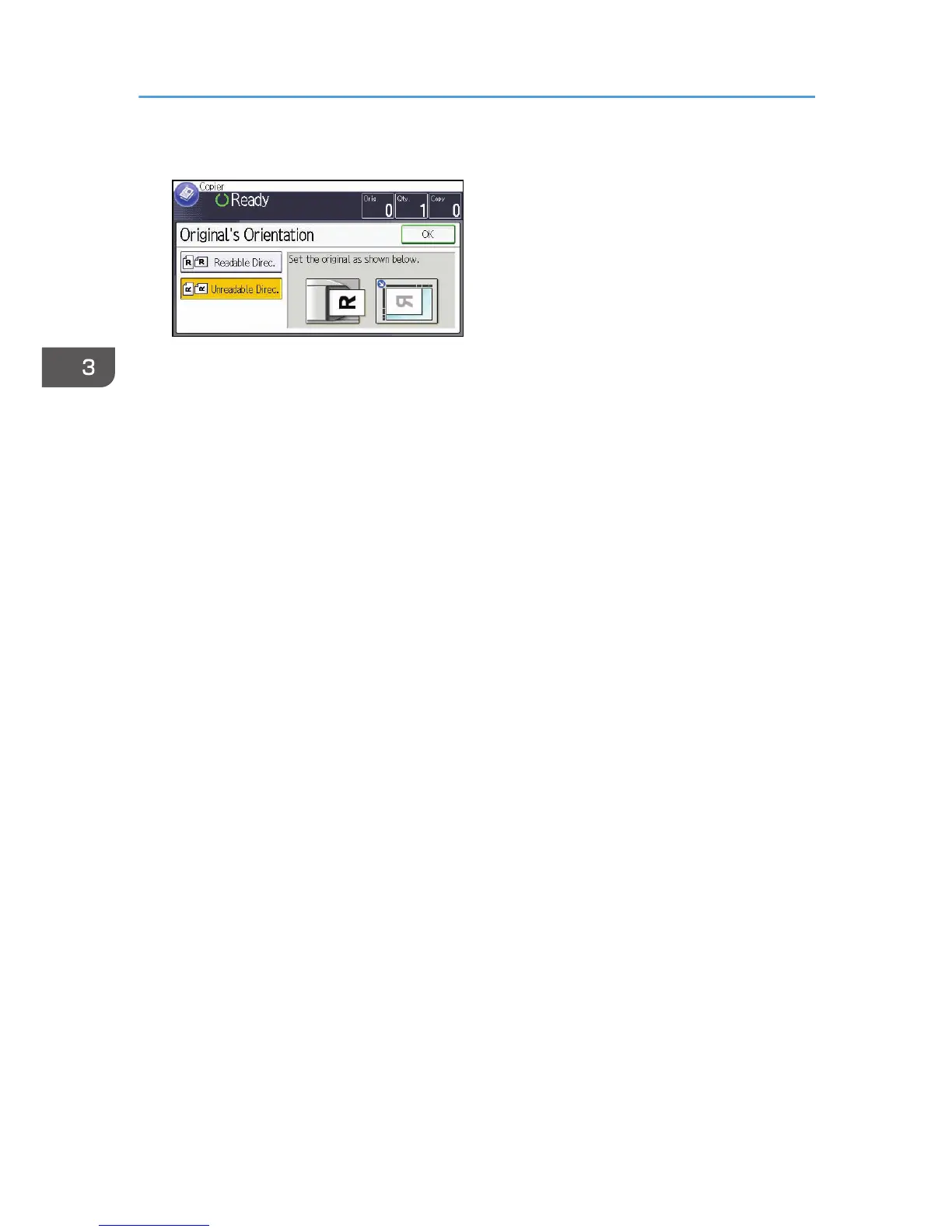
3. Select the original orientation, and then press [OK].
4. Press [Original's Size].
5. Specify the original size, and then press [OK] twice.
6. Press [Auto Reduce/Enlarge].
7. Select the paper tray.
8. Place the originals, and then press the [Start] key.
3. Copy
58



 To Next Page