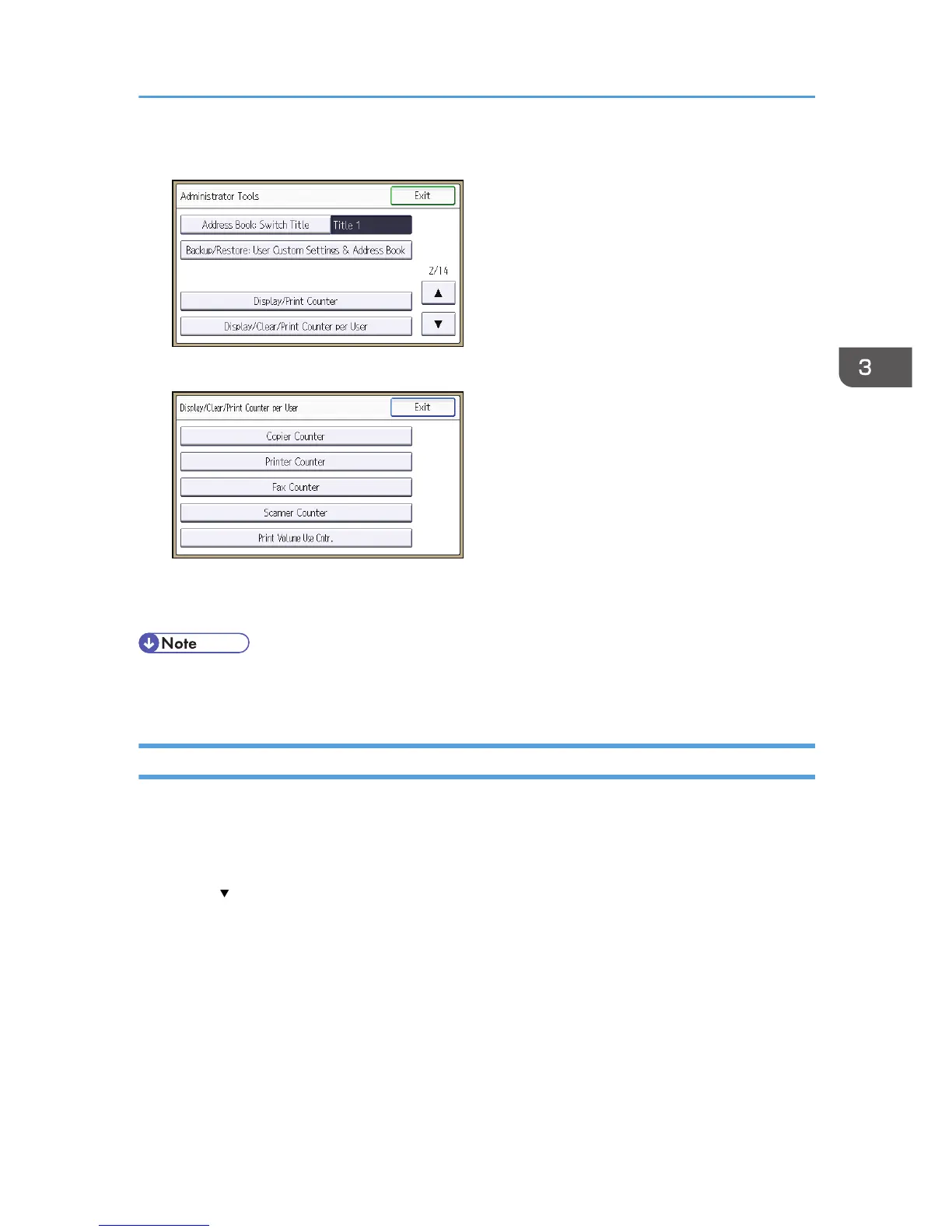
5. Press [Display/Clear/Print Counter per User].
6. Press [Print Volume Use Cntr.].
Each user's print volume limit and print volume used to date are displayed.
7. After confirming the settings, log out.
• Authorized users and the user administrator can also use [Address Book] in Web Image Monitor to
check users' print volume use counters.
Printing a List of Print Volume Use Counters
1. The machine administrator logs in from the control panel.
2. Press [System Settings].
3. Press [Administrator Tools].
4. Press [ ].
5. Press [Display/Clear/Print Counter per User].
6. Press [Print Volume Use Cntr.].
A list of users' print volume use counters is displayed.
Managing Print Volume per User
89



 To Next Page