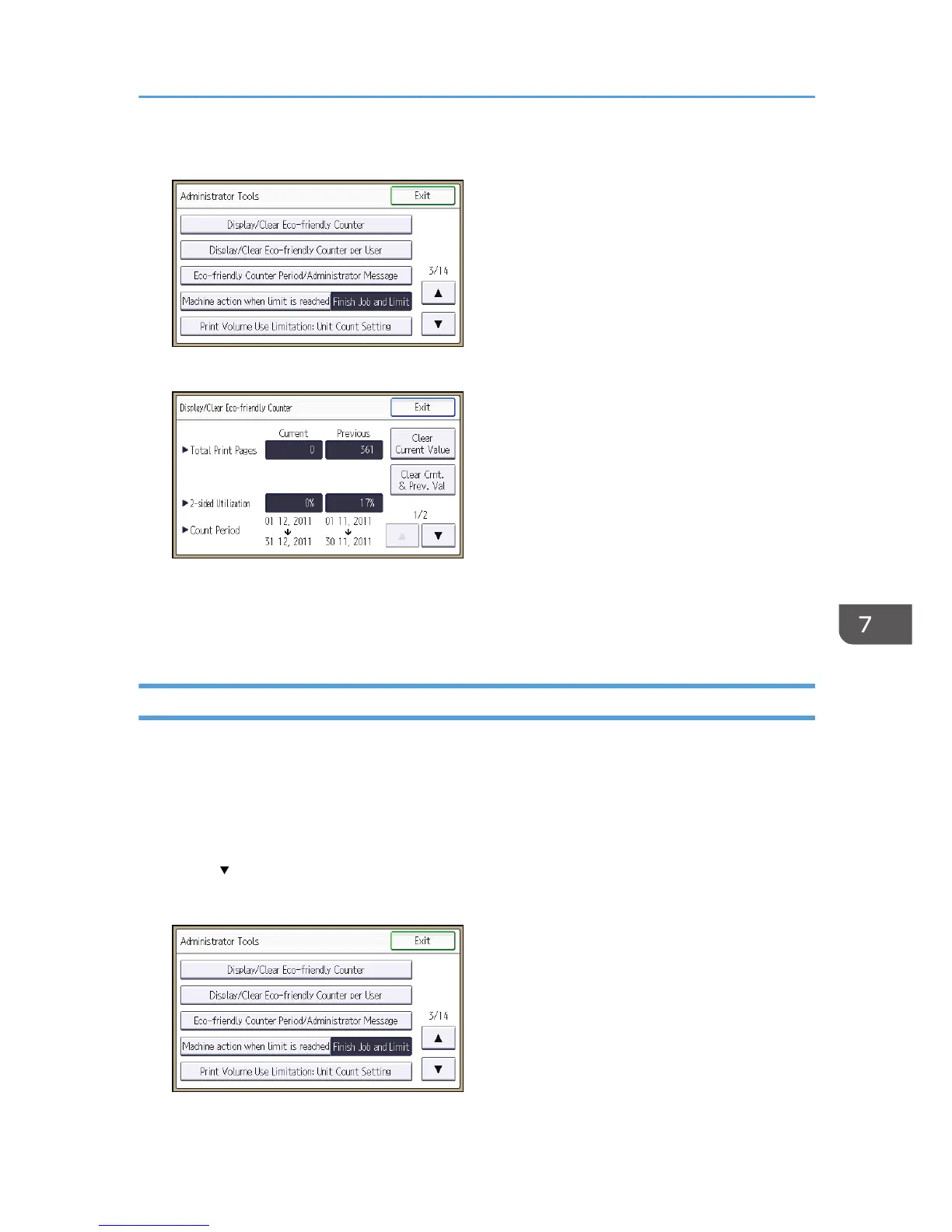
5. Press [Display/Clear Eco-friendly Counter].
6. Press [Clear Current Value] or [Clear Crnt. & Prev. Val.].
7. Press [OK].
8. Press [Exit].
9. Log out.
Clearing the Eco-friendly Counter by User
The eco-friendly counter can be cleared according to the user.
1. The machine administrator logs in from the control panel.
2. Press [System Settings].
3. Press [Administrator Tools].
4. Press [ ] twice.
5. Press [Display/Clear Eco-friendly Counter per User].
Managing Eco-friendly Counter
257



 To Next Page