Basic Procedure for Sending Scan Files by E-
mail
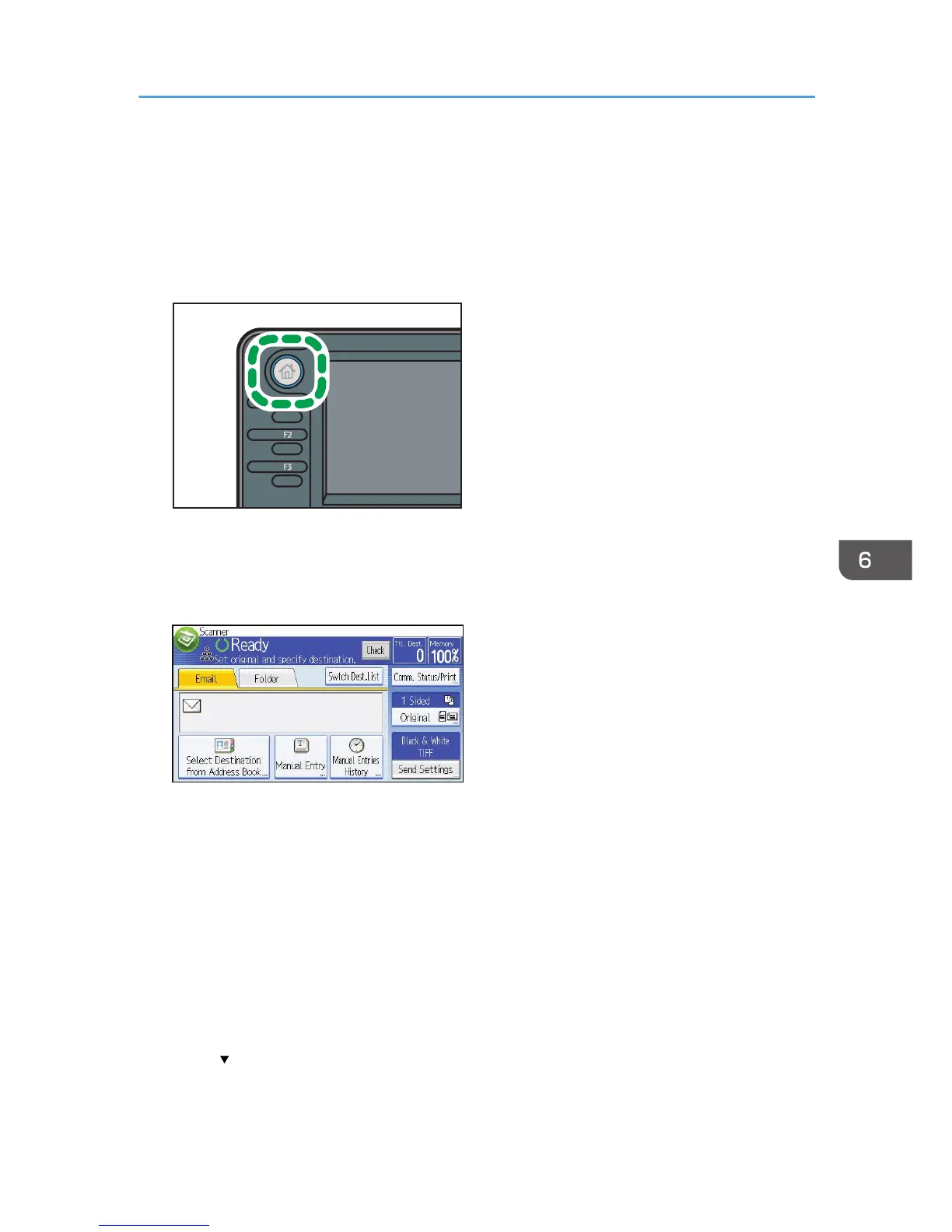
1. Press the [Home] key on the top left of the control panel, and press the [Scanner] icon on
the [Home] screen.
2. Make sure that no previous settings remain.
If a previous setting remains, press the [Reset] key.
3. Press the [Email] tab.
4. Place originals.
5. If necessary, select [Send Settings] or [Original], and specify scan settings according to
the original you want to scan.
Example: Scanning the document in color/duplex mode, and saving as a PDF file.
• Press [Original], and then press [2 Sided].
• Press [Send Settings]. Select [Type of Original], and then press [Full Colour].
• Press [Send Settings]. Select [File Type], and then press [PDF].
6. Specify the destination.
You can specify multiple destinations.
7. Press [ ] in [Send Settings] twice, select [Sender Name], and then specify the e-mail
sender (originator).
Basic Procedure for Sending Scan Files by E-mail
107



 To Next Page