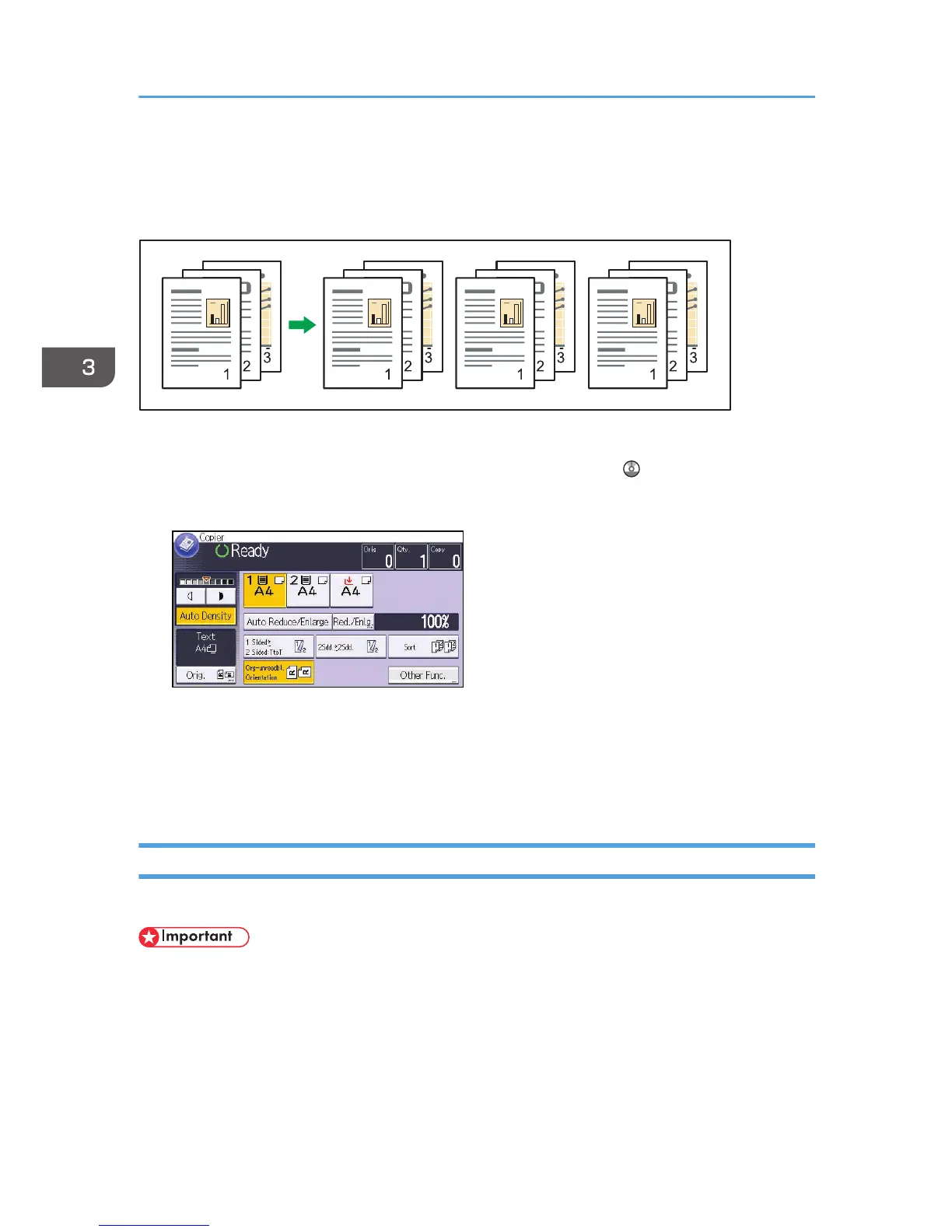
Depending on which options are installed on your machine, this function might not be available. For
details, see "Functions Requiring Optional Configurations", Getting Started .
1. Press [Other Func.].
2. Press [Sort], and then press [OK].
3. Enter the number of copy sets using the number keys.
4. Select the paper tray.
5. Place the originals, and then press the [Start] key.
Changing the Number of Sets
You can change the number of copy sets during copying.
• This function can be used only when the Sort function is selected.
1. While "Copying..." is displayed, press the [Stop] key.
3. Copy
70



 To Next Page